DigitalMedia Switchers Product Manual – DOC. 8418A
Set Auto Update Credentials
To set Auto Update credentials:
1. On the Auto Update page, click the Credentials button at the bottom of the
page. The Auto Update Credentials page opens.
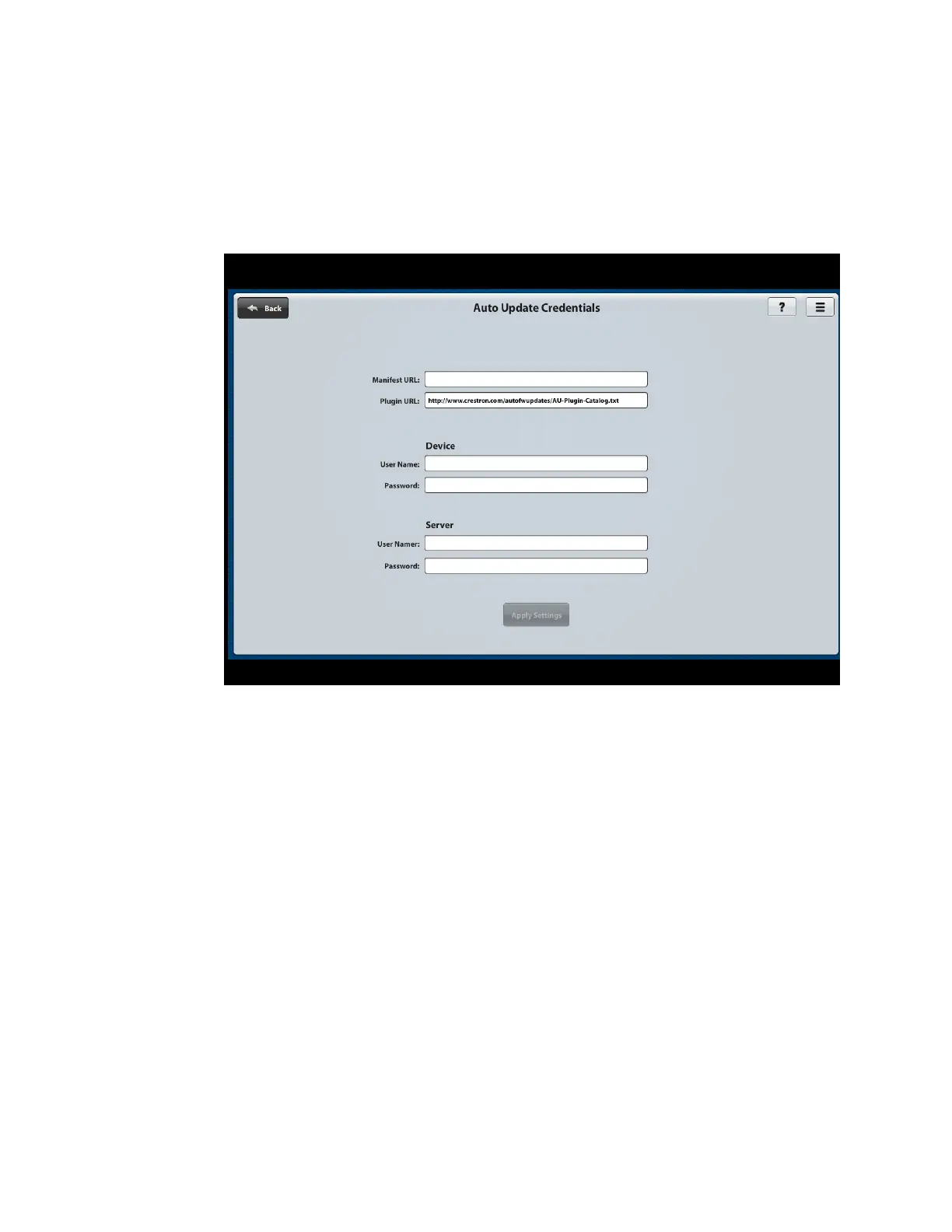
Auto Update Credentials Page
2. On the Auto Update Credentials page:
a. Enter the following information:
• Manifest URL: Specifies the URL of the manifest file
• Plugin URL: Specifies the URL of the plug-in file. It is recommended that
the default plug-in URL not be changed.
• Device User Name and Password: Enter the user name and password of
the switcher if authentication was enabled in the Crestron Toolbox
software.
• Server User Name and Password: Enter the user name and password of
the server that stores the PUF and manifest files for the switcher.
b. Click the Apply Settings button.
c. Click the Back button in the upper-left corner of the page to return to the
Auto Update page, and then continue with “Configure Auto Update Settings”
on the following page.



 To Next Page
 Loading...










