33
View or Update Firmware Versions
View or update firmware versions of the DigitalMedia system components (for example,
DMC cards) on the Firmware Setup page.
To access the Firmware Setup page:
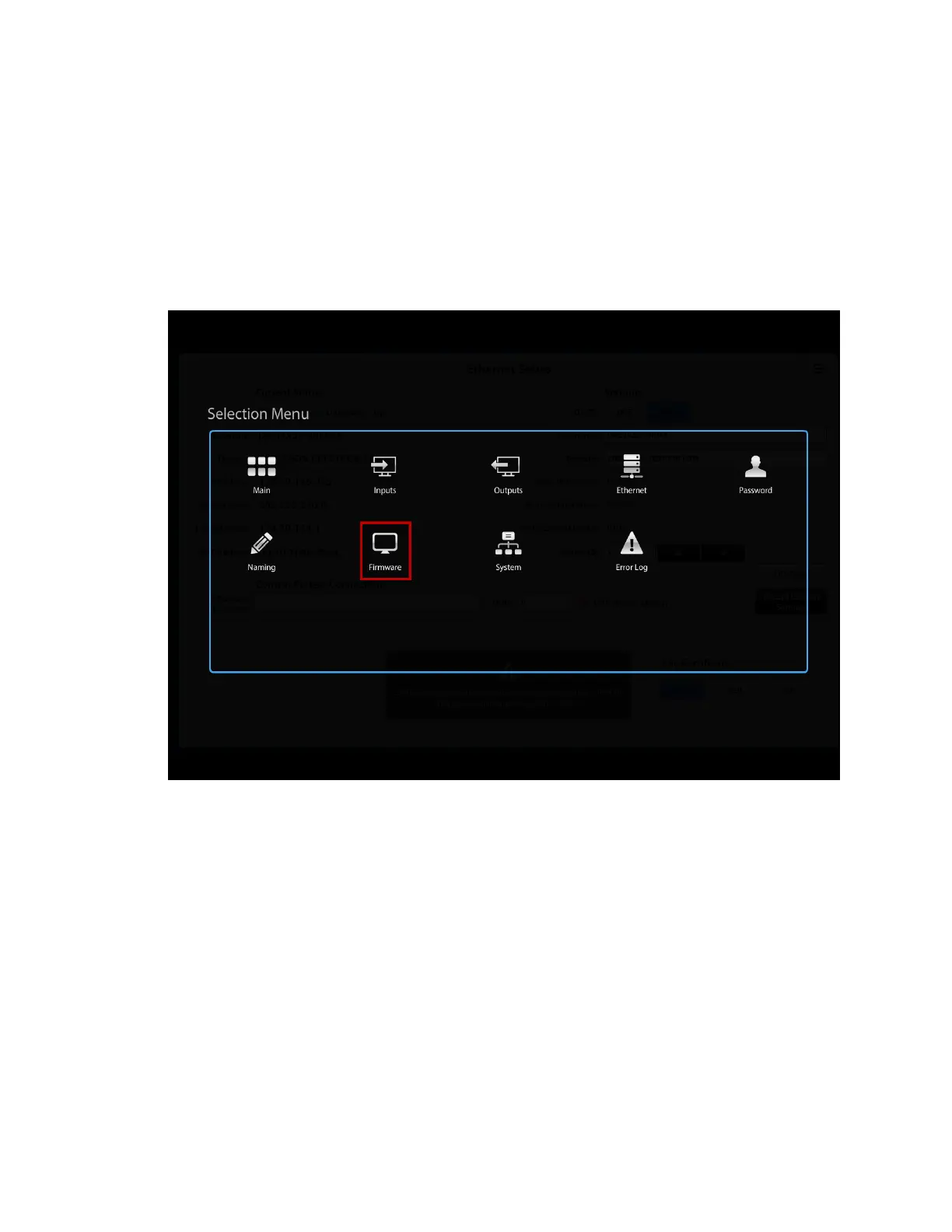
On the Selection Menu page, click the Firmware icon.
Selection Menu Page – Firmware Icon
The Firmware Setup page opens.



 To Next Page
 Loading...










