2
DM-RMC-4K-SCALER-C/-DSP: 4K DigitalMedia 8G+ Receivers Supplemental Guide – DOC. 7728A
Physical Description
This section provides information about the connectors, controls, and indicators on the top,
left side, and right side of the DM-RMC-4K-SCALER-C.
Top View
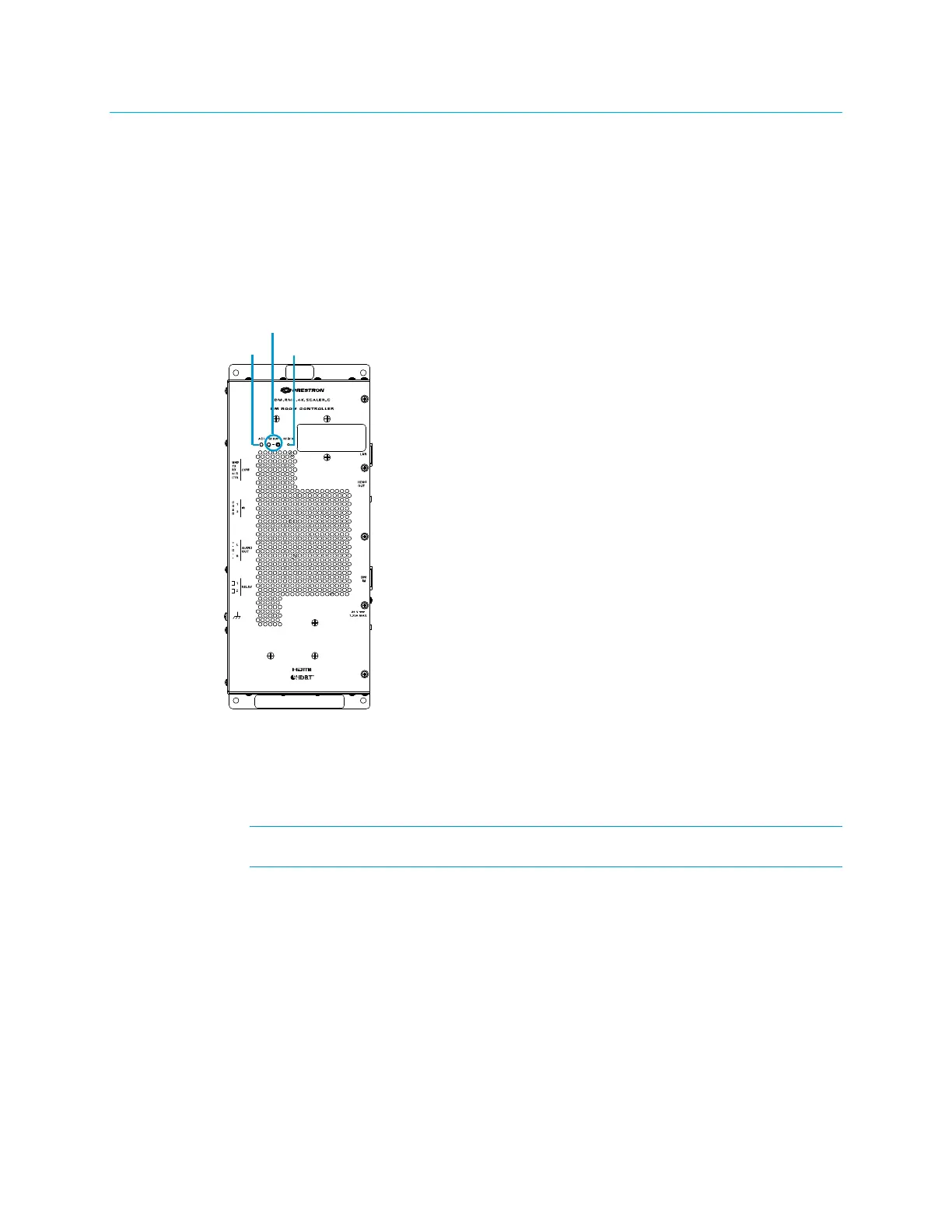
The following illustration shows the top of the DM-RMC-4K-SCALER-C.
Green LED, indicates activity
(Applicable only to a configuration in which a DigitalMedia switcher is not
used)
Red LED and recessed push button for Ethernet setup of the default static IP
address of the device
The default static IP address of the DM-RMC-4K-SCALER-C is 192.168.1.221.
The default static IP address of the DM-RMC-4K-SCALER-C-DSP is 192.168.1.222.
Recessed push button for reboot of the device



 To Next Page
 Loading...











