Getting started
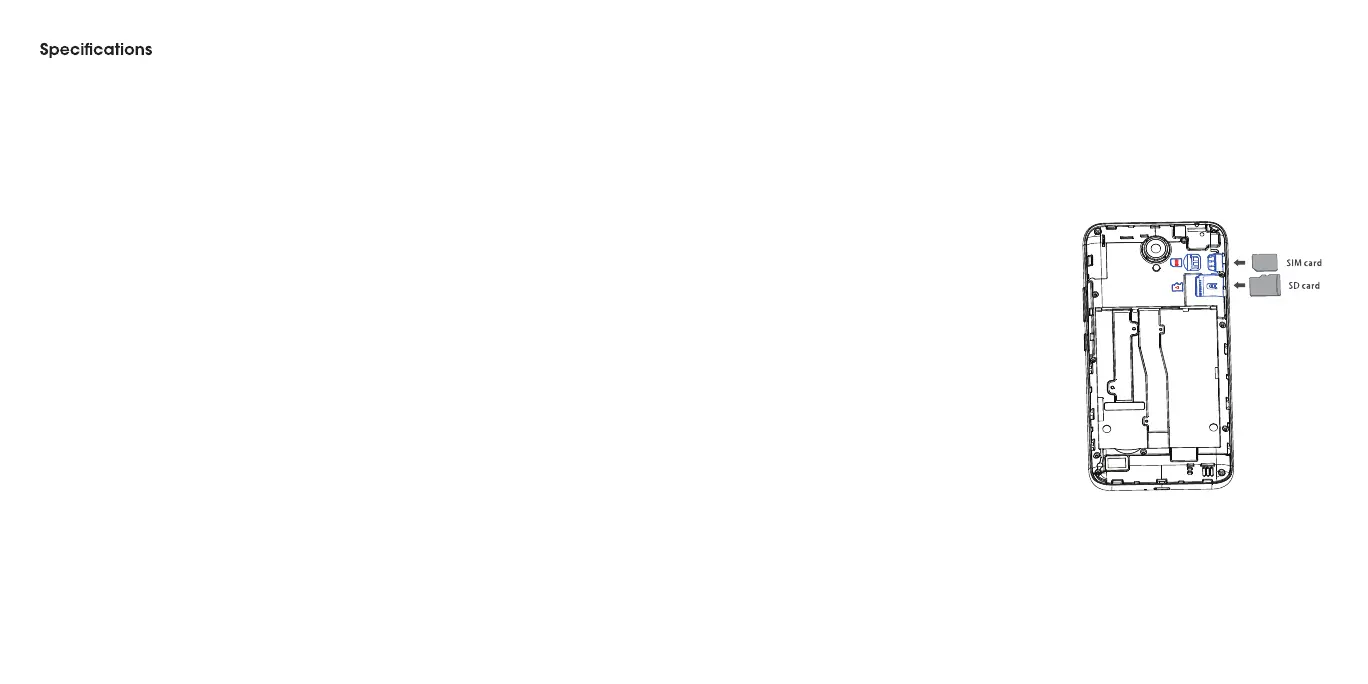
Installing the nano-SIM card/microSD card
The nano-SIM card and the microSD card can be installed or removed
while the phone is turned on.
Warning! To avoid damage to the phone, do not use any nonstandard
nano-SIM card cut from a SIM card. You can get a standard nano-SIM card
from your service provider.
1. Here is the SIM card and here is the
SD card.
2. SIM card metal strip down and insert
SIM card slot.
3. MicroSD card metal strip down, insert
SD card slot.
4. Slide the battery into the back of the
phone so that the gold contacts at the
top right align, and push down until it
clicks into place.
5. Replace the cover on the back of the
phone; making sure it is lined up
before pressing it into place around
all of the edges.
......................................... . .
.
98
99Warranty
LIMITED WARRANTY 100
Consumer Limited Warranty . 100
How to get warranty service 103
Other warranty programs . . 103
. . .......................................... . . . . .
. .. . .. . .......................................... . . . . .
. .. ................................ . .
. .. ................................ . .
. .. ................................ . .
6 7



 To Next Page