AirData 150 S2 USB User Manual
11
Ralink’s wireless utility needs to cooperate with Microsoft AutoConfig service in order to
perform scanning and connecting actions, so the AutoConfig service should be enabled
beforehand.
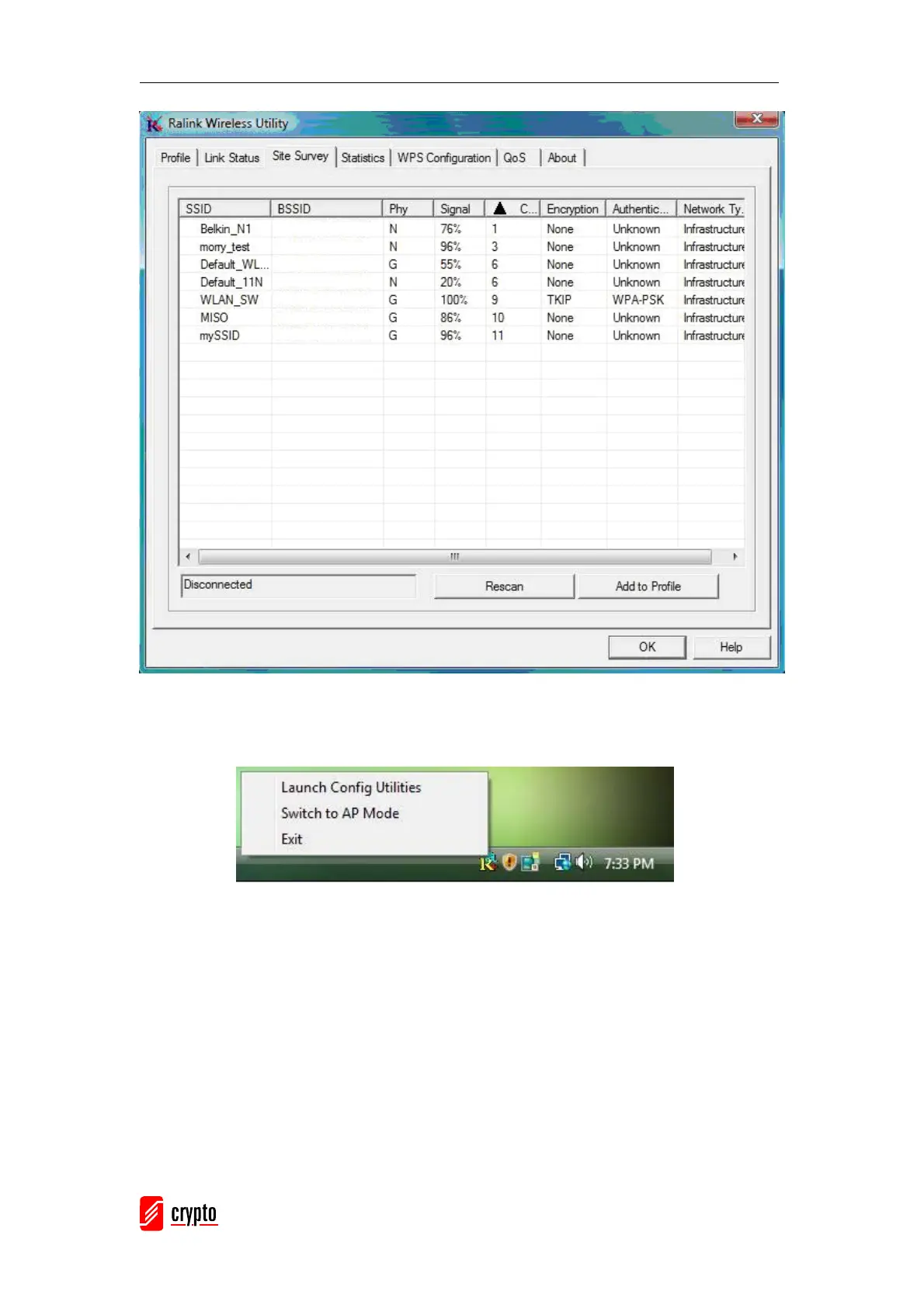
Control Menu Î Once Ralink wireless utility is minimized, the user can click the Ralink
icon on the taskbar to bring up the control menu.
z Launch Config Utilities Æ Restore Ralink wireless utility window.
z Switch to AP Mode Æ Select this option to change to AP mode.
z Exit Æ Select Exit to close the Configuration Utility tool.



 To Next Page