AirData 150 S2 USB User Manual
42
Selected Registrar: Indicate if the user has recently activated a Registrar to add an Enrollee.
The values are “TRUE” and “FALSE”
State: The current configuration state on AP. The values are “Unconfigured” and
“Configured”.
Version: WPS specified version.
AP Setup Locked: Indicates if an AP has entered a setup locked state.
UUID-E: The universal unique identifier (UUID) element generated by the Enrollee. There is a
16 byte value.
RF-Bands: Indicates all RF bands available on the AP. A dual-band AP must provide it. The
values are “2.4GHz” and “5GHz”
3.1.8 About
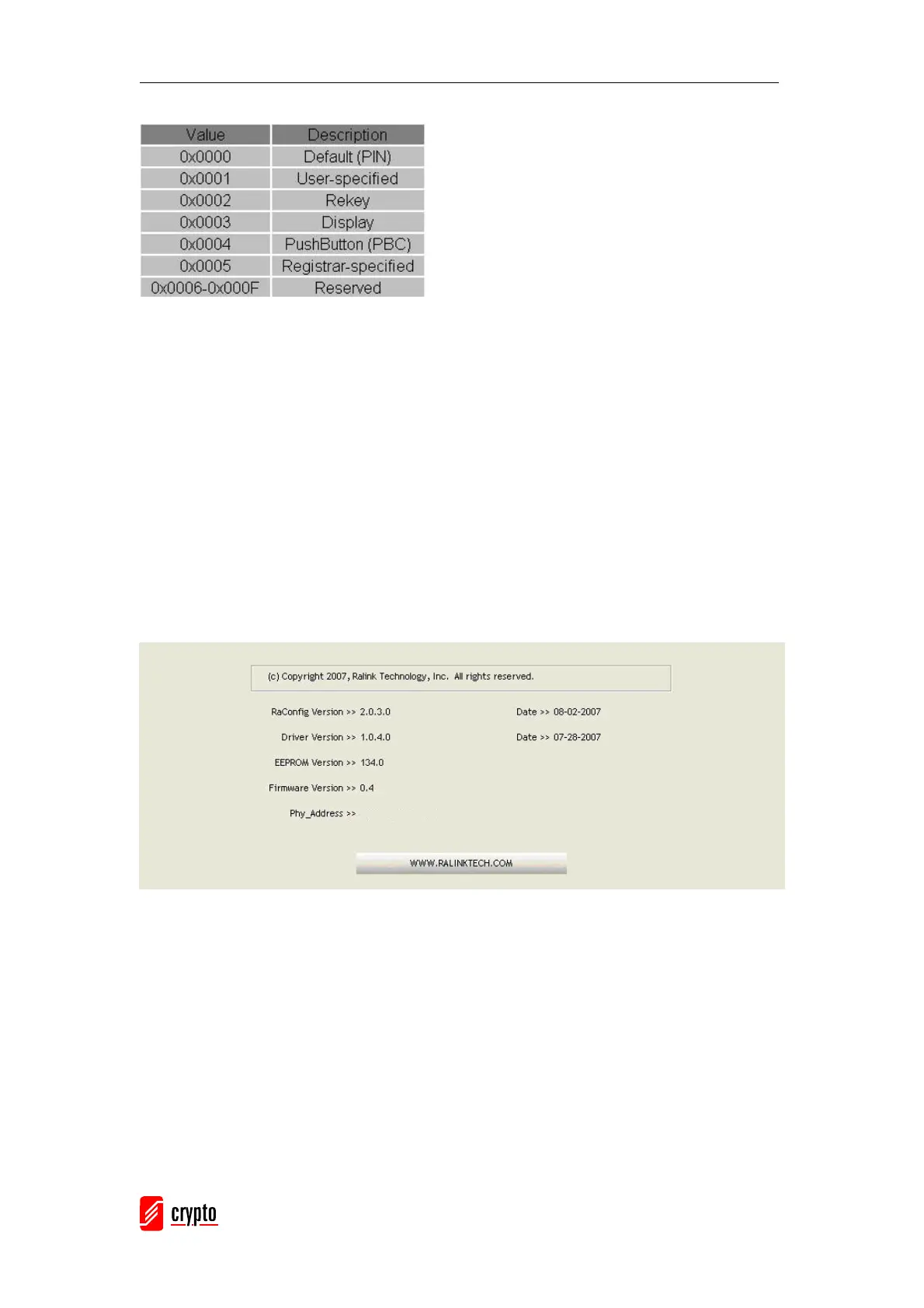
This function displays the wireless card and driver version information.
Connect to Ralink’s Website: WWW.RALINKTECH.COM
Display Configuration Utility, Driver, and EEPROM version information
Display Wireless NIC MAC Address.



 To Next Page