AirData 150 S2 USB User Manual
24
ÎÎ Ralink icon in system tray.
Besides, the small icon will change color to reflect current wireless network connection status.
The status is indicated as follows:
Î
-- indicate Connected and Signal Strength is Good.
Î
-- indicate Connected and Signal Strength is Normal
Î
-- indicate Wireless NIC is not connected yet
Î
-- indicate Wireless NIC is not detected
Î
-- indicate Connected and Signal Strength is Weak
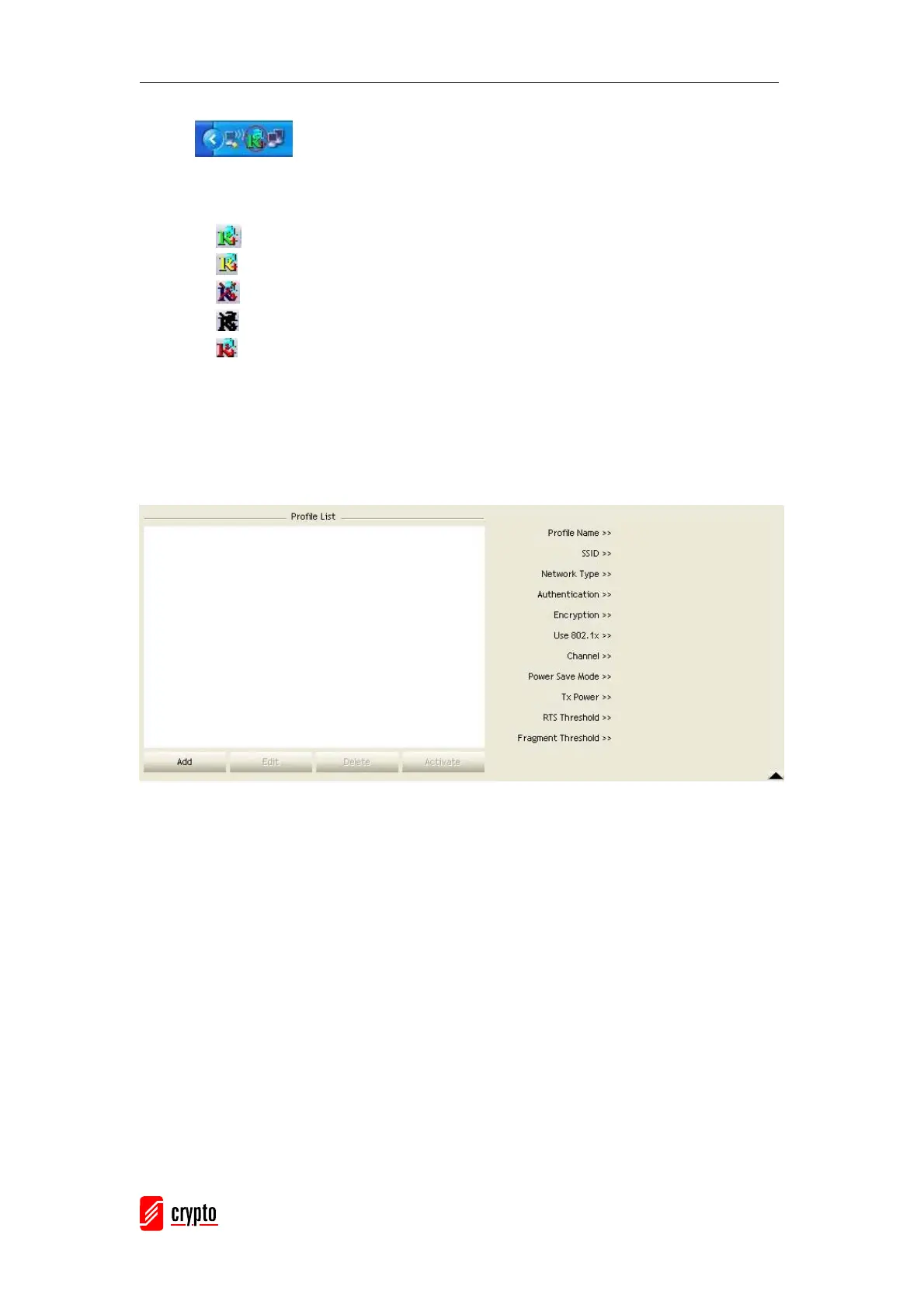
3.1.2 Profile
The Profile can book keeping your favorite wireless setting among your home, office, and
other public hot-spots. You may save multiple profiles, and activate the correct one at your
preference.
[Definition of each field]
Profile Name: Name of profile, preset to PROF﹡(﹡indicate 1,2,3,…)
SSID: AP or Ad-Hoc name
Network Type: Network’s type, including infrastructure and Ad-Hoc.
Authentication: Authentication mode
Encryption: Encryption Type
Use 802.1x: Whether or not use 802.1x feature
Channel: channel in use for Ad-Hoc mode
Power Save Mode: Choose from CAM (Constantly Awake Mode) or Power Saving Mode.
Tx Power: Transmit power, the amount of power used by a radio transceiver to send the
signal out.
RTS Threshold: User can adjust the RTS threshold number by sliding the bar or key in the
value directly.
Fragment Threshold: User can adjust the Fragment threshold number by sliding the bar or



 To Next Page