AirData 150 S2 USB User Manual
33
Frames Received Successfully: Frames received successfully.
Frames Received With CRC Error: Frames receive with CRC error.
Frames Dropped Due To Out-Of-Resource: Frames dropped due to resource issue.
Duplicate Frames Received: Duplicate received frames.
Reset Counter: Reset counters to zero
Î Show the information of Status Section
Î Hide the information of Status Section
3.1.6 WMM
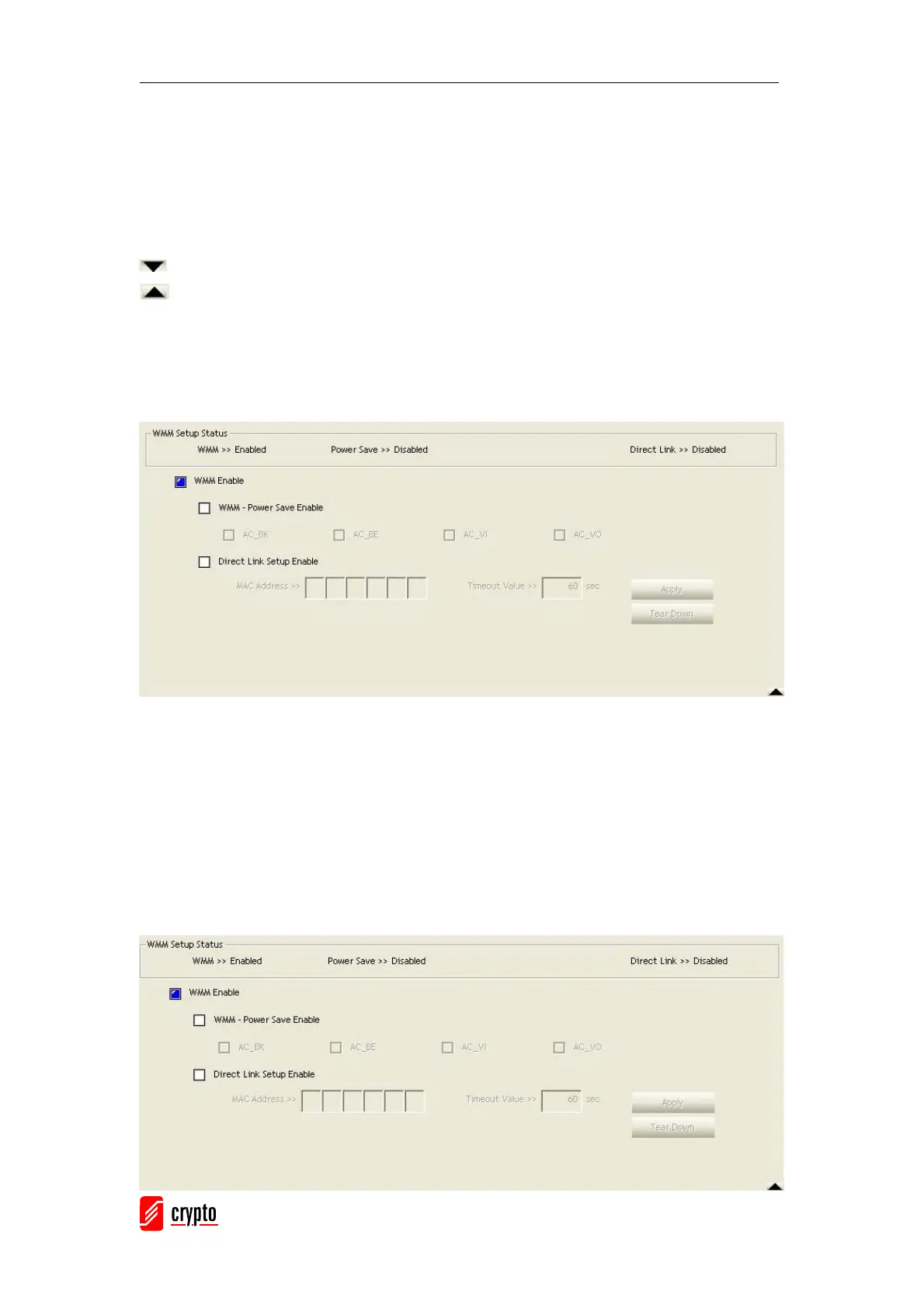
WMM function involves “WMM Enable”, “WMM-Power Save Enable” and “DLS Setup”.
WMM Enable: Enabe Wi-Fi Multi-Media.
WMM-Power Save Enable: Enable WMM Power Save.
Direct Link Setup Enable: Enable DLS (direct Link Setup).
[WMM Enable – Enable Wi-Fi Multi-Media]
If you want to use “WMM-Power Save” or “Direct Link Setup” you must enable WMM. The
setting methods of enabling WMM are indicated below:
Click “WMM Enable”



 To Next Page