AirData 150 S2 USB User Manual
18
3.1.1 Start
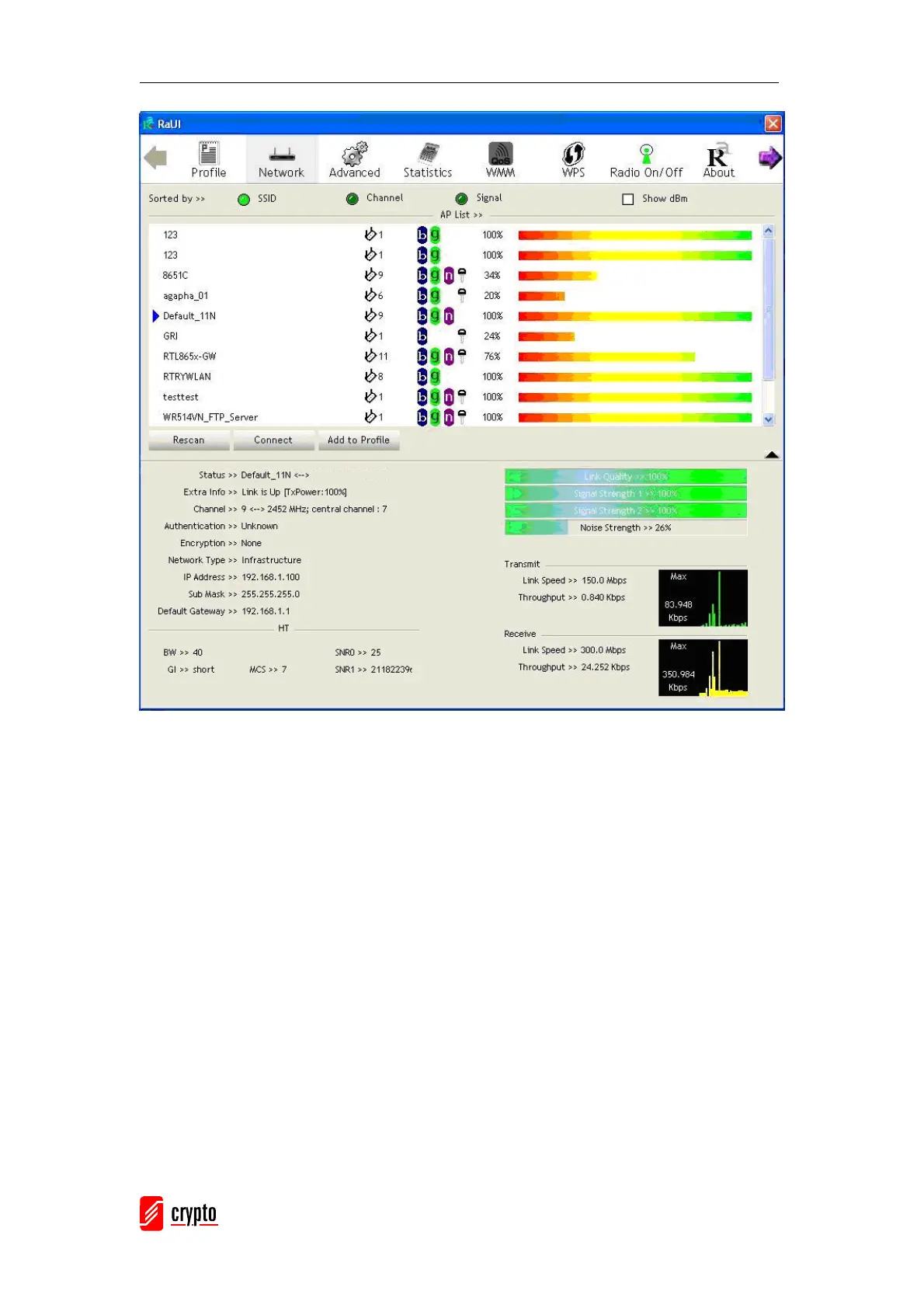
When starting RaUI, the system will connect to the AP with the best signal strength without
setting profile or matching the profile setting. It will issue a scan command to wireless NIC.
After two seconds, the AP list will be updated with the result of BSS list scan. The AP list
includes the most used fields, such as SSID, network type, channel used, wireless mode,
security status and signal percentage. The arrow icon indicates the connected BSS or IBSS
network.



 To Next Page