AirData 150 S2 USB User Manual
29
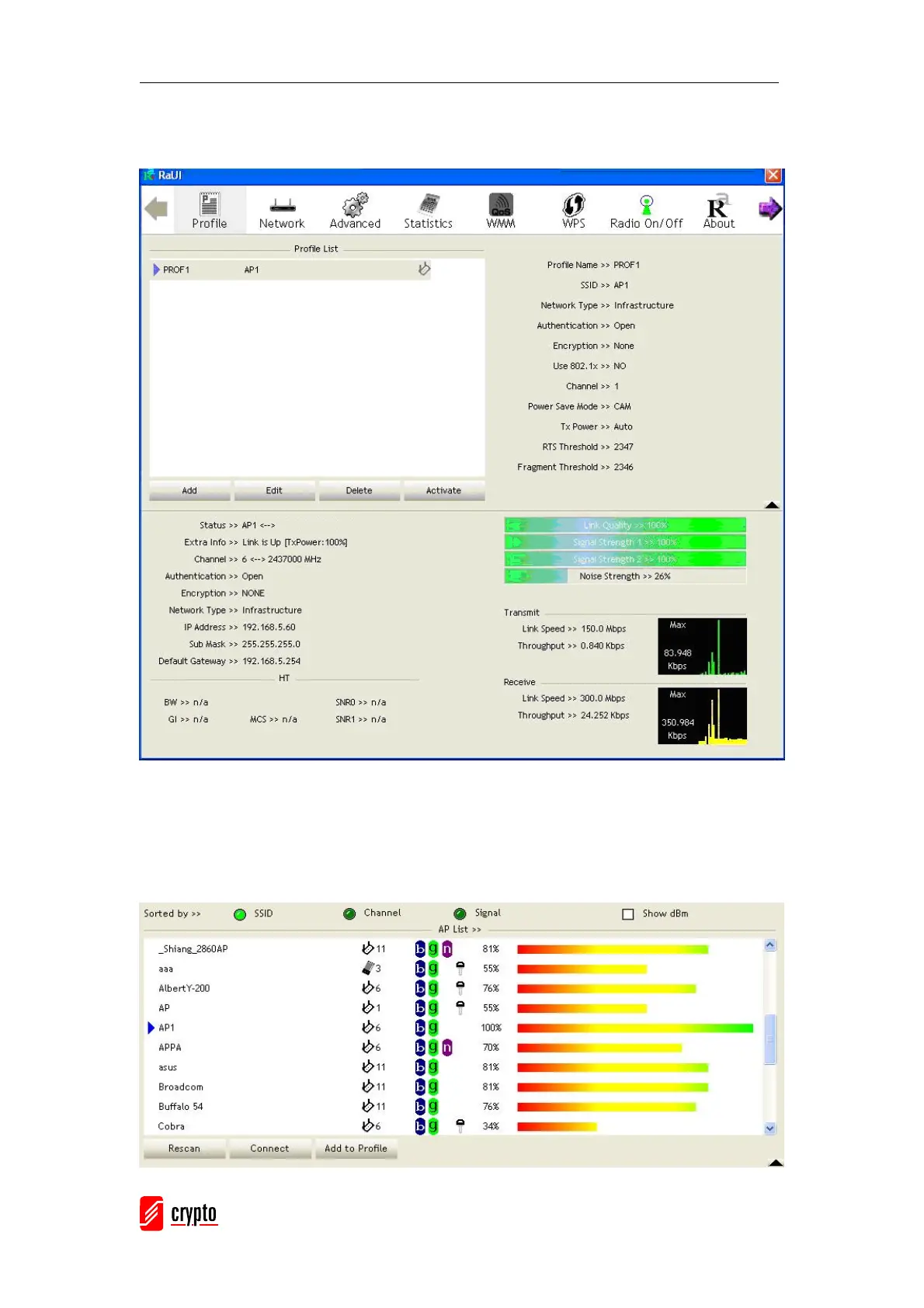
Then, you can see the profile which you set appear in the profile list. Click “Activate” to
activate the profile setting.
3.1.3 Network
Under the Network function, the system will display the information of surrounding APs from
the last scan result. The list information includes SSID, BSSID, Signal, Channel, Encryption
algorithm, Authentication and Network type as below:



 To Next Page