AirData 150 S2 USB User Manual
17
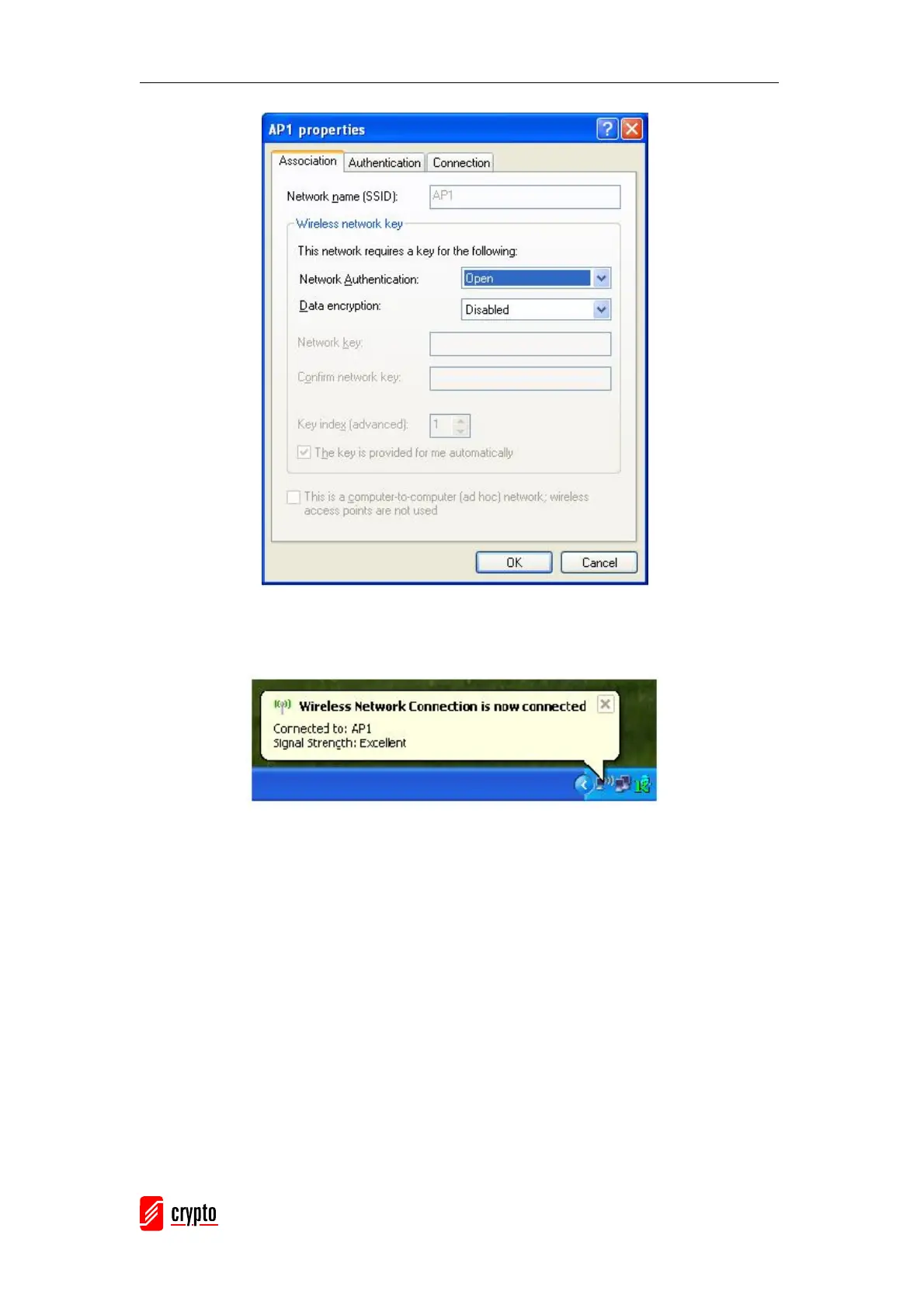
After filling the desired value, click the “OK” button. The following notification will appear as
shown below.
By clicking the Ralink’s icon will bring up the RaUI main window. The user can find the
surrounding APs in the list. The current connected AP will also be shown with the green
icon indicated as shown in the screen below. The user may use the available tabs to
configure more advanced features provided by Ralink’s wireless NIC.



 To Next Page