AirData 150 S2 USB User Manual
25
key in the value directly.
[Icons and buttons]
Î indicates connection is successful on currently activated profile
Î indicates connection is failed on currently activate profile
Î indicates network type is infrastructure mode
Î indicates network type is Ad-Hoc
Î indicates security-enabled wireless network
Î Add a new profile
Î Edit an existing profile
Î Delete an existing profile
Î Activate selected profile
Î Show the information of Status Section
Î Hide the information of Status Section
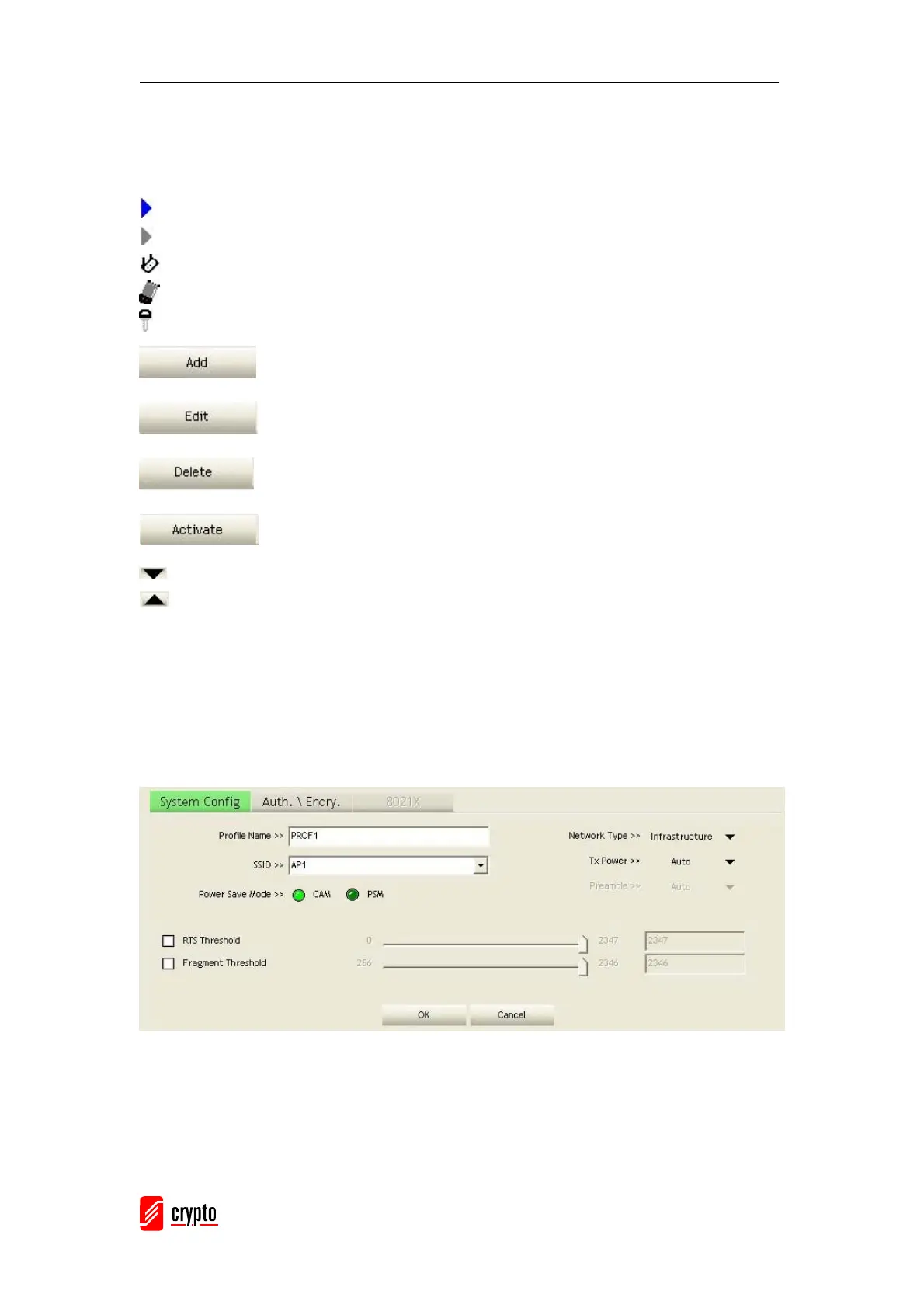
3.1.2.1 Add/Edit Profile
There are 3 methods to open Profile Editor from:
Î You can open it from “Add to Profile” button in Site Survey function
Î You can open it from “Add” button in Profile function
Î You can open it from “Edit” button in Profile function



 To Next Page