AirData 150 S2 USB User Manual
4
Insert the Installation CD into your CD-ROM drive, the following window will appear. Click
Install Driver & Utility to begin the device driver installation.
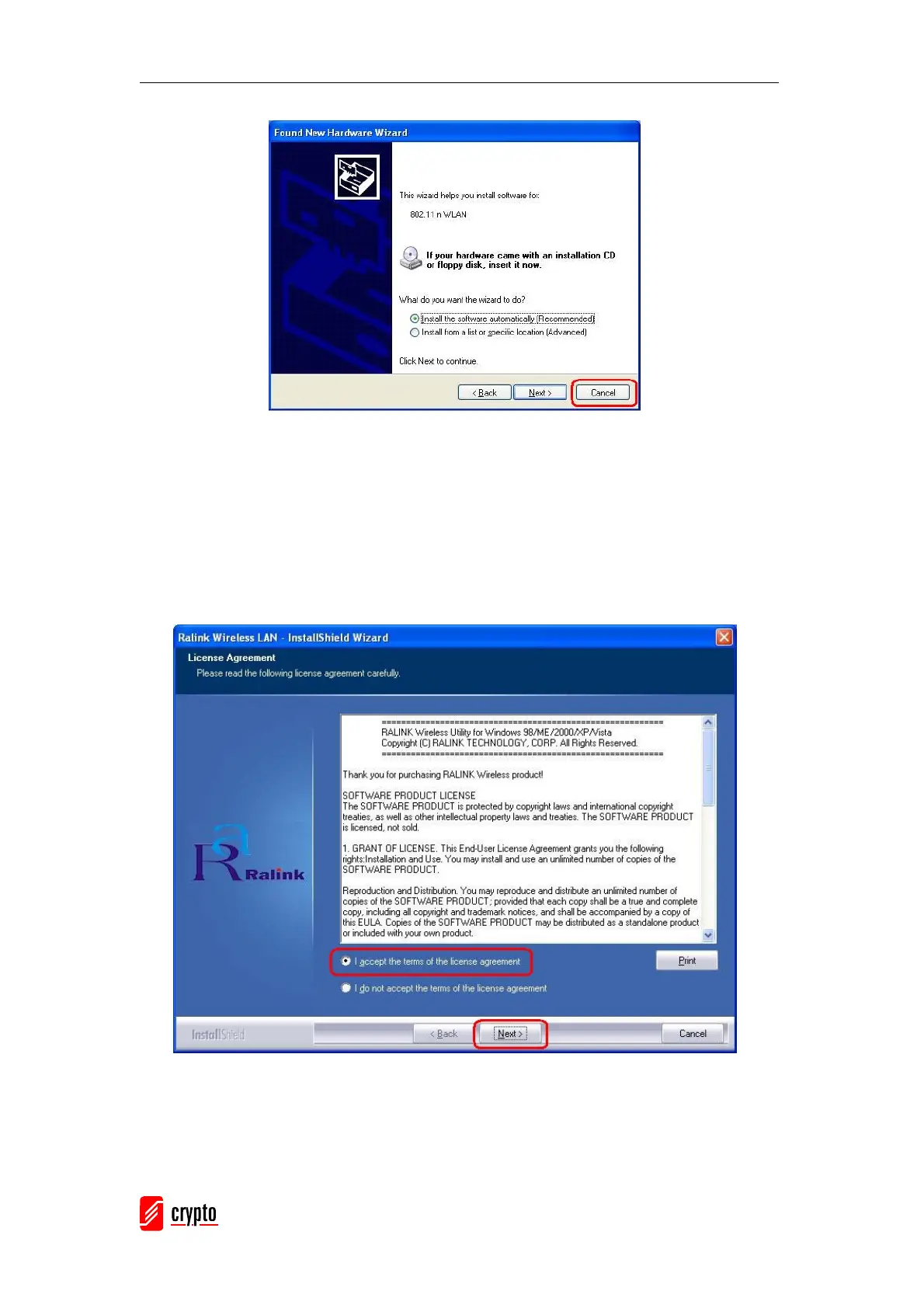
Please read the following license agreement. Use the scroll bar to view the rest of this
agreement. Select I accept the terms of the license agreement and click Next to
continue.
In Windows XP, there is a Windows Zero Configuration Tool for you to setup the wireless
adapter. You can choose to configure the adapter through the Microsoft Zero
Configuration Tool or the Ralink Configuration Tool. It is recommended to choose the
Ralink Configuration Tool for the adapter. Click Next to continue.



 To Next Page