AirData 150 S2 USB User Manual
63
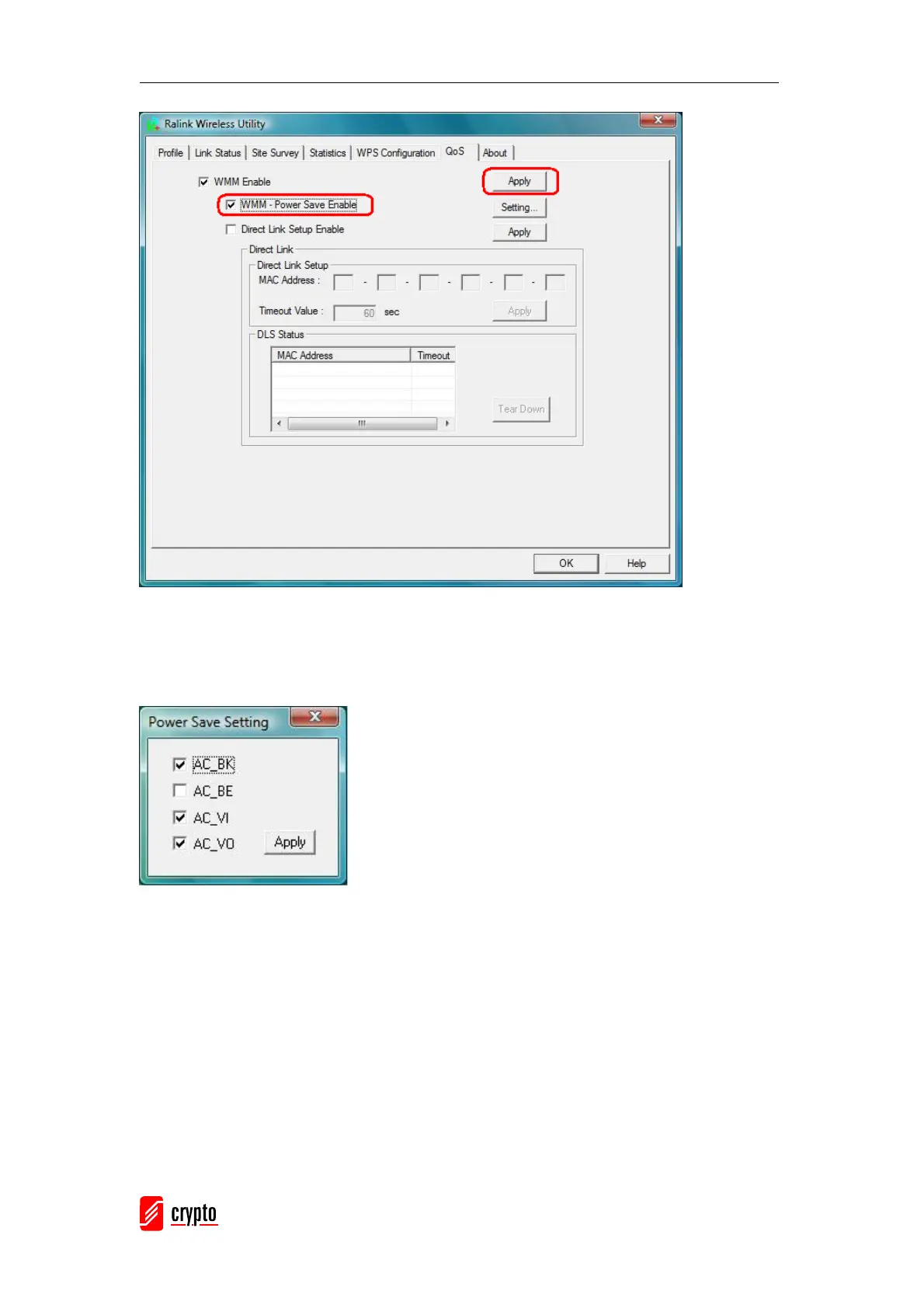
Step2: After clicking the “Setting…” button, the “Power Save Setting” dialog will appear.
Please select which ACs you want to enable and click the “Apply” button. The setting of
enabling WMM – Power Save is successful.
Enable DLS (Direct Link Setup)
Step1: Click “Direct Link Setup Enable” and Click the “Apply” button



 To Next Page