AirData 150 S2 USB User Manual
7
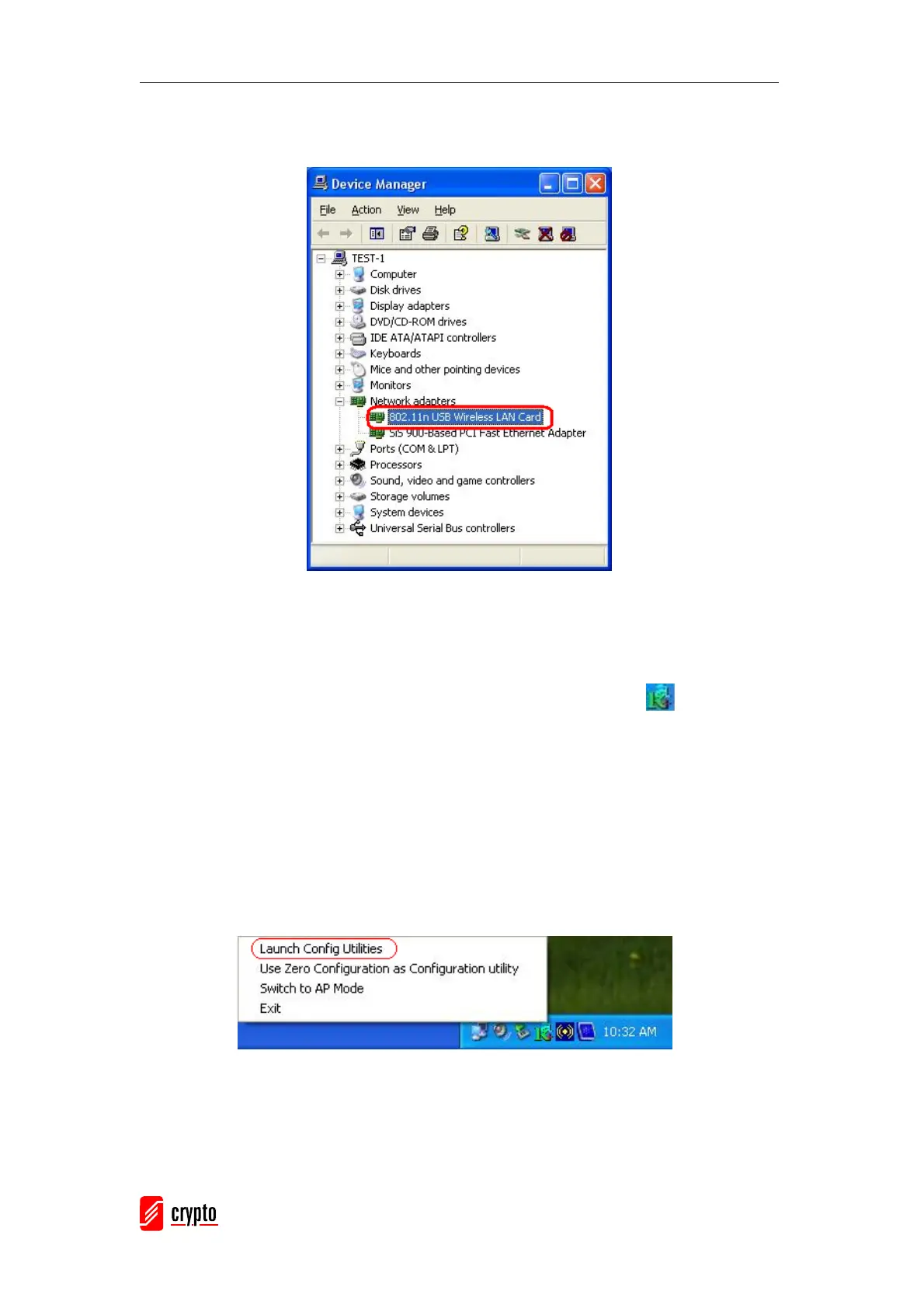
To check if the adapter is properly installed, you can right-click My Computer Æ choose
Properties Æ click Device Manager.
The Configuration Utility appears as an icon on the system tray of Windows while the
adapter is running. You can start the utility by double-clicking on the icon.
Right-click the icon, there are some items for you to use the configuration utility,
z Launch Config Utilities Æ Select this option to open the Configuration Utility tool.
z Use Zero Configuration as Configuration utilityÆ Select this option to use
Windows XP built-in wireless configuration utility (Windows Zero Configuration) to
configure to card.
z Switch to AP Mode Æ Select this option to change to AP mode.
z Exit Æ Select Exit to close the Configuration Utility tool.



 To Next Page