10
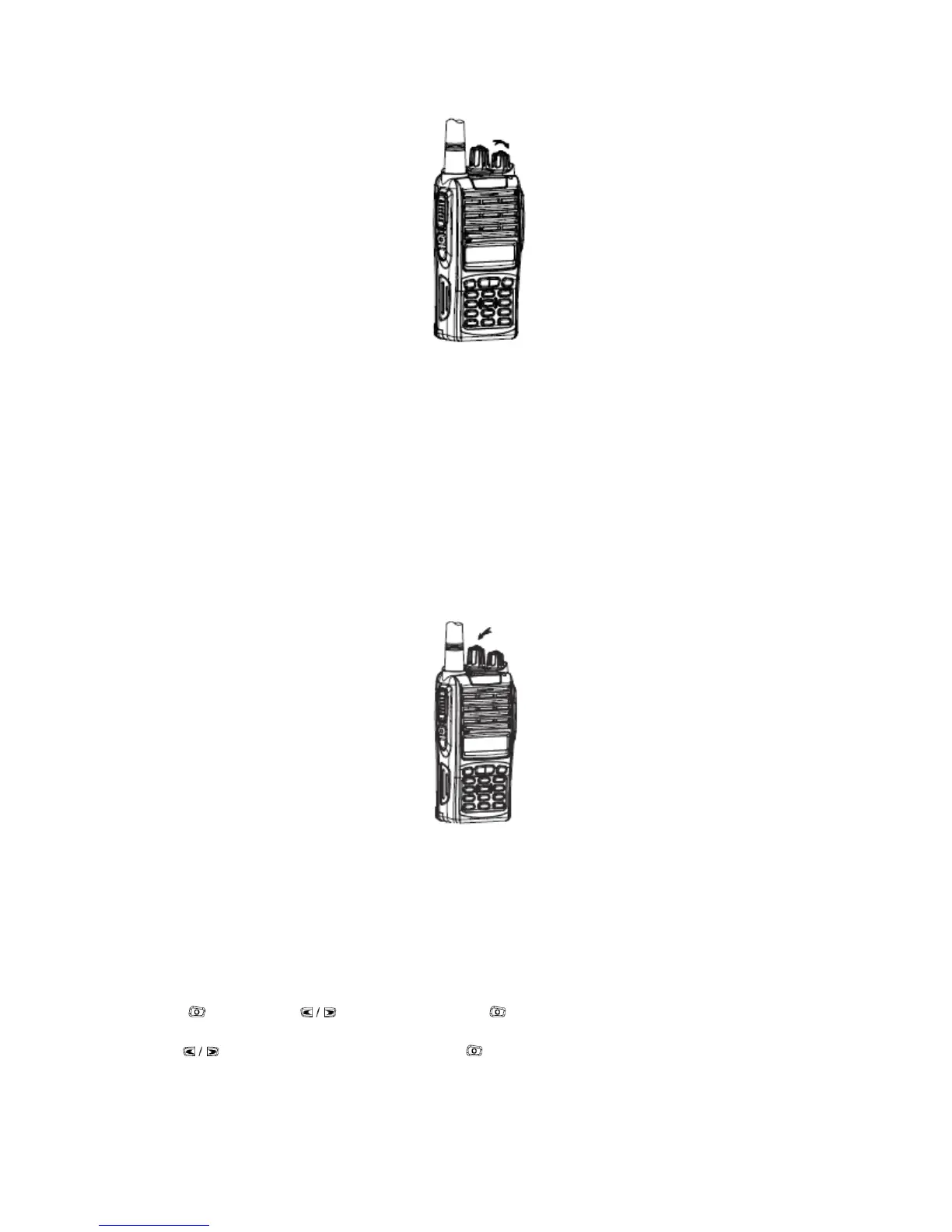
Select a Channel
Rotate the channel selector to the desired channel. When a signal is received, it will be heard in
the speaker.
Each channel in your radio can be configured as an analog channel or a digital channel. Use the
Channel Selector Knob to switch between an analog channel or a digital channel. When switch
from digital to analog mode, certain features are unavailable. Icons for the digital features (such
as Messages) reflect this change by appearing "grayed out". Disabled features are hidden in the
menu.
Your radio also has features available in both analog and digital mode. However, the minor
differences in the way each feature works does not affect the performance of your radio.
NOTE: Your radio also switches between digital and analog modes during a dual mode scan
Make a Call Selecting a Zone
A zone is a group of channels. Your radio supports up to 250 zones, with a maximum of 16
channels per zone. Use the following procedure to select a zone.
Procedure:
Press the programmed Zone button and proceed to step 2.
OR Follow the procedure below.
1. Press then press to Zone and press to select.
2. The current zone is displayed an indicated by a √
3. Press to the required zone and press to select.
4. The display shows <Zone> Selected momentarily.



 To Next Page