37
CPS Upgrade
When upgrading to a new version of CPS be sure to translate your code plug from the
previous version. To do this, open the new version of the CPS. Do NOT open your code plug
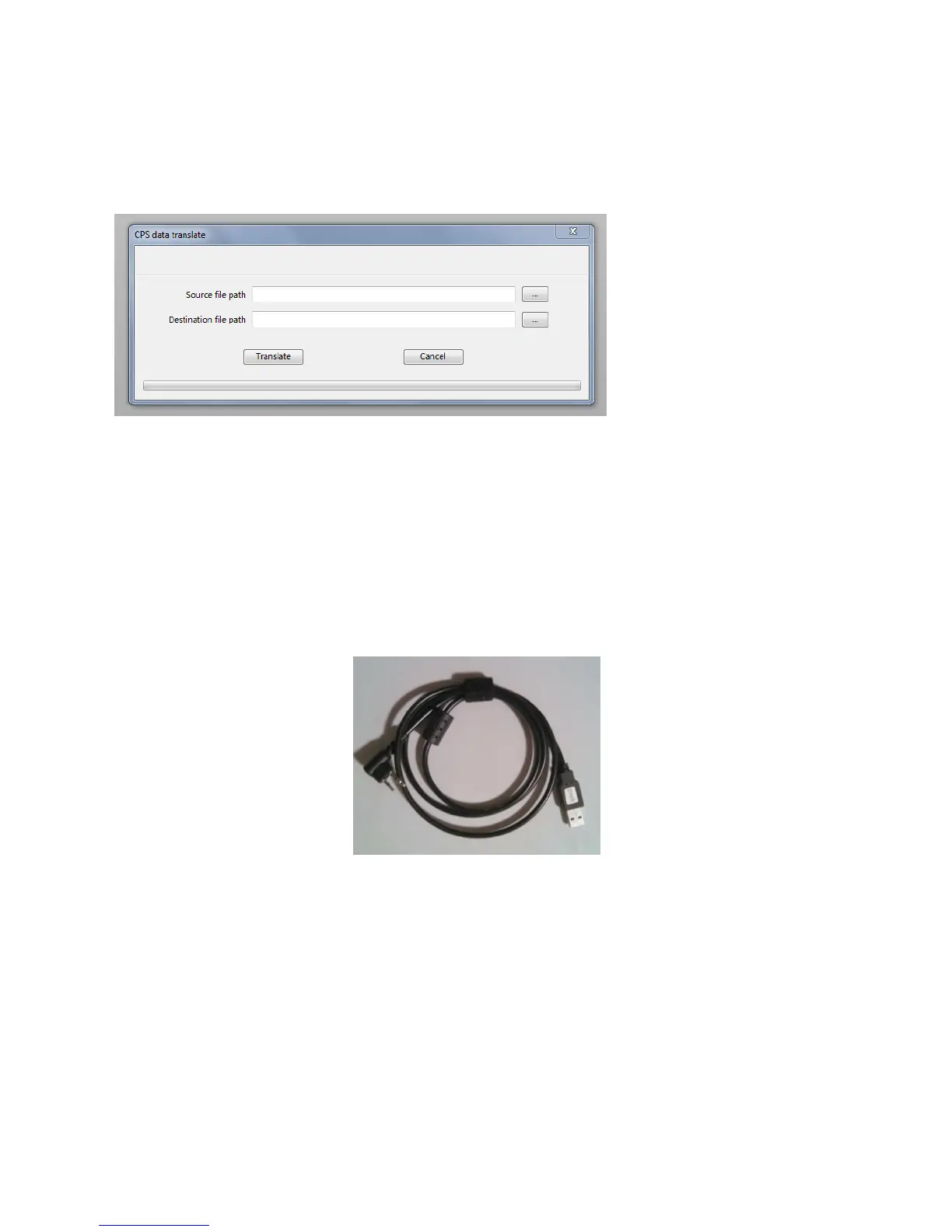
file. Click on “Tools” in the top menu ribbon bar. Select “CPS data Translate”. Pop of menu will
come up, shown below.
Click on the “-“ button to the right of the Source file path box. Locate your code plug and open,
it will show up then in the Source file path box. Do NOT type anything into the Destination file
path box, instead just click on the Translate button, the file will be translated, and the new name
will appear in the Destination file path. This will be the new code plug.
Programming Cable
The programming cable for the CS750 plugs into the external microphone speaker jack on the
side of the radio.



 To Next Page