7
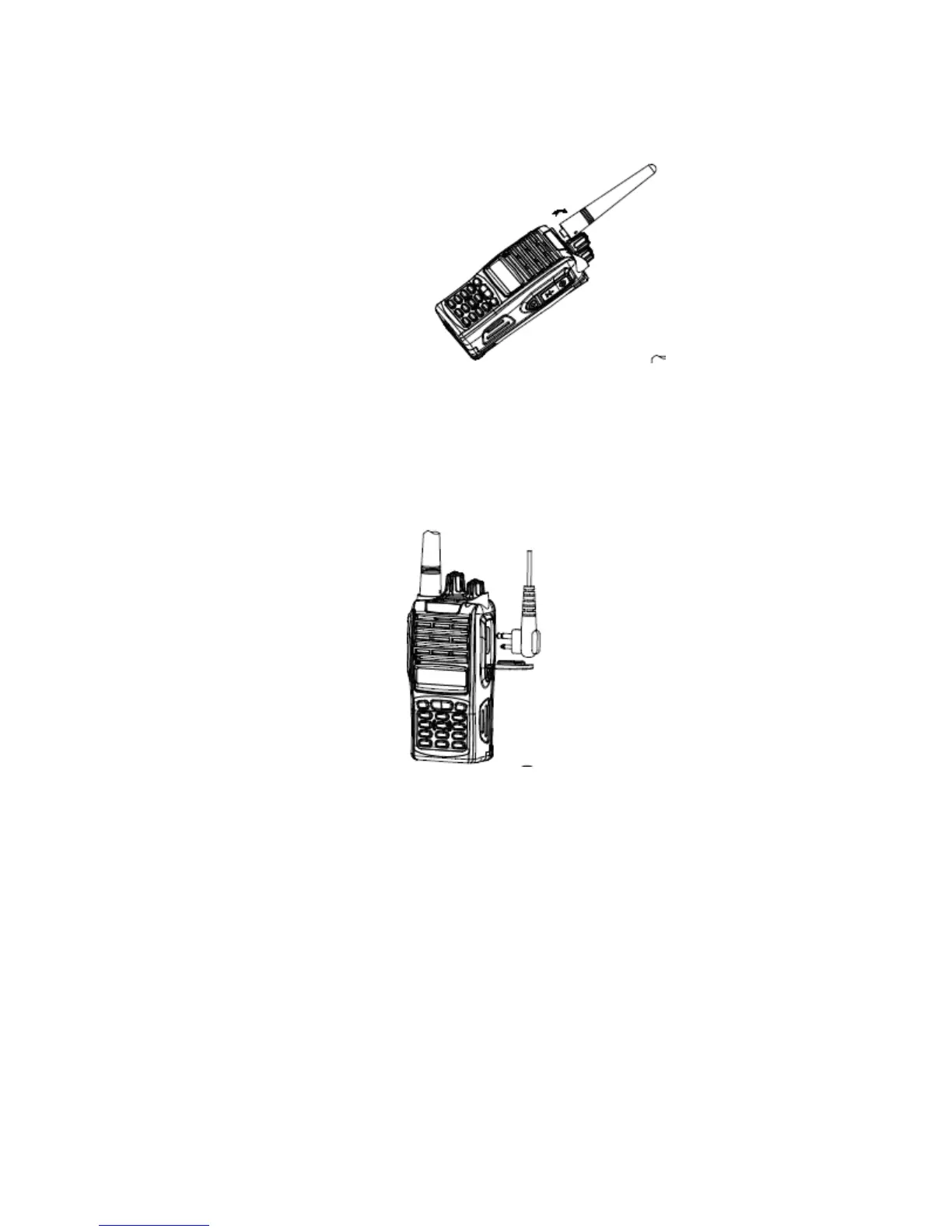
Installing the Antenna
Screw the antenna into the connector at the top of the radio by holding the bottom of the
antenna and turn it clockwise until secure.
Install external speaker/MIC
Open the cover of the jack for external speaker/MIC, and then insert the plug of the external
speaker or microphone into the jack on the radio. When inserting the accessory plug, make sure
it is properly aligned (straight) to avoid internal damage to the connector in the radio.



 To Next Page