6
The battery, after been in storage for a long period ,will not reach the full capacity till several
charging and discharging (during use) cycles.
Do not recharge the battery after it has been fully charged or it is partially discharged, otherwise
it might affect the battery life or performance. Remove the battery from the charger after
charging is finished.
If the radio enters a low battery warning state, please recharge the battery. Do not use the radio
in a low power warning state because it will affect the battery life and performance.
Installing/Removing the Battery Pack
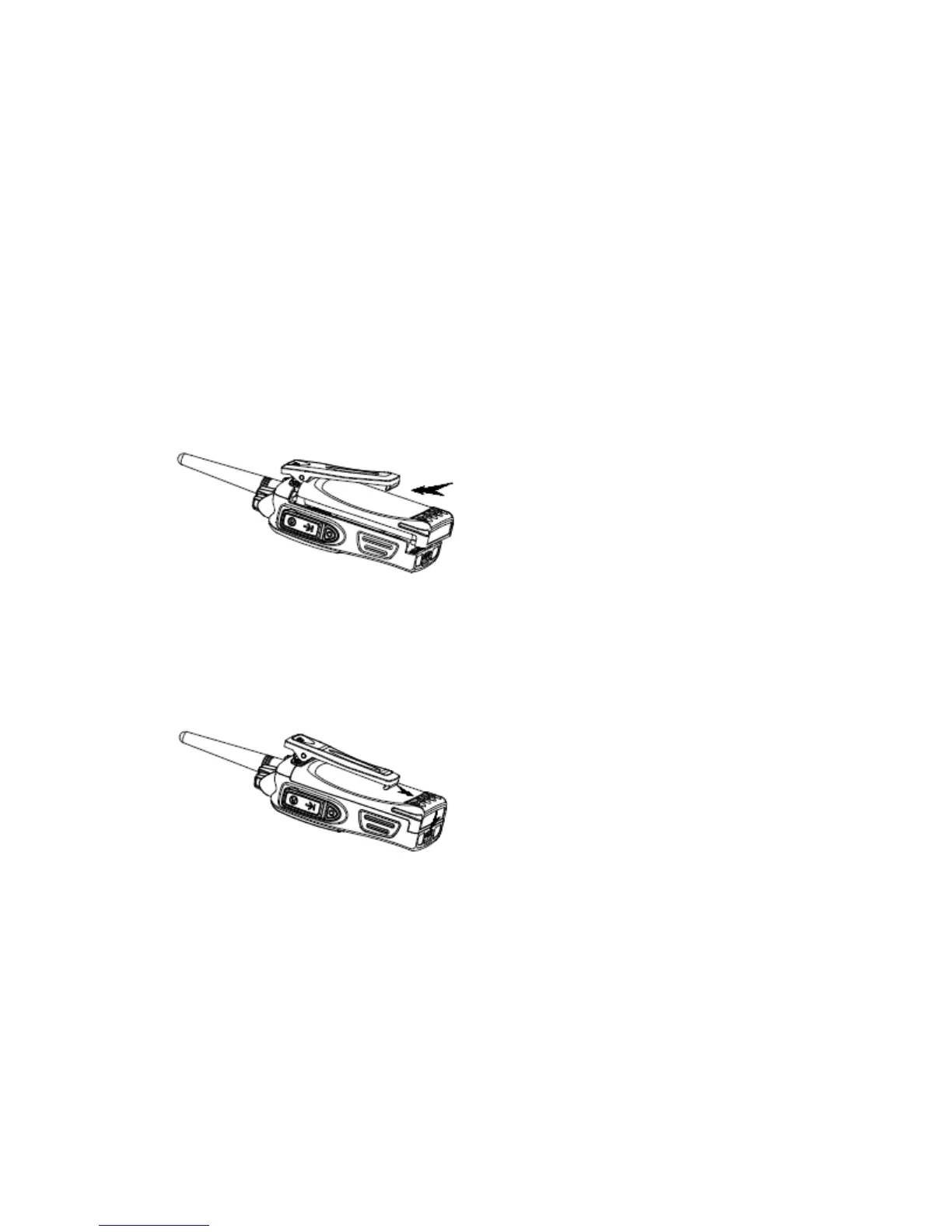
To install the battery, please place it into the groove on the top of the radio chassis about 5mm
away from latch.
If the radio has the belt clip installed, you will have to press one side of the clip to raise it and
then slide the battery in proper position.
Press the battery with your fingers and push the battery until you hear a latch click. The battery
is now installed.
Removing the battery pack
If you want to remove the battery from the radio, first press the battery latch located on the
bottom of the radio, and then press down to slide the battery about 5mm to release the
latch.
Notice:
• Do not short-circuit the battery terminals or dispose the battery in fire.
• Do not disassemble the battery case.



 To Next Page