Basic Functions
11
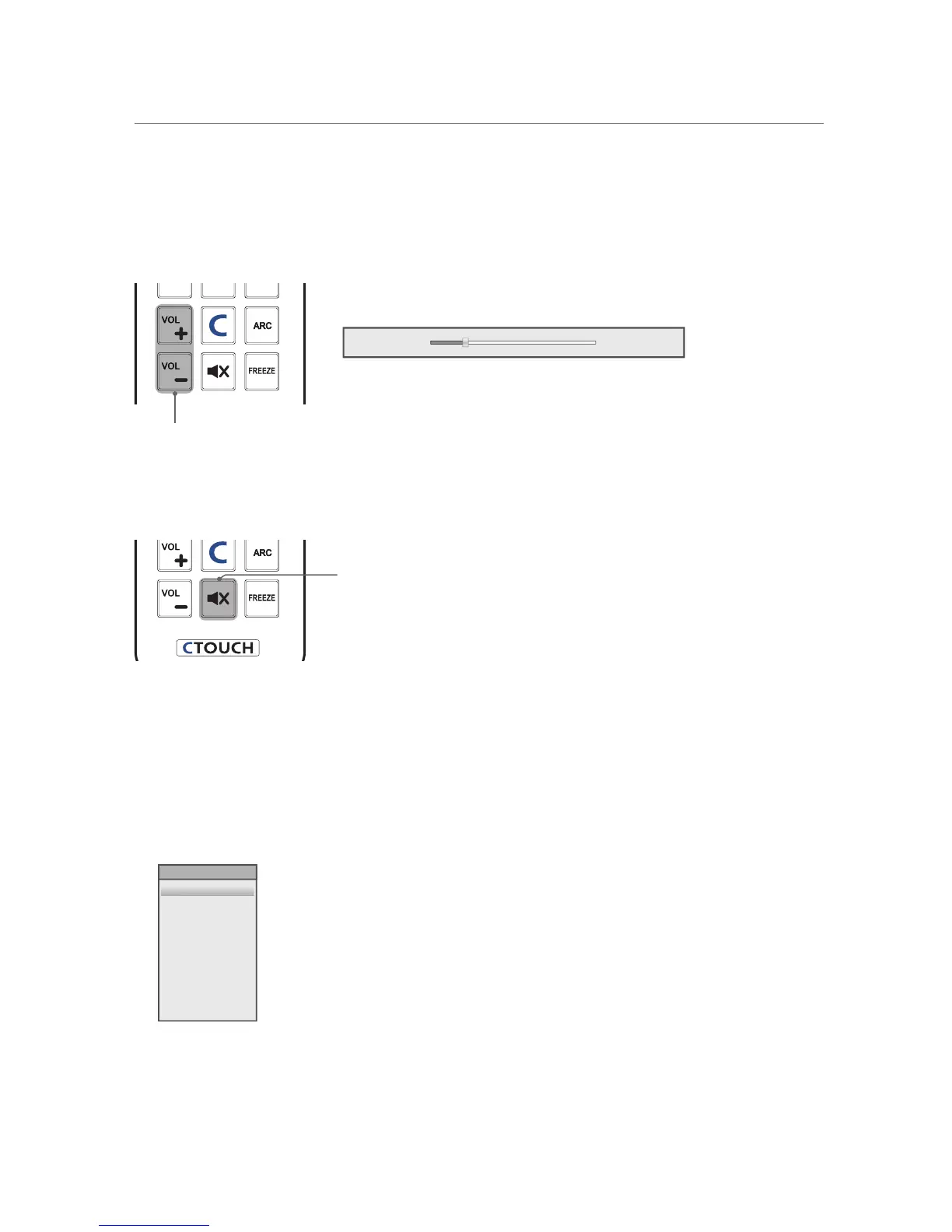
Adjusting a volume level
Press the VOL +/- button to adjust a sound level.
Volume level: 0 ~ 100
Volume 20
VOL +/- button
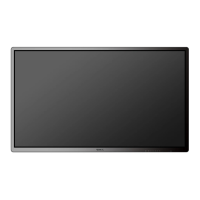
Mute function
You can mute the audio sound.
MUTE button
1
Press the MUTE button on the remote control to temporarily cut off the sound.
2
When mute is on, press the MUTE button again on the remote control to play the audio.
Selecting a input mode
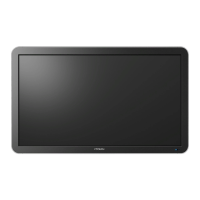
You can change the input mode.
1
Press the INPUT button to display inputs.
AV
Component
PC
HDMI1
HDMI2
USB
INPUT SOURCE
2
Press the ▲/▼ button on the remote control to select a input mode.
3
Press the OK button to accept your selection.


 To Next Page