Troubleshooting
45
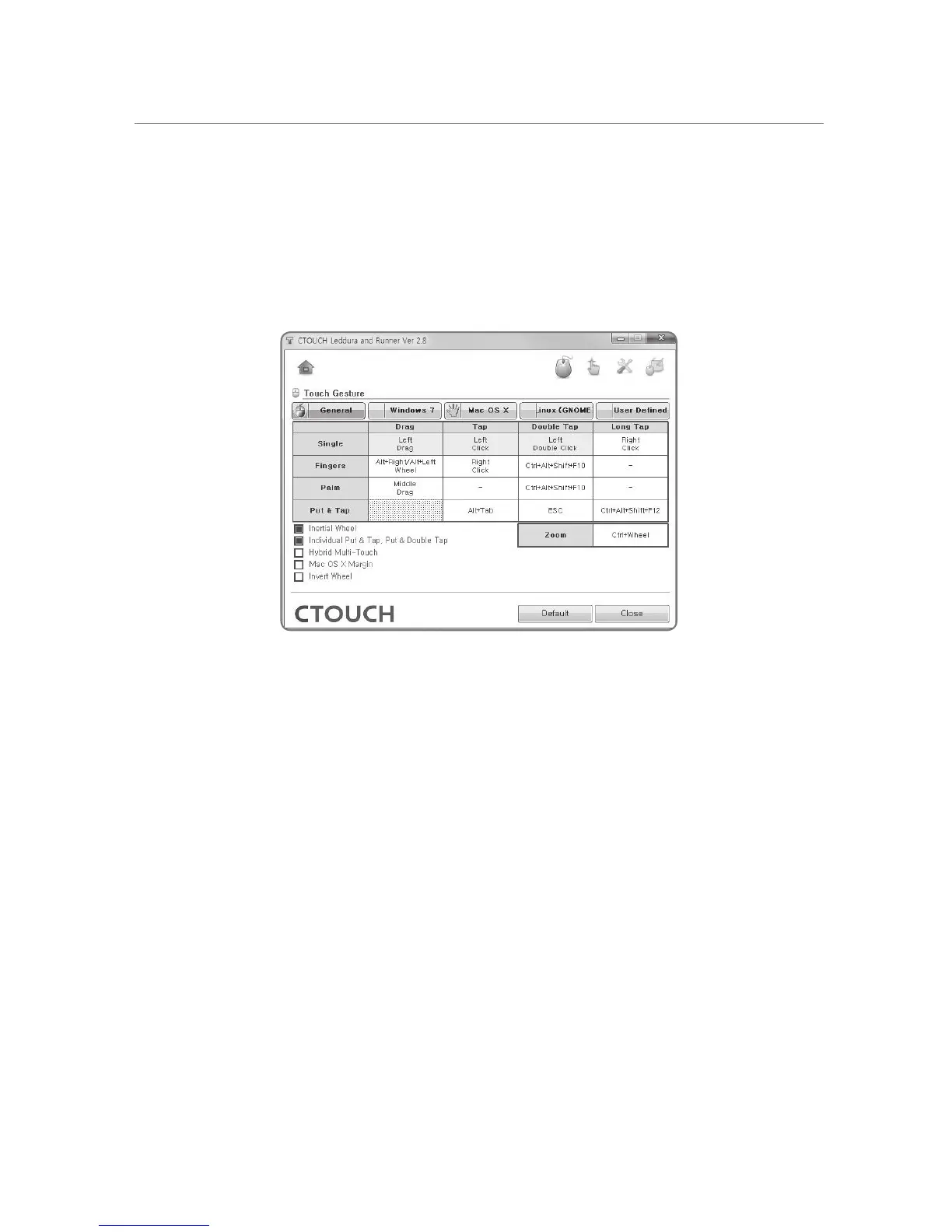
Some menus are disabled cannot be used
The USB Configuration Mode is set to “Digitizer only”, some features of the CTOUCH tools
cannot be used.
To use all the features of the CTOUCH tools, the USB Configuration Mode must be set to “Full”.
To change the USB Configuration mode, please contact the manufacturer
[The Gesture menus are disabled]


 To Next Page