15
Setup Control
Using the Setup menu
1
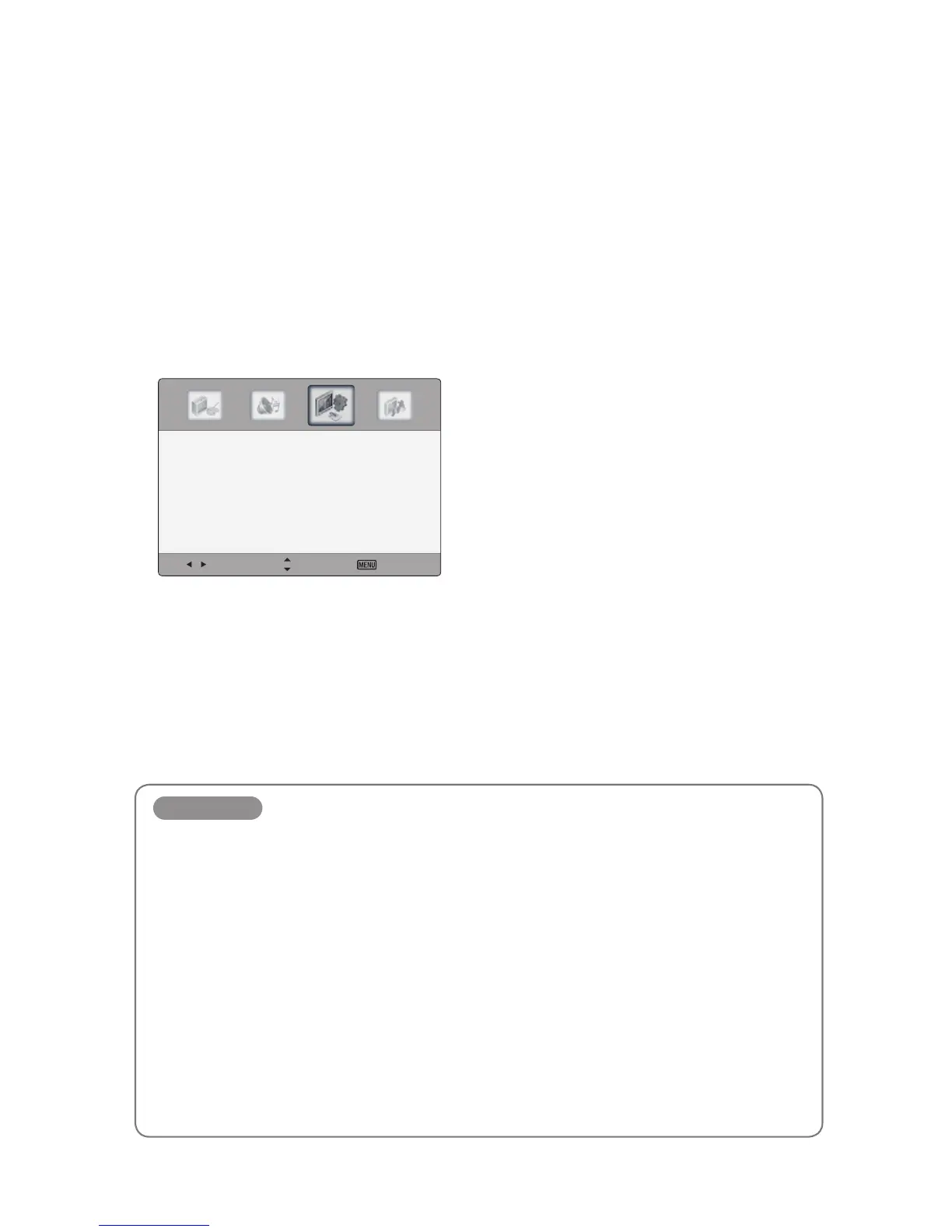
Press the MENU button to display the main menu.
2
Press ◄/► button to select the Setup menu, and then press OK button.
3
Press the ▲/▼ button to select menu items.
Select Move Exit
Time 〉
Menu Settings 〉
PC Settings 〉
Key Lock 〈 Off 〉
Variable Audio 〈 Off 〉
Internal Speaker 〈 On 〉
Restore Default 〉
4
Press the EXIT button to return to CTOUCH interactive display viewing or press the MENU
button to return to the previous menu.
Setup items
Time
Press the OK button, and then select Off Timer, Auto ON and No Signal Auto Off.
Menu Settings
Press the OK button, and then adjust the transparency of main menu (0, 25, 50, 75, 100%), and select
menu language.
Key Lock
Disable front key buttons.
Variable Audio
Line out audio volume can be controlled.
Internal Speaker
Enable internal speakers.
Restore Default
Restore the OSD values from user’s to defaults.


 To Next Page