14
Sound Control
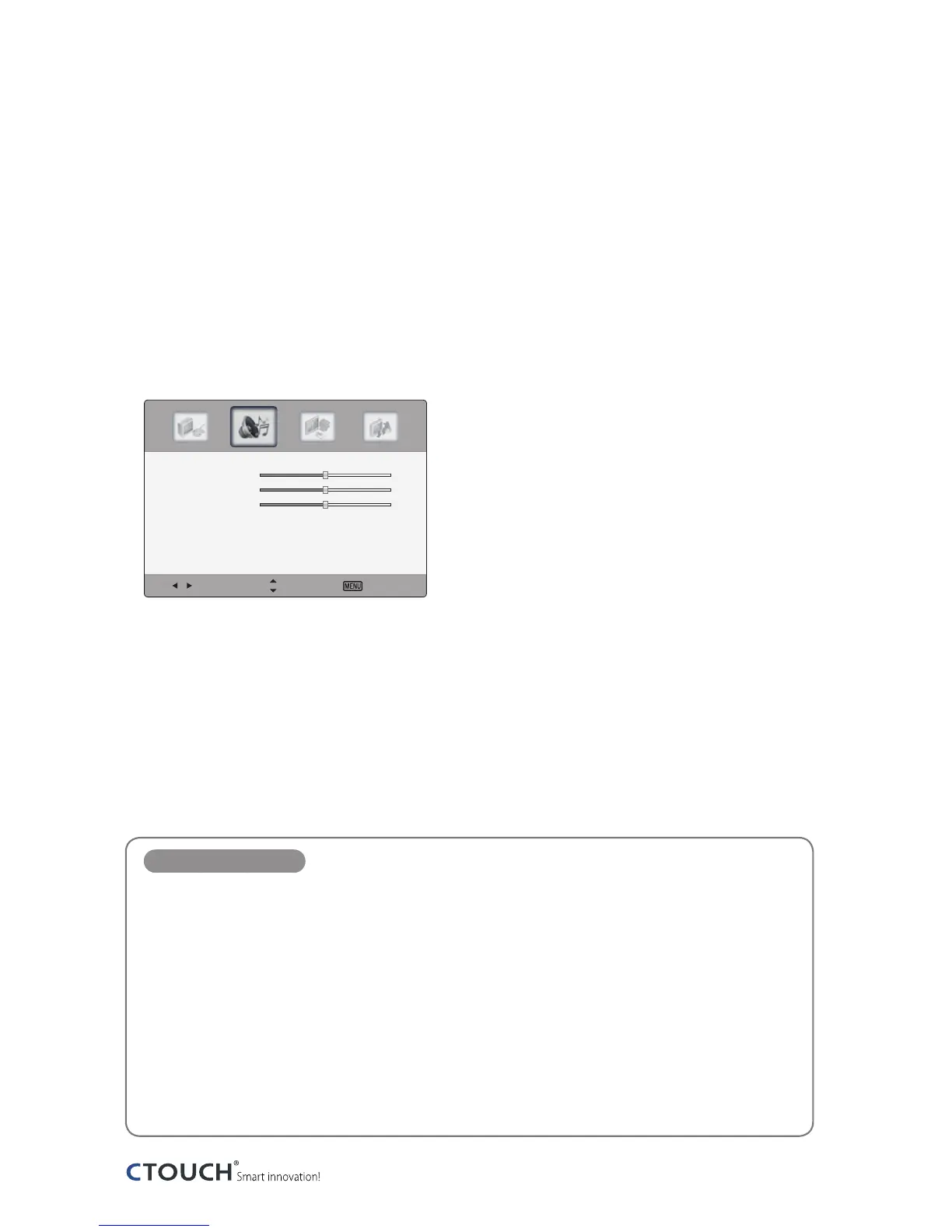
Adjusting sound mode
Sound menus adjust the CTOUCH interactive display for the best sound appearance.
1
Press the MENU button to display the main menu.
2
Press ◄/► button to select the Sound menu, and then press OK button.
3
Press the ▲/▼ button to select menu items.
4
Press the EXIT button to return to CTOUCH interactive display viewing or press the MENU
button to return to the previous menu.
Sound Mode items
Sound Mode
Select a preset sound mode (Standard, News, Music, Movie, Custom).
Treble
Adjust tones of high frequency.
Bass
Adjust tones of low frequency.
Balance
Adjust the balance between the right and left speakers.
AVC
Equalize the volume level on each program.
Digital Output
Select the Digital Audio output format from the options PCM or RAW.
Select Move Exit
Sound Mode 〈 Standard 〉
Bass
50
Treble
50
Balance
50
AVC 〈 Off 〉
Digital Output 〈 PCM 〉


 To Next Page