12
Picture Control
Adjusting picture mode
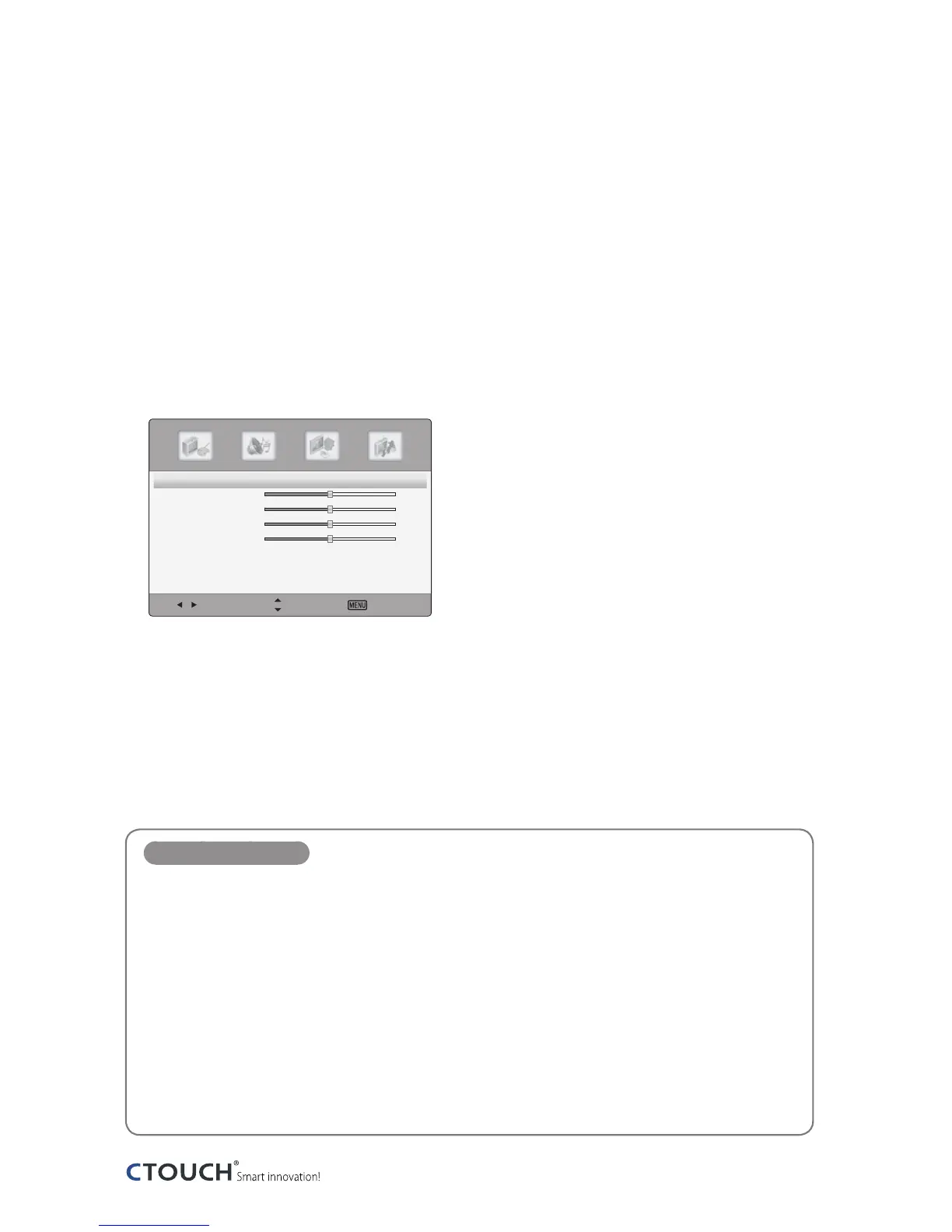
Picture menus adjust the CTOUCH interactive display for the best picture appearance.
1
Press the MENU button to display the main menu.
2
Press the ◄/► button to select the Picture menu, and then press the OK button.
3
Press the ▲/▼ button to select the desired picture option.
(Picture Mode, Contrast, Brightness, Color or Sharpness)
Select Move Exit
Picture Mode 〈 Standard 〉
Contrast
50
Brightness
50
Color
50
Sharpness
0
Advanced Video 〉
4
Press the ◄/► button to make appropriate adjustments.
5
Press the EXIT button to return to CTOUCH interactive display viewing or press the MENU
button to return to the previous menu.
Picture Mode items
Picture Mode
Select a preset Picture Mode (Standard, Theater, Custom, Vivid).
Contrast
Adjusts the difference between the light and dark levels in the picture.
Brightness
Increases or decreases amount of white in the your picture.
Color
Adjust intensity of all colors.
Tint
Adjust the balance between red and green levels.
Sharpness
Adjust the level of sharpness in the edges between the bright and dark areas of the picture.


 To Next Page