Gesture
23
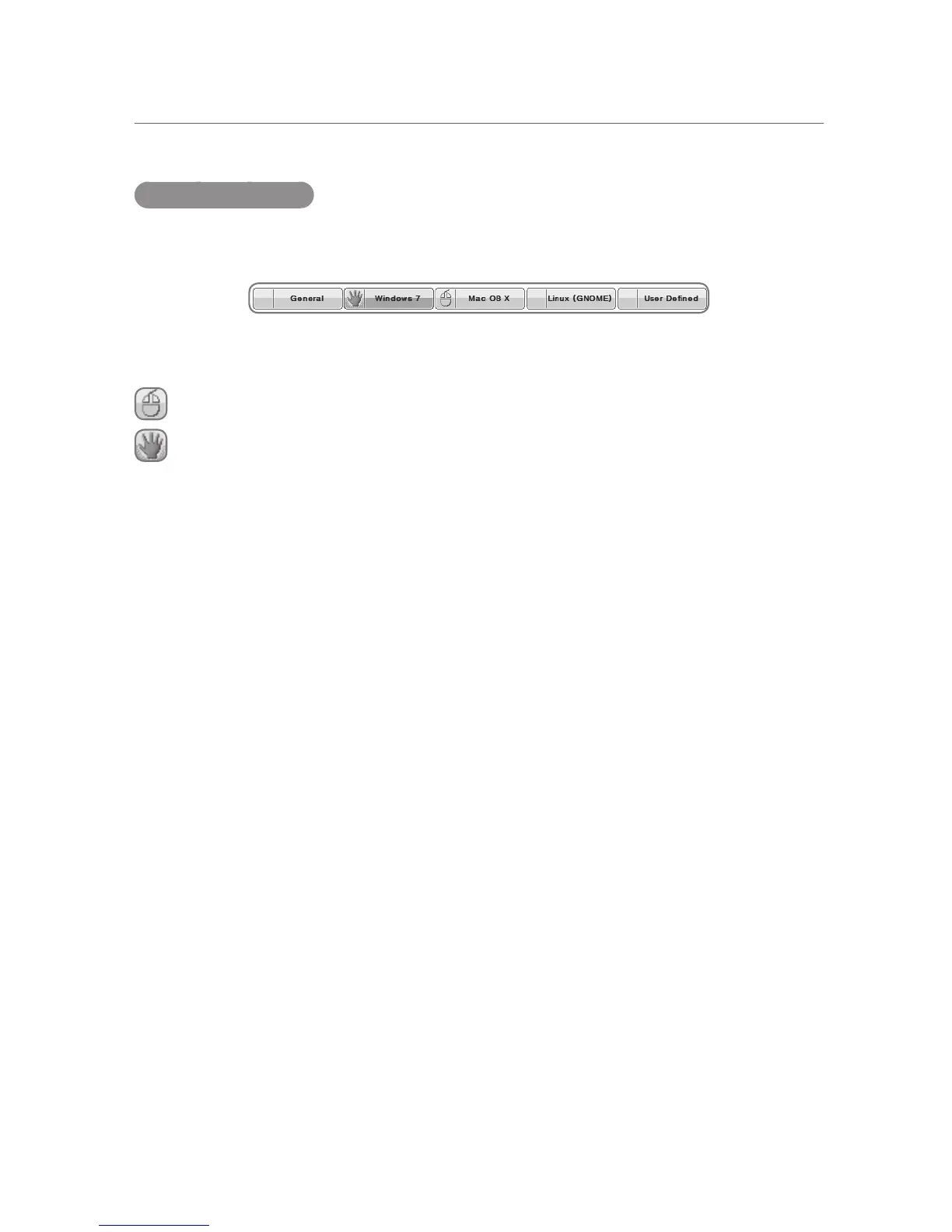
Selecting Profiles
The selection of profiles can be accomplished by choosing the appropriate Profile from the top
of the Touch Gestures menu.
There are two modes of selecting a profile. One is by mouse and one is by hand. The input
mode can be selected in General Settings. Refer to 5.3 Touch Input Mode.
is for the Mouse mode of input.
is for the Multi-touch mode of input.
General Profile:
The Profile that provides simple and basic touch functionality. Good for single touch functionality
but also supports some gestures inherent in CTOUCH sensors.
Windows Profile:
The profile best suited for the Microsoft Windows 7/8 operating system. Supports Windows 7/8
multi-touch gestures. For example, the shortcuts for the Snap functionality are applied in this
profile.
Mac OS X Profile:
Profile best suited for use on a Mac OS X. This is also where the Mac OS X Margin comes in
handy.
Linux (GNOME) Profile:
Suited for the Linux operating system, especially those using the GNOME user interface. One
can access the multiple virtual desktops that Linux is good at. There are also gestures to open a
terminal.
User Defined Profile:
A profile that the user can manipulate to do what the user needs.


 To Next Page