Gesture
27
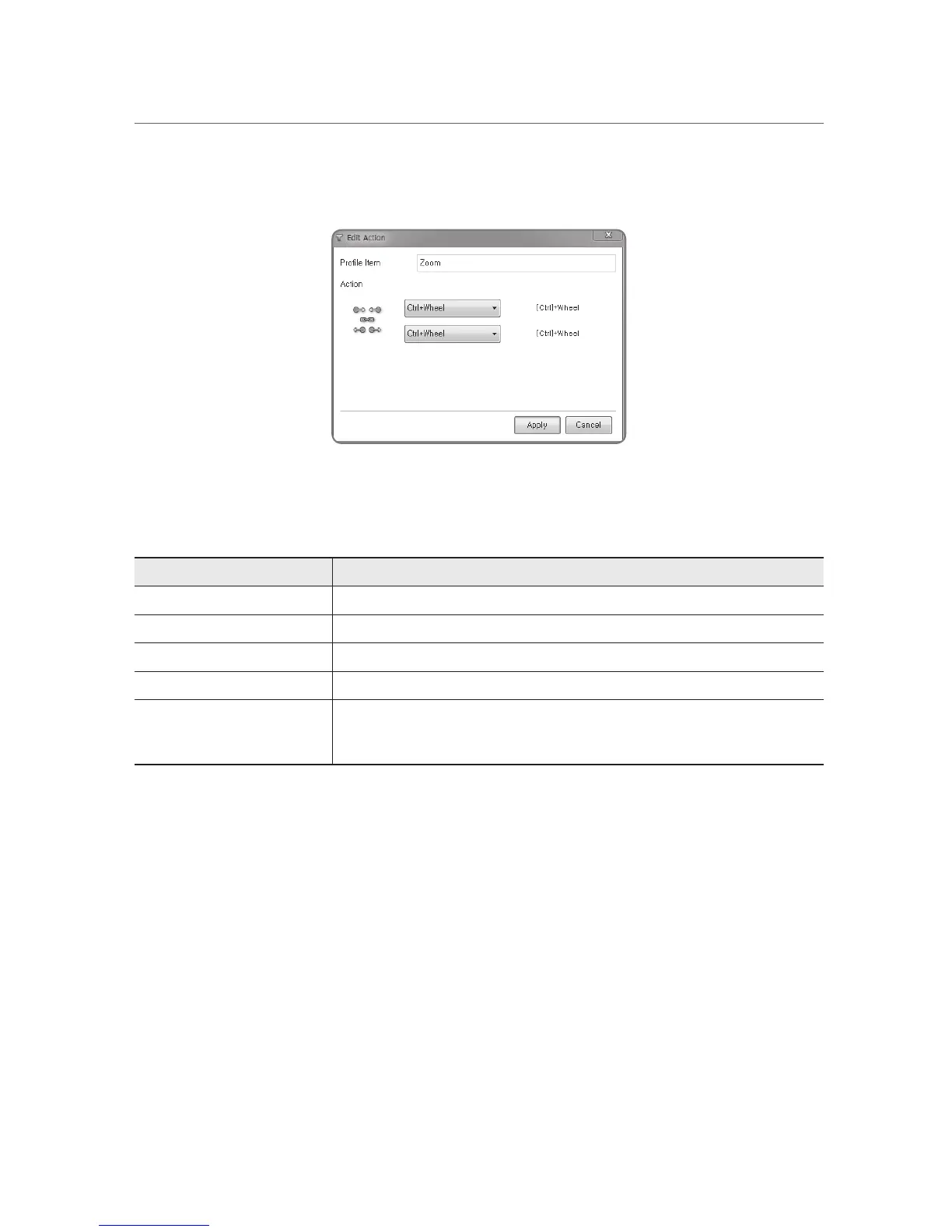
D. Editing the Zoom functionality
One can edit each or both the zoom-in and zoom-out functionality.
Below are the detailed editable actions for the Zoom type.
Actions Explanation
(Disabled) -
(User Defined) User defined keys
(Function Key) Any function keys from F1 to F24
Wheel Mouse wheel
Ctrl+Wheel Pressing of the Ctrl key and turning the mouse wheel.
(Programs in which the Ctrl+Wheel is recognized such as Windows Explorer, Internet
Explorer, and Microsoft Word)


 To Next Page