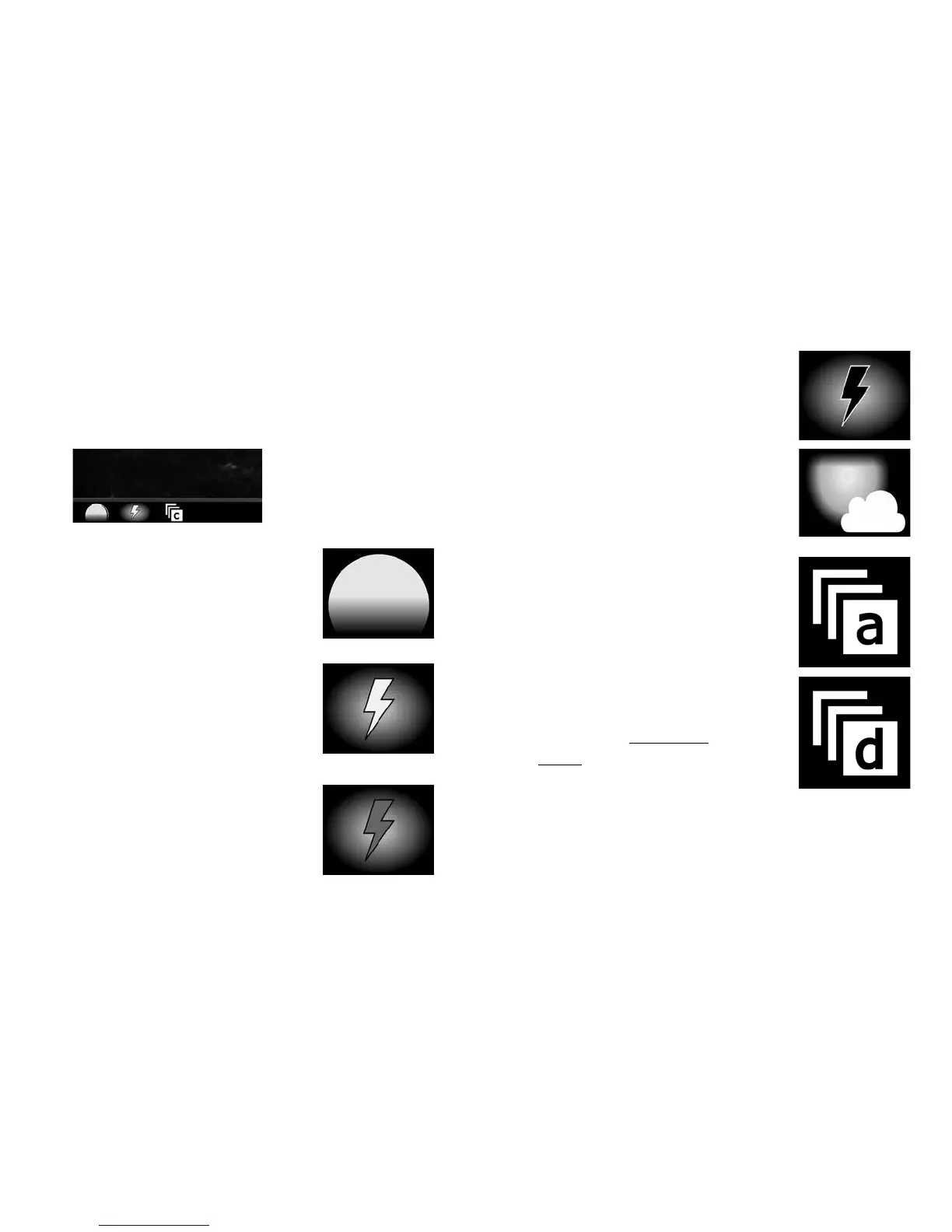
Image Footer Icons
e footer on Cuddeback images includes icons to
provide status about the image. Note, Advanced
mode is required to set burst mode and Camera ID.
Moon Phase – the far le
icon will show the moon
phase at the time the image
was taken
Flash Mode – the second
icon indicates if the ash
was used or if it was a
daytime (non-ash) image
(white bolt) – indicates
a strobe (white) ash
(red bolt) – indicates an
IR ash was used
(black bolt) – indicates
no-glow Black Flash
was used
(sun/cloud) – indicates that
the ash was not used
Burst Mode – if the images
were taken in burst mode
this icon will appear. e
letter a, b, c, d, or e will
indicate image position
in the burst sequence.
is icon will not appear
if the image count was
set to 1 (see Advanced
Mode section for more
on burst mode).
Close-up of image footer’s
lower le corner showing
moon phase, ash and
burst mode icons
30 31



 To Next Page