✓
Lifetime Flash Image is how many ash images
that camera has taken.
13. MODEL – Displays the camera’s model number.
14.
F/W VER – Displays the camera’s rmware version.
15. LOAD F/W – is will load a new rmware le
from a SD card. See Appendix A: Firmware section
latter in this manual.
16. RESET –
press UP or DOWN to reset the camera
to factory defaults.
Settings Item
Press MODE until the
SETTINGS LED is displayed.
is is where camera delay
and video length is set. Press MORE to display these
settings. (In advanced mode additional settings are
enabled, see Advanced Mode section in this manual).
Delay – this is the delay between images. Settings
are FAP (Fast-as-Possible which is about 1 second)
to 1 hour. Press the UP or DOWN key to select.
Video – press UP or DOWN to select the length of
the video or OFF if you do not want to record videos.
Armed Item
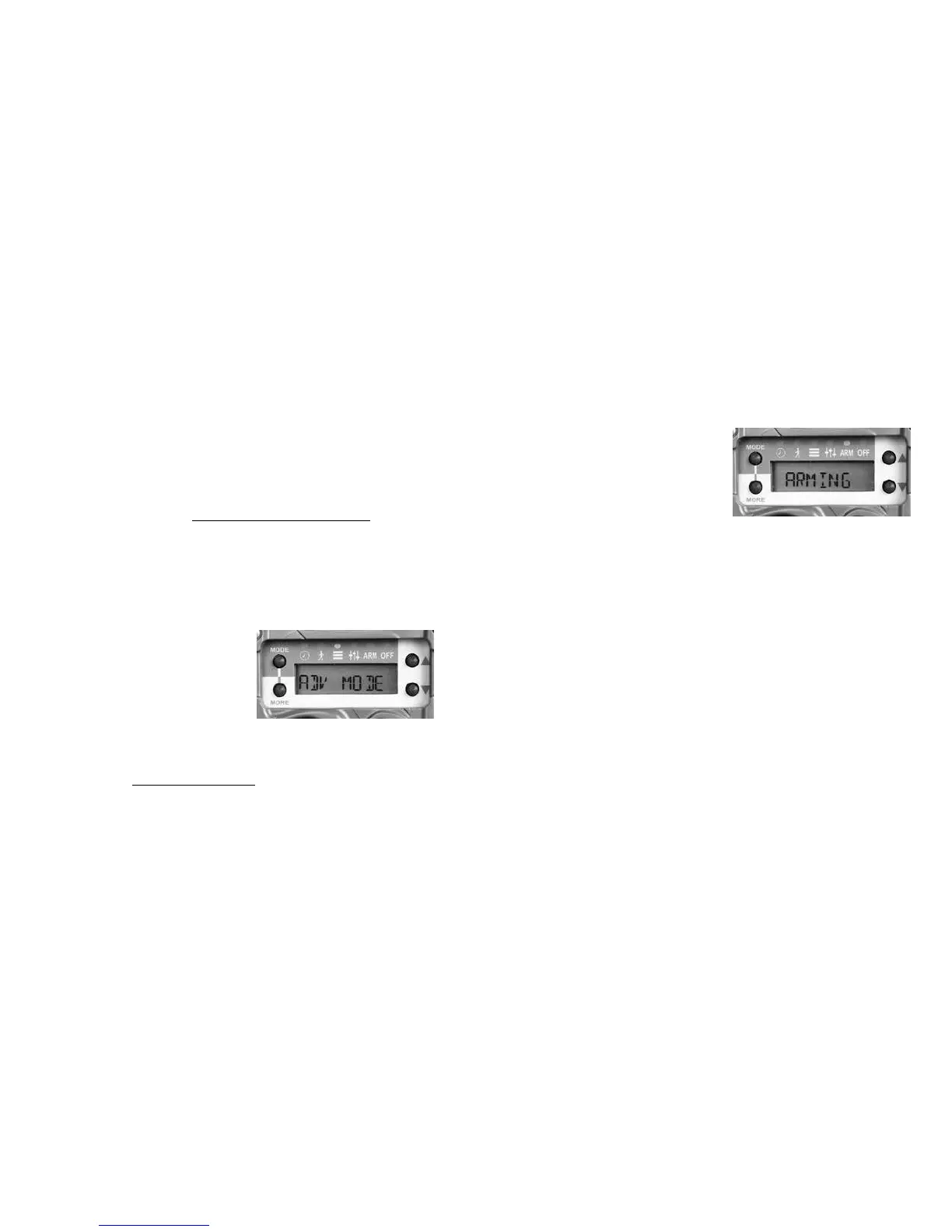
Press MODE until the ARM
LED is displayed. e word
ARMING will ash on the
LCD and then a 30 second
count down will begin, aer which the camera will
arm and begin operation. Note – if the SD card is
not installed or not functioning correctly the message
CHECK SD will be displayed.
Armed Info. When the camera is armed you can
suspend operation and view the status and images
count on the SD card or Internal Memory:
1. When the camera is armed press UP or DOWN.
e battery level will be displayed.
2. Consecutive pressing the UP or DOWN key will
display this data as appropriate. Note that SD data
will only be displayed if an SD card is installed; and
IM data will only be displayed if images are saved in
Internal Memory.
20 21



 To Next Page