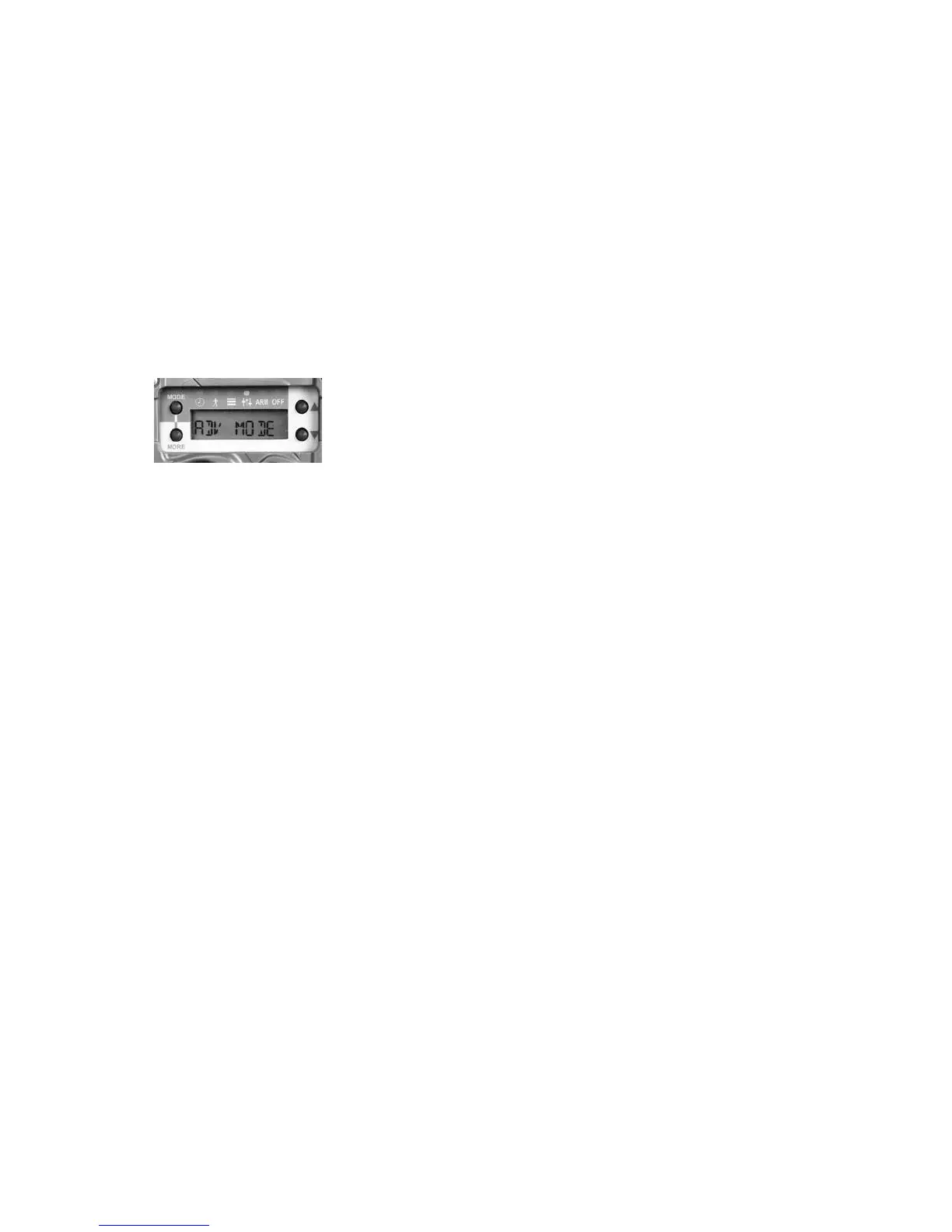
3. Press UP or DOWN to select ADV MODE.
4. Press MORE to retain the viewed setting.
Settings Menu
Advanced mode enables additional SETTINGS
menu items that provide more versatile camera
deployment. (We recommend reading this entire
section rst and then read it again while working
with your camera.)
1.
Press MODE until SETTINGS LED is illuminated
2. ADV MODE will be displayed. Press MORE
consecutive times to view the available settings.
a. DAY will be displayed to indicate that the
next settings only aect daytime camera
operation.
a.i. D/ DELAY
a.ii. D/ IMAGE
a.iii. D/ VIDEO
a.iv. D/ LAPSE
b. NIGHT will be displayed to indicate that
the next settings only aect nighttime
camera operation.
b.i. N/ DELAY
b.ii. N/ IMAGE
b.iii. N/ VIDEO
b.iv. N/ LAPSE
3.
is system allows you to set daytime operation
dierently than nighttime operation. Here is a
description of these settings:
a.
DELAY – sets the delay between photographs.
Settings are OFF & FAP to 1 hour. OFF
means the camera will not record motion
triggered activity. Select OFF if you only
34 35



 To Next Page