want time lapse photos. FAP indicates
Fast-as-Possible, which is about 1 second
but will vary depending upon image size,
video length, and SD card speed.
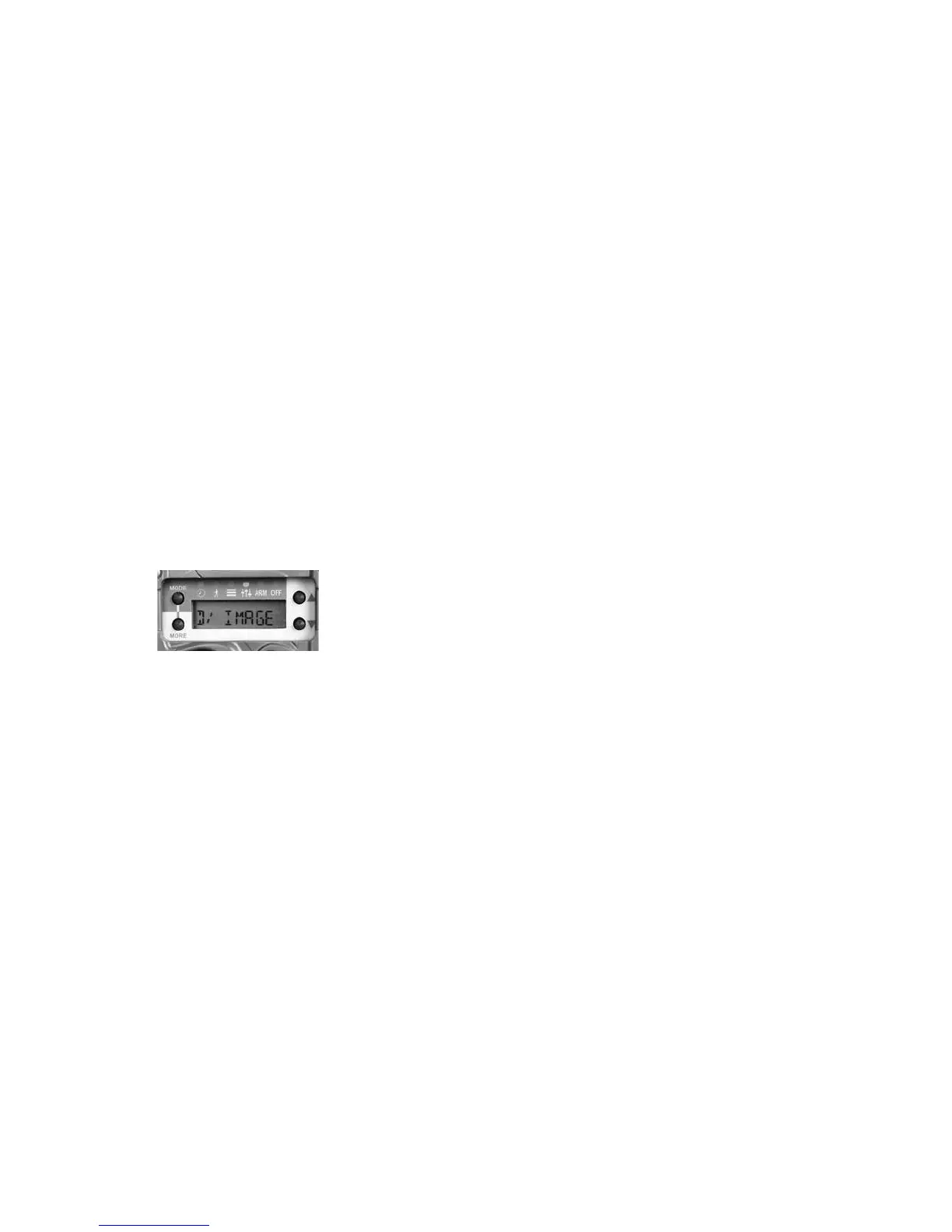
b. IMAGE – sets the number of images to
record with each detection. Settings are
OFF, 1, 2, 3, 4, 5. OFF indicates the camera
will not record an image. 1 thru 5 is the
burst count of images to record.
c. VIDEO – sets the length of the video to
record. Settings are OFF, 10 sec, 20 sec,
30 sec. OFF indicates the camera will not
record a video.
d. LAPSE – this is the time lapse setting for
time triggered images. Settings are OFF
and the range 10 sec to 24 hours.
By separating day and night operating parameters
the camera becomes very powerful. However, it is
important to pay attention to these settings as it is
possible to set the camera to not record activity the
way you intended. Here is just a sample of things
these settings allow you to do:
• Record time lapse images without motion
images
• Record time lapse images and motion images
• Record only video, only images, or video &
images
• Use time lapse during the day, and motion
sense at night
• Record videos during the day, and images at
night
• Record burst images during day, and a single
image at night
36 37



 To Next Page