Camera ID – if you set Camera ID to a non-zero
number it will be displayed here.
SD Card Organization
Files are saved on the SD card in this format:
Images are saved in this folder
SD:\DCIM\100CUDDY
Time lapse images are saved in this folder
SD:\DCIM\200CUDDY
Videos are saved in this folder
SD:\DCIM\300CUDDY
If you elect to record an image and a video,
you can match up the video to the corresponding
image using the le time stamp. e video and
corresponding image will have identical time
stamps.
is concludes the Quick Start Guide and the
explanation of EZ Mode.
See Appendixes for other important topics. If you
elect to use Advanced (ADVANCE) Mode please
continue reading.
Advanced Mode
Advanced mode provides these additional features:
1. Separate delays for day and night operation
2. Time Lapse mode
3. Burst mode
4. Enhanced video/image programming
Enabling Advanced Mode
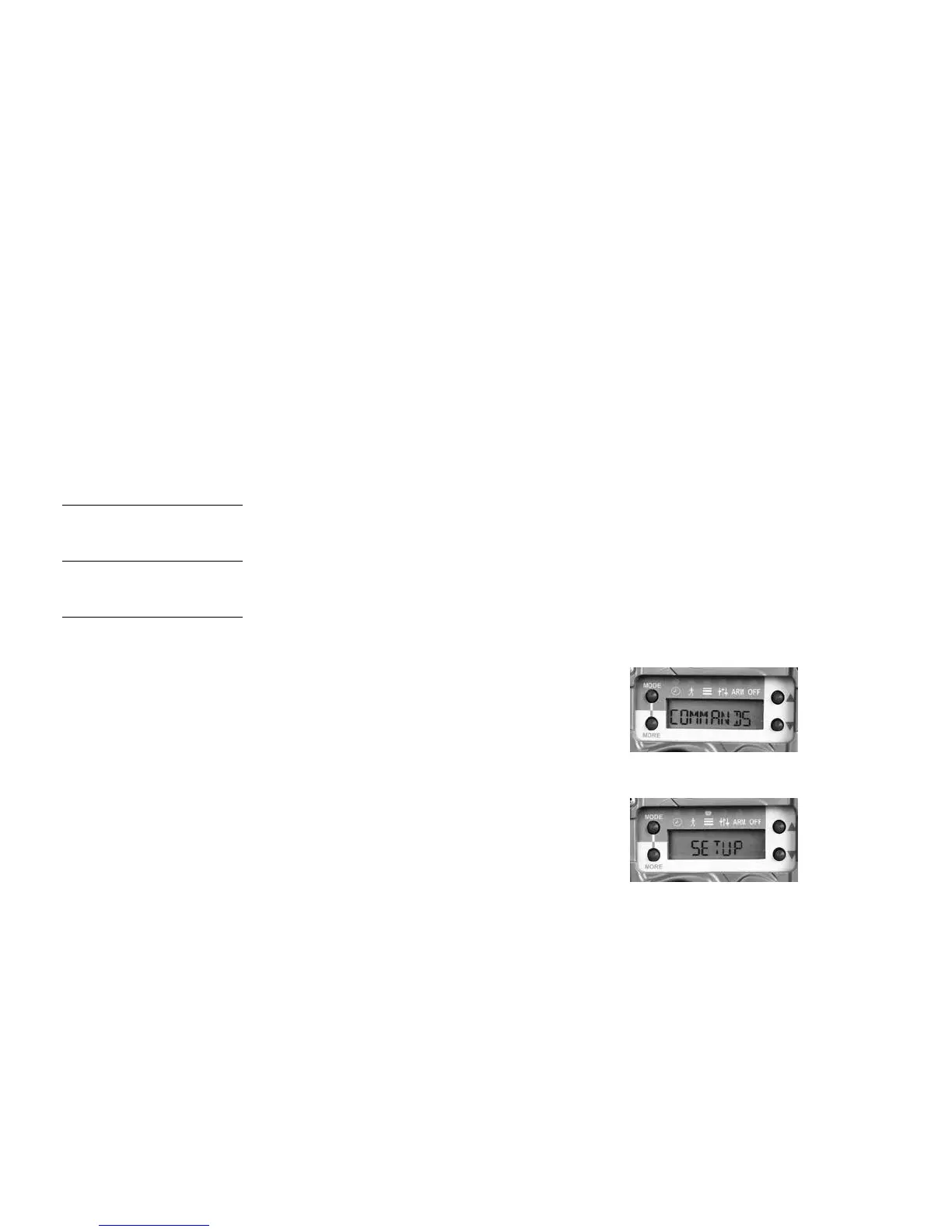
1. Press MODE until the COMMANDS LED
is illuminated.
2. Press MORE until SETUP is displayed.
32 33



 To Next Page