Page 56 - Revision:EU-2020-10-13
10.
Water does not dispense from Unit
Too much water pressure.
Recommend 2.7 to 4 bar for
the C100 Water Treatment
System to operate properly.
Check water pressure at the inlet bulkhead with a water
pressure gauge.
Additional method of verification is to turn off water to unit
and press the dispense button. Does the Solenoid open
without water pressure to the unit? Listen for Solenoid to
activate, not to mistaken for the button “click”.
Adjust water pressure to 2.7-4 bar . The correct input water
pressure is critical to the performance of the unit to allow
Solenoids to open.
Closed Water Supply Valve Open the Water Supply Valve.
The unit is not properly
plugged into electrical outlet
Check electrical outlet connection, or for blown circuit
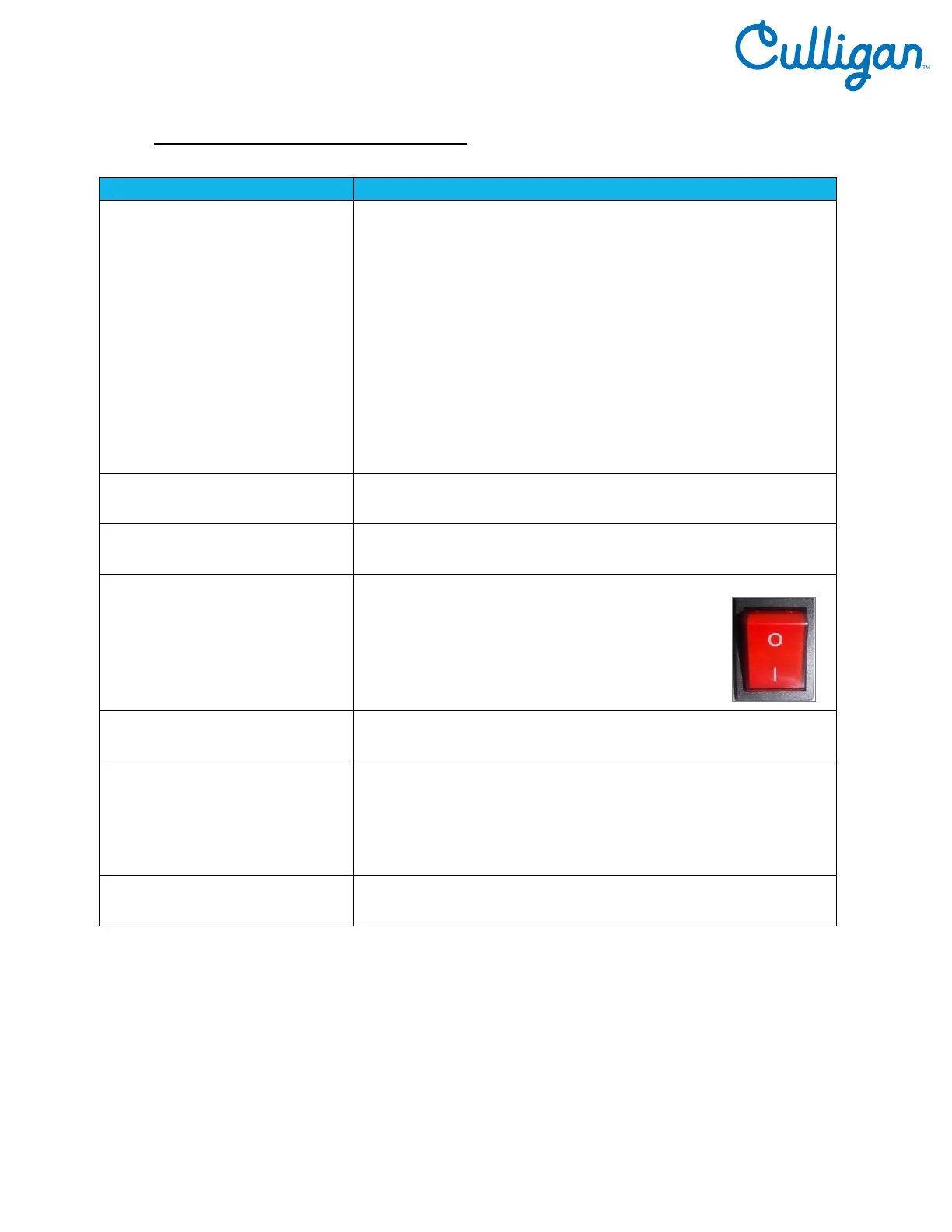
Red Heater and Compressor
Switch on unit is in the off
position
Turn Red Heater and Compressor switch on.
I = ON
Fuse Blown Replace the Fuse as needed.
Hot and Cold Solenoid
connections into the Display
PCB are loose.
Turn power off; unplug the unit and visually inspect Solenoid
connections into the Display PCB. Verify the soldering points
on connections are secure into the board.
Remove the PCB to inspect the front of the board.
Exhausted Filter Replace filters as needed.



 To Next Page