18 Culligan® All Purpose Cooler
18 Cat. No. 01023621
Maintenance and Service Interval
All Purpose units using an RO configuration should rarely need to be descaled.
NOTE A full RO storage tank must be available for flushing steps.
NOTE All personnel should be aware of company requirements for their own cleanliness and hygiene when
servicing and sanitizing a unit.
NOTICE You must use latex gloves when handling the filters or any components that have contact with the
drinking water.
NOTE Use the Culligan Aqua-Cleer
®
sanitizing cartridge (P1020277) when descaling the All Purpose Cooler.
The All Purpose Cooler units using a filter configuration should be de-scaled at least once every twelve
(12) months if installed on a hard water supply or sooner if symptoms of hot tank fouling occur.
Common Signs of Hot Tank Scaling Requiring Descaling
• The hot tank sounds like it is boiling inside.
• Steam is escaping from the dispensing nozzle.
• A double stream of water flows from the faucet and the vent behind the faucet.
• The hot water dispenses abnormally from the unit.
NOTE Certain symptoms may signify the need to descale the cold tank, though these
cases are very rare. If the cold water dispenses a double stream, or if cold water
drizzles from the faucet for an extended time (longer than 15 seconds) after the
dispensing button has been released, then you may need to descale the cold tank.
Prepare the Unit for Descaling
1. Turn OFF the water supply. Activate the dispense button to relieve any pressure in the
unit.
2. Turn OFF the red switch at the rear of the unit and unplug the power cord.
3. Remove all the filters from the unit and set them aside in a clean place.
4. Place the Culligan Aqua-Cleer® sanitizing cartridge (P1020277) in the left-hand single head
5. On units using RO, Turn off the tank ball valve, disconnect the storage tank from the product line tee and
plug the tubing tee with a ¼” stem plug (01001142).
6. Plug the filter heads based on the configuration of the unit.
Aqua-Cleer®
Filter
Use bypass plugs (P1020279).
Aqua-Cleer® RO Use bypass plugs (P1020279).
LC 100 RO Use bypass plugs (01010098). Plug the restrictor outlet in the
RO head with a 3/8" stem plug (01005650).
AC 50 RO Attach empty housings to manifold.
8. On units using RO, remove the carbon post filter. Use a ¼” tube x ¼” tube connector (00403729) to join the
product tubing where the filter was located.
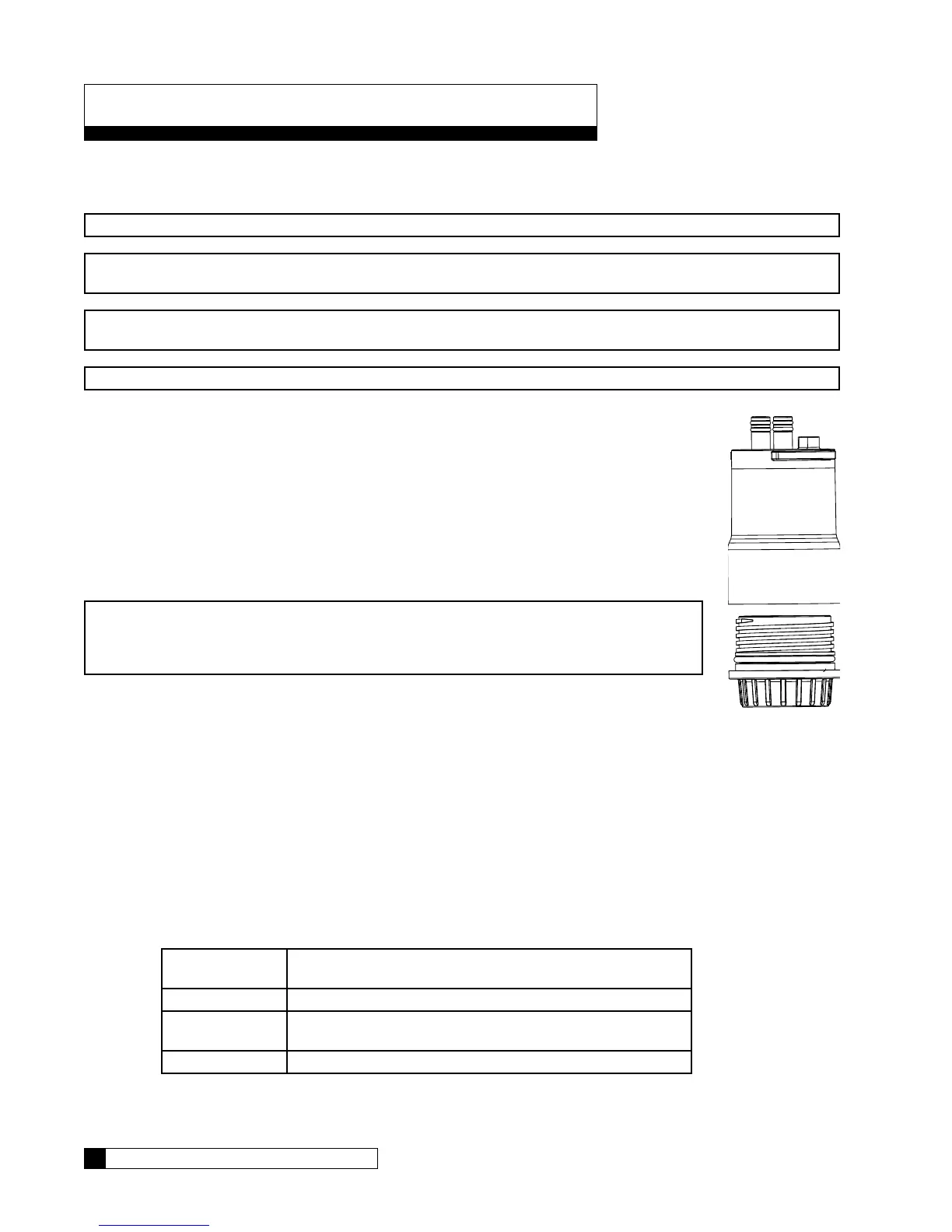
Figure 4.
Descaling the All Purpose Cooler




 To Next Page