81
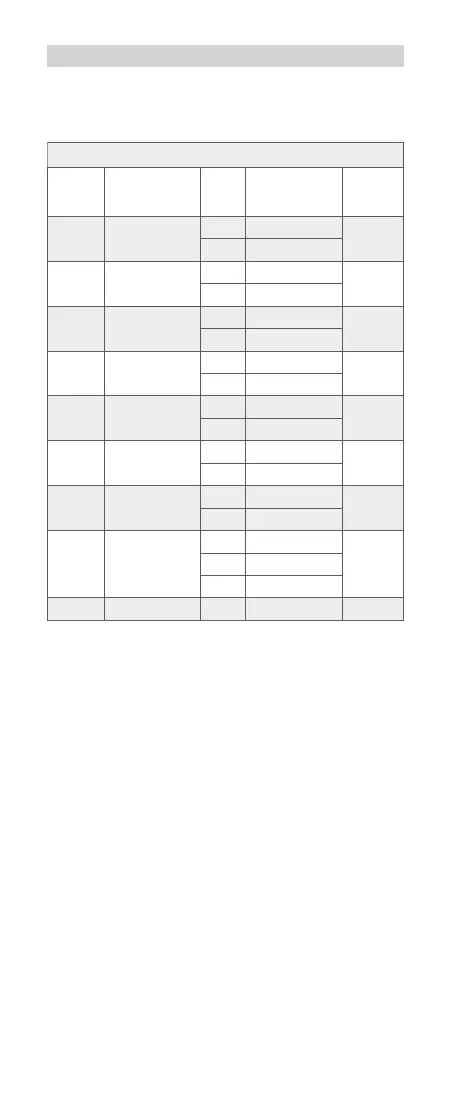
C.Fn: Setting Custom Functions
The following table lists the available and unavailable custom
functions of this ash.
0 − +
-
0
+
m/ft
APO
FEB
FEB ACL
AF
BEEP
Sv APOT
LIGHT
LCD
m
ft
ON
OFF
ON
OFF
ON
OFF
60min
30min
ON
OFF
12sec
OFF
ON
0~9
Distance indicator
Auto power off
FEB auto cancel
FEB order
AF-assist beam
Slave auto power
Beeper
off timer
Backlighting time
LCD contrast ratio
C.Fn-00
C.Fn-01
C.Fn-03
C.Fn-04
C.Fn-08
C.Fn-10
C.Fn-20
C.Fn-22
Custom
Function
Signs
Function
C.Fn Custom Functions
Setting
No.
Settings &
Description
Custom
Functions
No.
m
feet
ON
OFF
ON
OFF
ON
OFF
60min
30min
ON
OFF
Off in 12 sec.
Always off
Always lighting
10 levels
1. Press < Zm/C.Fn > Backlight/Custom Setting Button for 2
seconds or longer until C.Fn menu is displayed. The “Ver x.x”
in the top- right corner refers to the software version.
2. Select the Custom Function No.
• Turn the Select Dial to select the Custom Function No.
3. Change the Setting.
• Press< SET > button and the Setting No. blinks.
• Turn the Select Dial to set the desired number. Pressing
< SET > button will conrm the settings.
• After you set the Custom Function and press < MODE >
button, the camera will be ready to shoot.
4. In the C.Fn states, long press the “Clear”button for 2 seconds
until “OK”is displayed on the panel, which means the values
in C.Fn can be reset.
616x0_CUlight_FR60X_BDA_Canon englisch.indd 81 24.10.2016 13:56:36



 To Next Page