Part No. 4801-5331 Rev 2-2015 Evolution 1200 11 of 65
Heat stages or timer fans operating. None of the negative stages are on because
of temperature.
The main curtains are open.
The curtains are up and there are negative fans on because of temperature.
The control is transitioning into tunnel ventilation from either power or natural
ventilation. The control is making the adjustments needed to go into tunnel.
The tunnel signal has been activated and the system has entered into tunnel.
(6) Growout Day – The current day in the growout period. The Current Conditions LED on the Navigator
panel will blink if the growout day is later then the current date.
(7) Water Consumption – Water consumed for the current day; The total for the day is listed first then the
units per hour is shown inside ( ). Two water meters may be monitored (Water Meter
1 & Meter 2).
(8) Feed Level – The Feed level is shown in number of feet from the bottom first then the percentage of
feed remaining in the feed bin is shown inside ( ). Two feed bins may be monitored
(Bin #1 & Bin #2).
(9) Sensor 1 through 8 – The current temperature read by each sensor.
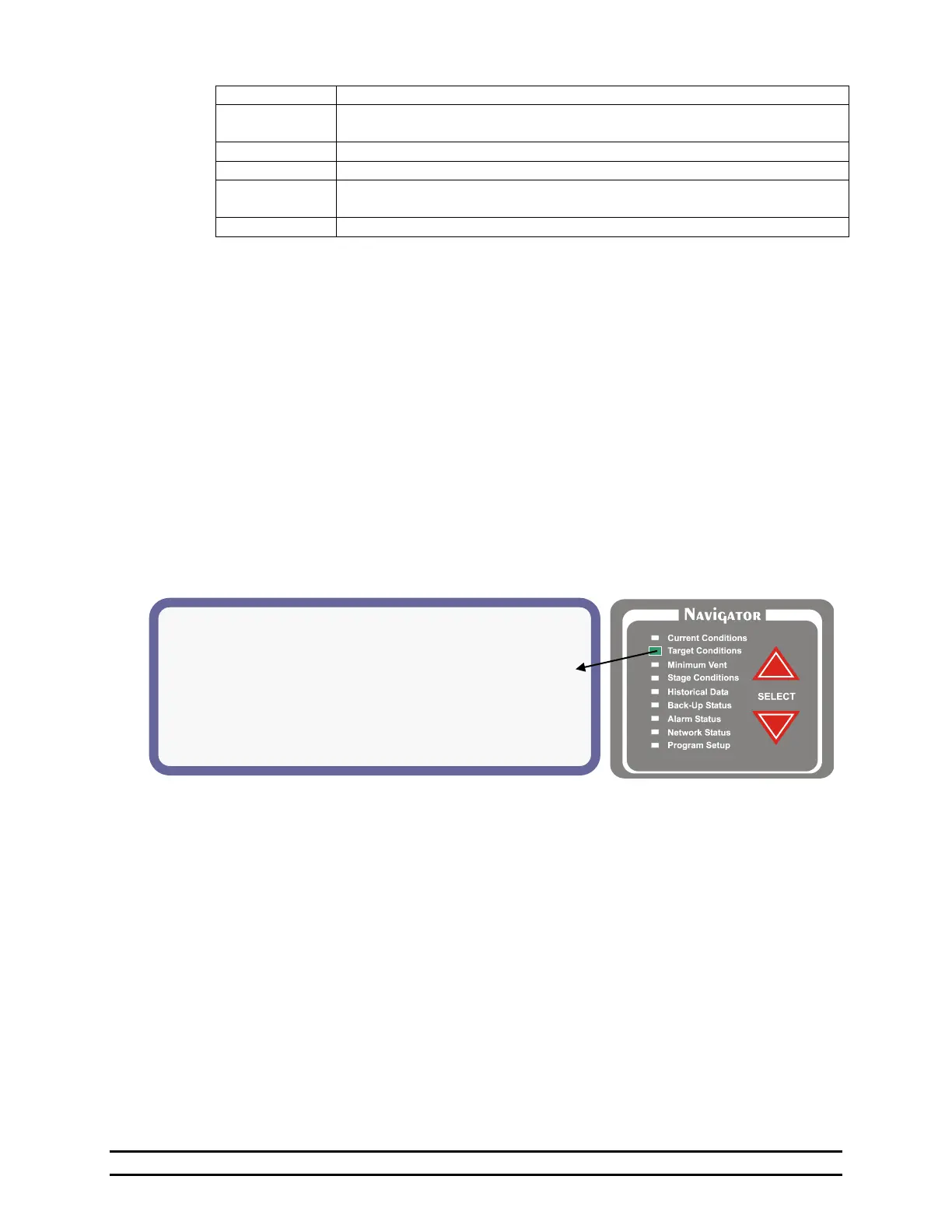
6.2 Target Conditions
The current target environmental conditions of the building are shown below. The specific Target
Conditions screen features and setting options will depend on whether Optimum Mode is ON or OFF.
Examples and details for both the Standard screen and Optimum screen are shown in the following two
subsections.
6.2.1 Target Conditions - Standard Screen With Optimum Mode OFF
(1) Target Temp - This is the desired temperature of
the building.
(2) Ramping – Indicates if ramping of the Target
Temperature is turned On or Off. You are also
allowed to turn the temperature ramping on or off
in the program set up screen. You use the
Navigator to reach the Program Setup screen and
then navigate down to "Temperature Ramp" and
press enter. See Section 7.6.
(3) Target Press - This is the desired negative
pressure in the building. See Section 7.4.
(4) Ramping – Indicates if ramping for the Target
Pressure is turned on: On or Off. You are also
allowed to turn the pressure ramping on or off in
the program setup screen. See Section 7.4.
(5) Tunnel Pressure – Indicates the desired negative
pressure in the building while in the Tunnel
Mode. See Section 7.4.
(6) Target Humidity – The desired humidity inside
the building (PCB186-J14 Humidity Sensor) is
less than this set number. For every percentage
increase in humidity over the set %, the timer
percentage will increase.
EXAMPLE:
Target Humidity < 65%
Timer Percentage is set to 20% of 5 minutes.
If Humidity in building is at 70%, the timer
percentage will be at 25%.
NOTE: This only affects the variable timer %.
Min1% and Min2% are unaffected.
(7) Light Schedule – View Light Clock Setup. See
Section 7.12.
(8) Feed Schedule – View Feed Clock Setup. See
Section 7.11.



 To Next Page