Part No. 4801-5331 Rev 2-2015 Evolution 1200 12 of 65
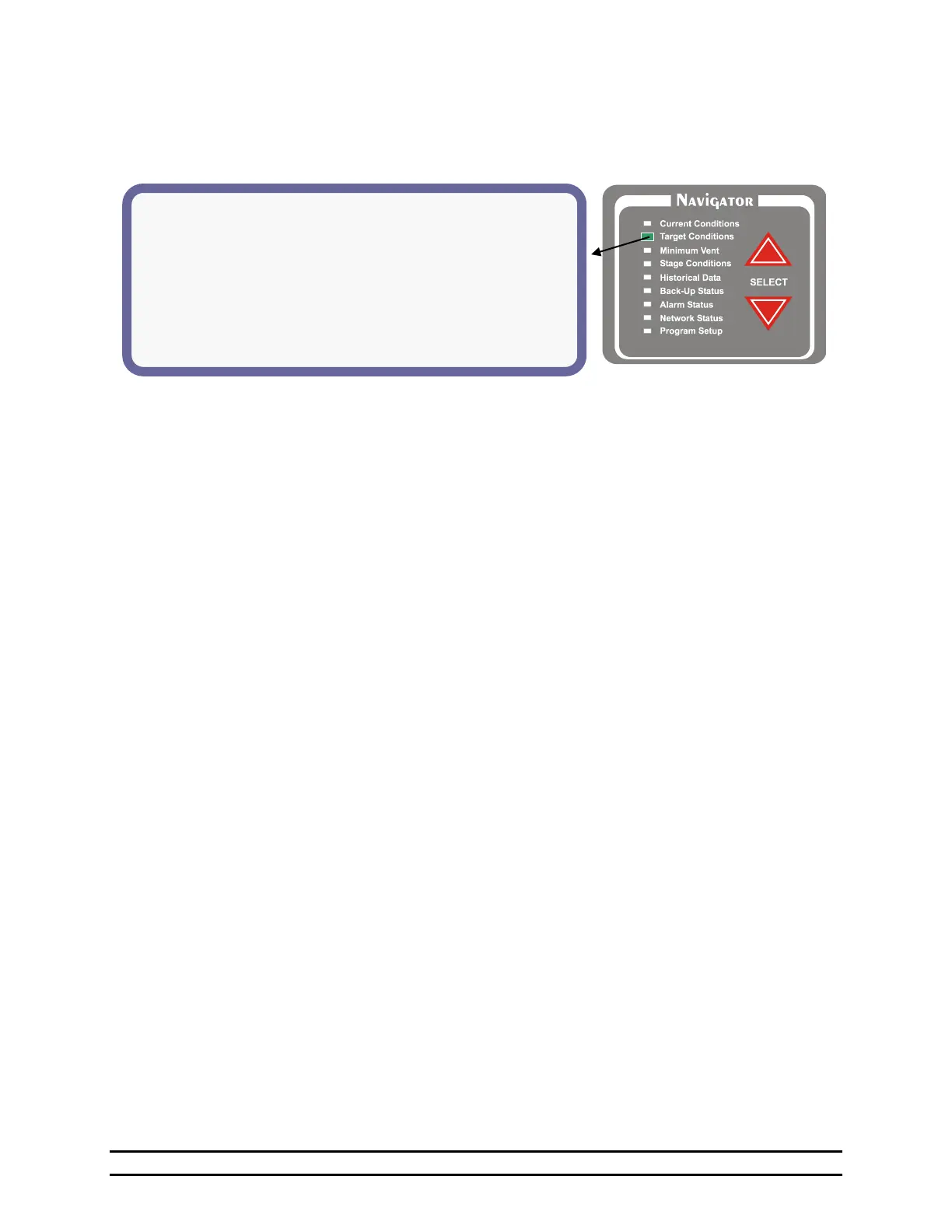
6.2.2 Target Conditions - Optimum Screen With Optimum Mode ON
The target conditions screen shown below represents the display and options when the Optimum Mode is
turned On. Refer to Section 7.1 for turning the Optimum Mode On or Off and Section 7.6.2 for the
Optimum Mode Growout Curve.
(1) Target Temp – Displays the desired temperature of the building for the current growout day.
(2) Adjust – Adjusts the programmed Target Temperature by this amount until set otherwise. The displayed Target
Temp to the left will increase or decrease as this number is adjusted.
(3) Optimum Run% – Displays the minimum vent run % for the current growout day. The Run % is the percentage
of the Minimum Timer Cycle that the stage will run.
(4) Adjust – Adjusts the programmed Optimum Run% by this amount until set otherwise. The displayed Optimum
Run% to the left will increase or decrease as this number is adjusted.
(5) Target Press - This is the desired negative pressure in the building. See Section 7.4.
(6) Tunnel Pressure – Indicates the desired negative pressure in the building while in the Tunnel Mode. See
Section 7.4.
(7) Opt. Timer – Displays the current optimum timer active determined by the growout curve.
(8) Humidity – The desired target humidity inside the building (PCB186-J14 Humidity Sensor) is less than this set
number. For every percentage increase in humidity over the set %, the timer percentage will increase.
EXAMPLE:
Target Humidity < 65%
Timer Percentage is set to 20% of 5 minutes.
If Humidity in building is at 70%, the timer percentage will be at 25%.
NOTE: This only affects the variable timer %. Min1% and Min2% are unaffected.
(9) Light Schedule – View Light Clock Setup. See Section 7.12.
(10) Feed Schedule – View Feed Clock Setup. See Section 7.11.



 To Next Page