Part No. 4801-5331 Rev 2-2015 Evolution 1200 19 of 65
** Alarm Log **
1 (1)Tunnel Vent (2)Corrected @ (3)2/ 5 (4)1:26p
2 Low Press Failure @ 2/ 5 1:09p
3 Lo Water Rate Corrected @ 2/ 3 3:39p
4 Cycle Press Failure @ 2/ 1 4:15a
5 Low Temp Corrected @ 1/ 30 3:09p
6 Lo Water Rate Corrected @ 1/ 27 12:38a
7 Lo Water Rate Corrected @ 1/ 21 7:45a
8 Lo Water Rate Corrected @ 1/ 17 9:52p
9 Low Pressure Failure @ 1/ 15 5:21p
10 Max Runtime1 Corrected @ 1/ 10 8:27a
6.5.8 Alarm Log
This screen shows the list of the past 20 alarms and status information starting with the most recent
occurrence.
(1) Alarm Description – The
alarm problem area.
(2) Alarm Status – The
alarm status (Failure
or Correted).
(3) Date of Alarm – The date
the alarm occurred
or was corrected.
(4) Time of Alarm – The
time the alarm
occurred or was
corrected.
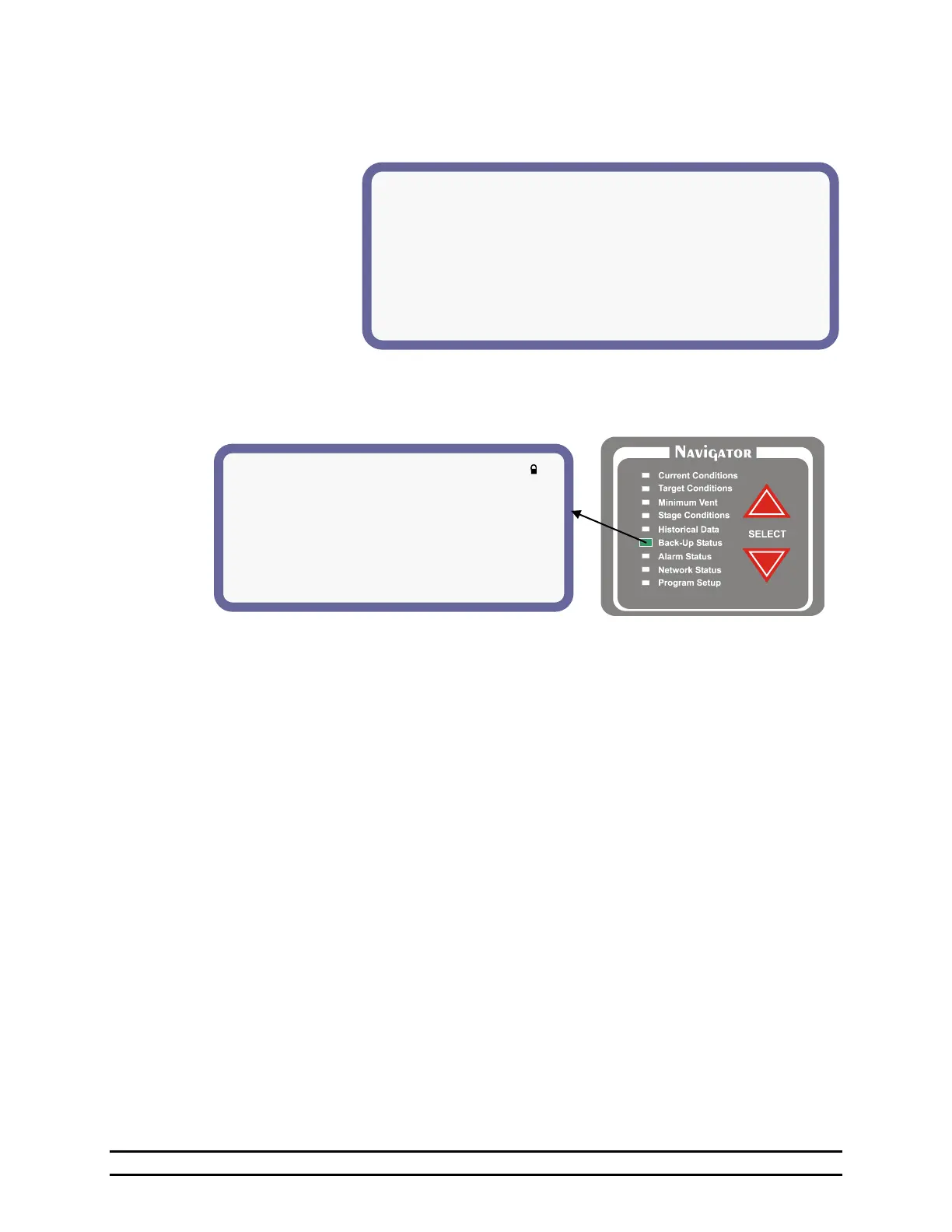
6.6 Back-Up Status
The Back-Up status shows the status information concerning back-up operation.
NOTE: This is the high and low limit of the Evolution Back-Up system. These setting are set in the Back-Up
system.
(1) Back-up High Limit – The high temperature
limit at which the Back-up stages will start
turning on cool stages.
(2)Target Temperature – Backup target
temperature.
(3) Back-Up Low Limit - The low temperature limit
at which the Back-up will turn on the heat stage.
(4) Back-Up Run % The Back-up timer percentage.
NOTE: This is the timer percentage of the
Evolution Back-Up system. This setting is set in
the Back-Up system. This setting is automatically
calculated based on the controller target
temperature. If the Back-Up fails to communicate
with the Evolution 1200 control the Back-Up will
display an LnE. At this point the Back-Up will
take over minimum ventilation by running all
Cool 1 circuits on this timer. This percentage is
how long the fan will run out of five minutes.
(5) Cycle 5 Minutes –The cycle time of the back-up
stages is 5 minutes.
(6) Warning if Back-Up – If Backup settings are set
that far away from target, Back-up status light
will flash.
(7) Alarm if Back-Up -Same as above but will also
set off auxiliary alarm contact.
(1)Back-Up High Limit: 86°
(2)Target Temperature: 70°
(3)Back-Up Low Limit: 60°
(4)Back-Up Run %: 0% (5)Cycle: 5 minutes
(6)Warning if Back-Up +/- 11° from Target
(7)Alarm if Back-Up +/- 12° from Target



 To Next Page