Part No. 4801-5307 Rev 2-15 Evolution 3000 and 3001 17 of 70
Select and Press ‘Enter’:
Room Temperature Stage 1 – 16 RunTimes
Humidity Stage 17 – 32 RunTimes
Water Usage #1 Stage 33 - 48 RunTimes
Water Usage #2 Stage 49 – 64 RunTimes
Ventilation Mode PowerTrack RunTimes
Feed History Alarm Log
Belt Runtimes Cooler Temp
(1)DAY (2)HIGH TEMP (3)AVE (4)LOW TEMP
21 71.0°-12:34p 66.3° 61.6°–12:34a
20 71.0°-12:34p 66.3° 61.6°–12:34a
. . . . . .
. . . . . .
1 71.0°-12:34p 66.3° 61.6°–12:34a
6.4.4 Variable Stages
The Variable stages are used to control devices (i.e. fans & lights) with a variable capability.
(1) # - The Stage bank either V1 or V2.
(2) Status - This is the current run percentage that the device is operating.
(3) Mode – Indicates how the stage is programmed: CSTIR, CNEG, CNEGT, CTUN or LIGHT.
(4) Rtemp –The Rtemp column indicates the current temperature from which the stage is operating.
(5) ON –The ON column indicates the maximum ON temperature at which the variable speed fan will reach
full speed.
(6) OFF -The OFF column indicates the minimum ON temperature at which the fan will run at minimum
speed.
(7) Time – None, Min1, Min2, Var or Always ON (ON). Always ON when Rtemp is below MIN ON.
6.5 Historical Data
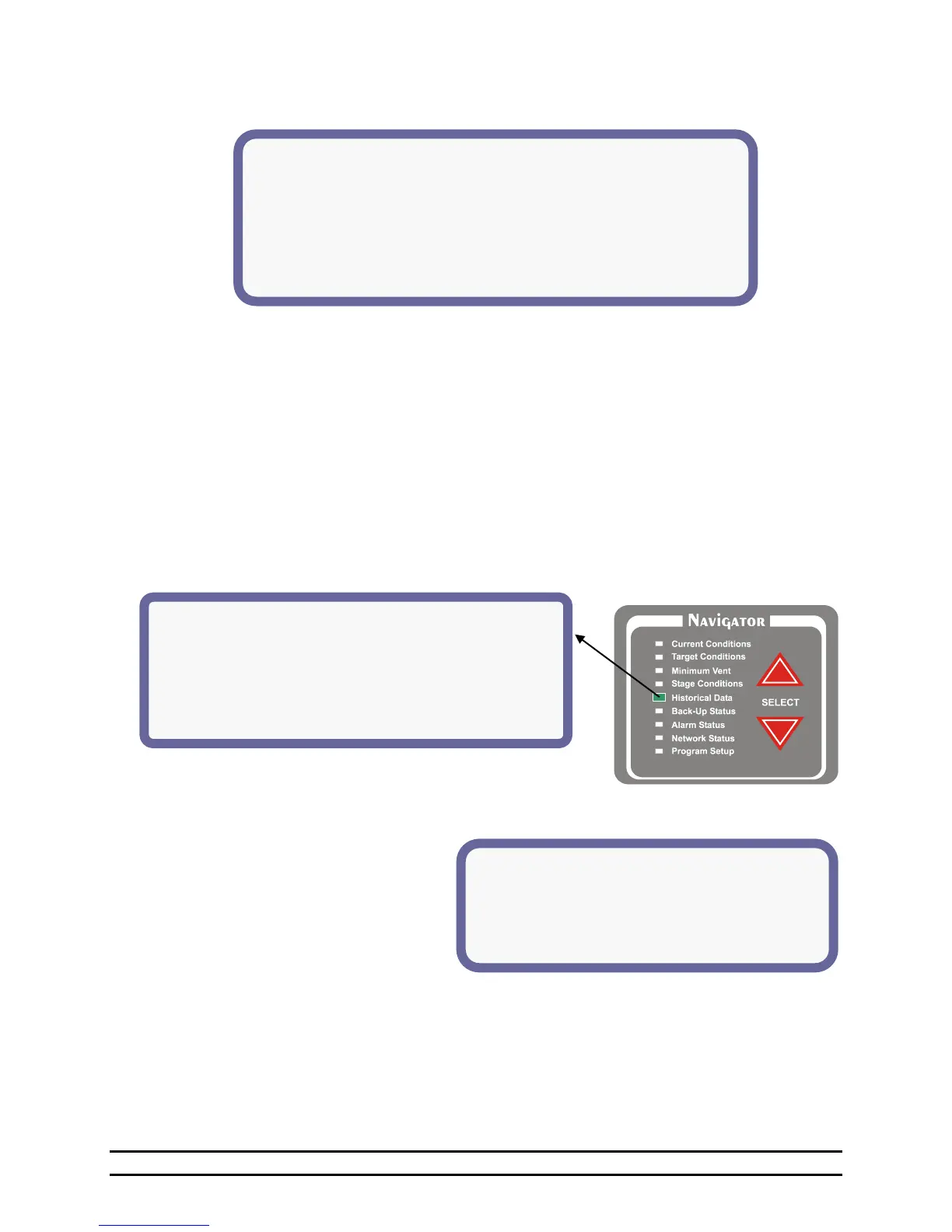
This screen provides access to historical data. Highlight the selection and press the ENTER button on the
EDITOR panel.
6.5.1 Room Temperature
This screen shows the highest and lowest
room temperature for each day for up to 99
days. The last day reported will appear at the
top of the list. The list can contain data up
to 99 days. After displaying 99 days, oldest
data will be deleted.
(1) Day – The specific day in the growout
period. Values = 1 day to 99 days.
(2) High Temp – The high recorded temperature and the time of day that it occurred.
(3) AVE – The average recorded temperature for the day.
(4) Low Temp - The low recorded temperature and the time of day low temperature occurred.
NOTE: The High and Low temperature readings are taken from the Sensors for Display in "Sensor Setup"
of the Program Setup Screen.



 To Next Page