Part No. 4801-5307 Rev 2-15 Evolution 3000 and 3001 20 of 70
(1)DAY (2)HIGH TEMP (3)LOW TEMP
21 71.0°-12:34p 61.6°–12:34a
20 71.0°-12:34p 61.6°–12:34a
. . . . .
. . . . .
1 71.0°-12:34p 61.6°–12:34a
6.5.9 Alarm Log
This screen shows the list of the past 20 alarms and status information starting with the most recent
occurrence.
(1) Alarm Description –
The alarm problem
area.
(2) Alarm Status – The
alarm status
(Failure or
Correted).
(3) Date of Alarm – The
date the alarm
occurred or was
corrected.
(4) Time of Alarm – The time the alarm occurred or was corrected.
6.5.10 Cooler Temp
This screen shows the highest and lowest
cooler room temperatures for each day for
up to 99 days. The last day reported will
appear at the top of the list. The list can
contain data up to 99 days. After displaying
99 days, oldest data will be deleted.
(1) Day – The specific day in the growout
period. Values = 1 to 99 days.
(2) High Temp – The high recorded temperature and the time of day that it occurred.
(3) Low Temp – The low recorded temperature and the time of day low temperature occurred.
NOTE: The Cooler High and Low temperature readings are recorded ONLY from Sensor 8 for display in
"Sensor Setup" of the Program Setup Screen.
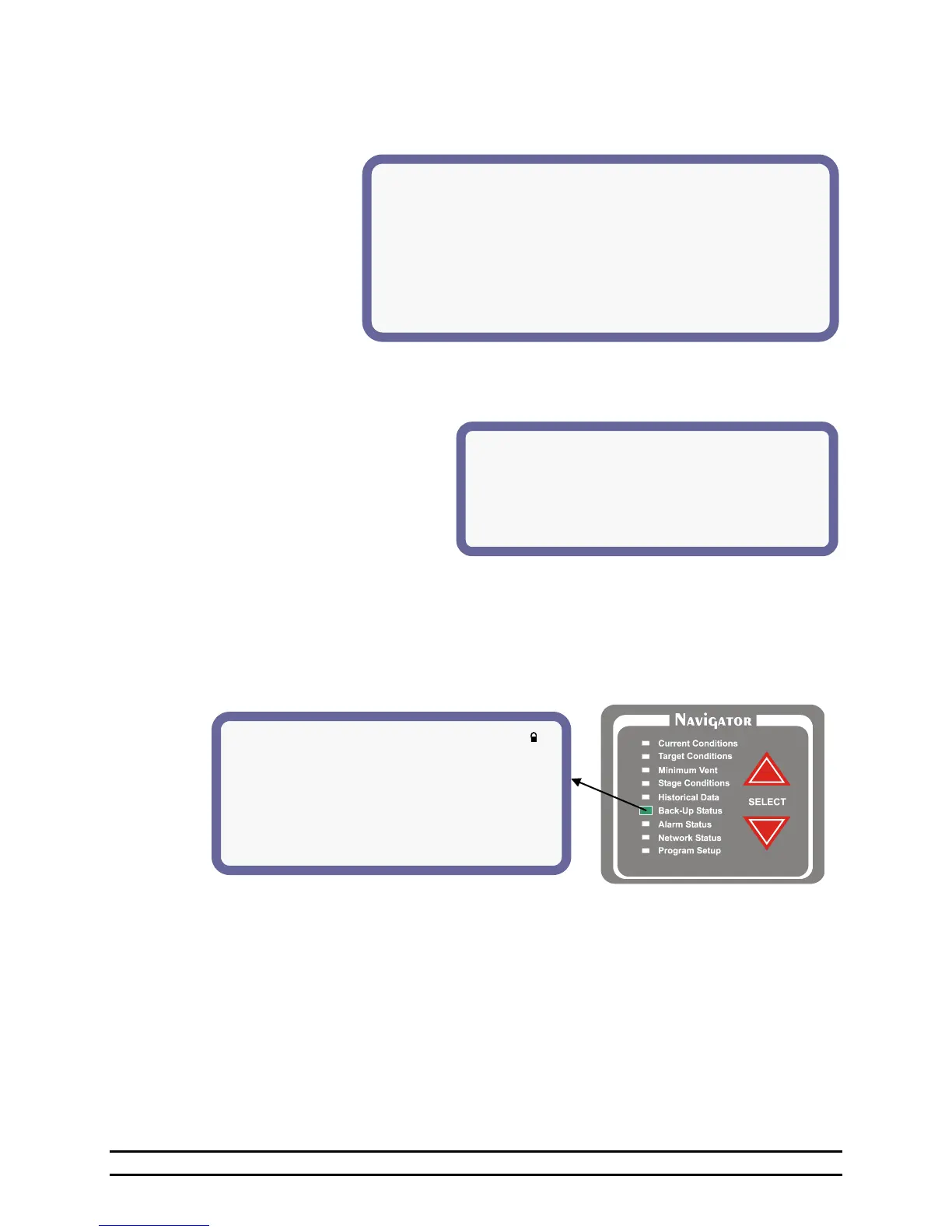
6.6 Back-Up Status
The Back-Up status shows the status information concerning back-up operation.
NOTE: This is the high and low limit of the Evolution Back-Up system. These setting are set in the Back-
Up system.
(1) Back-up High Limit – The high temperature limit at which the Back-up stages will start turning on cool
stages.
(2) Target Temperature – Backup target temperature.
(3) Back-Up Low Limit - The low temperature limit at which the Back-up will turn on the heat stage.
(4) Back-Up Run % The Back-up timer percentage.
NOTE: This is the timer percentage of the Evolution Back-Up system. This setting is set in the Back-Up
system. This setting is automatically calculated based on the controller target temperature. If the
Back-Up fails to communicate with the Evolution 3000 control the Back-Up will display an LnE.
At this point the Back-Up will take over minimum ventilation by running all Cool 1 circuits on this
timer. This percentage is how long the fan will run out of five minutes.
** Alarm Log **
1 (1)Tunnel Vent (2)Corrected @ (3)2/ 5 (4)1:26p
2 Low Press Failure @ 2/ 5 1:09p
3 Lo Water Rate Corrected @ 2/ 3 3:39p
4 Cycle Press Failure @ 2/ 1 4:15a
5 Low Temp Corrected @ 1/ 30 3:09p
6 Lo Water Rate Corrected @ 1/ 27 12:38a
7 Lo Water Rate Corrected @ 1/ 21 7:45a
8 Lo Water Rate Corrected @ 1/ 17 9:52p
9 Low Pressure Failure @ 1/ 15 5:21p
10 Max Runtime1 Corrected @ 1/ 10 8:27a
(1)Back-Up High Limit: 86°
(2)Target Temperature: 70°
(3)Back-Up Low Limit: 60°
(4)Back-Up Run %: 0% (5)Cycle: 5 minutes
(6)Warning if Back-Up +/- 11° from Target
(7)Alarm if Back-Up +/- 12° from Target



 To Next Page