16 Cummins INLINE™ 7 Data Link Adapter Installation and Setup Manual
Chapter 2 • Introducing the Cummins INLINE™ 7 Data Link Adapter
Mini Access Point Mode (Peer-to-Peer)
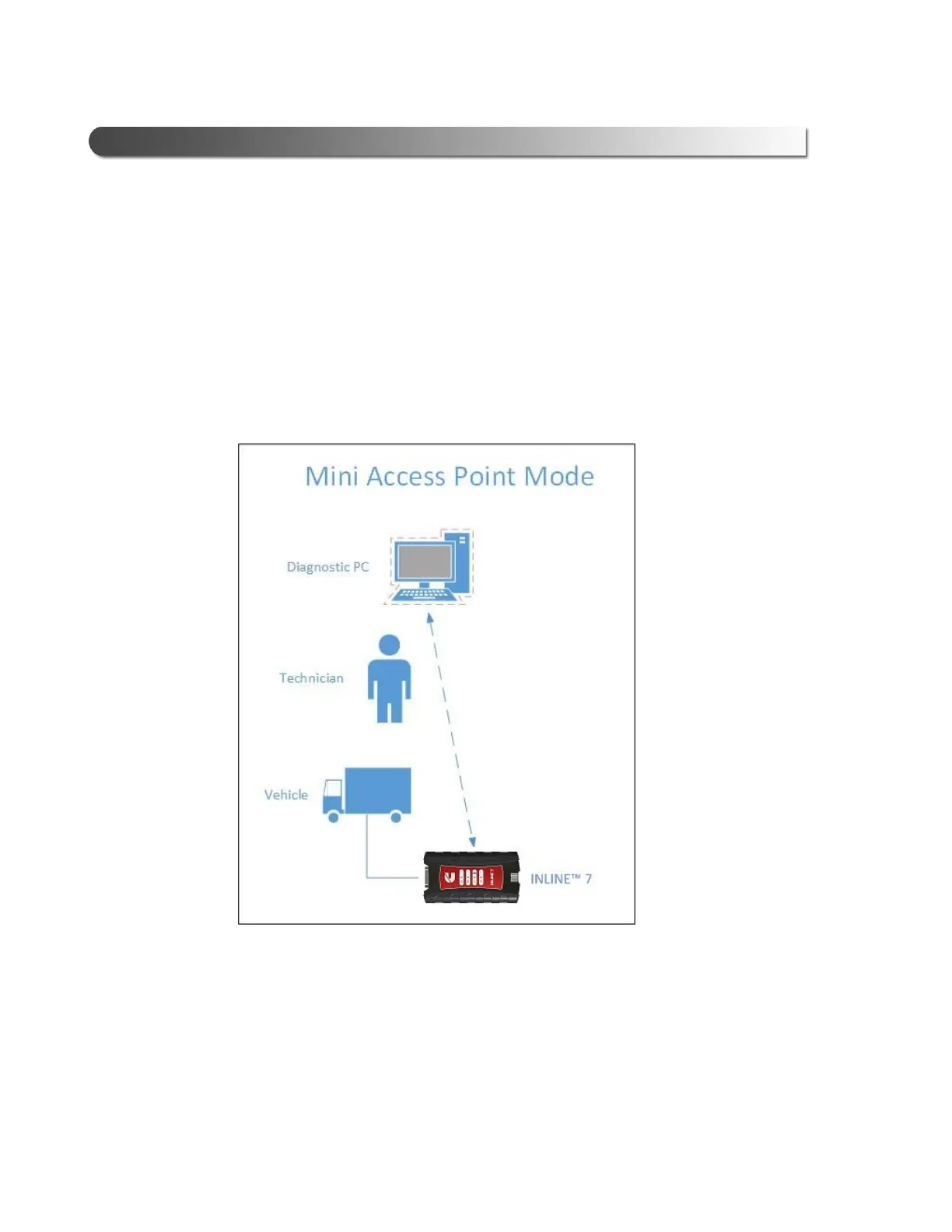
The easiest and quickest way to connect your INLINE™ 7 to your PC is Mini
Access Point mode. In Mini Access Point mode (also known as Access Point Em-
ulation mode), the PC communicates directly with the INLINE™. The INLINE™ 7
em
ulates the function of an access point, allowing the PC to connect directly to the
INLINE™ 7, as if it were an access point. When the PC is connected to the
INLIN
E
™ 7 in Mini Access Point mode, neither device is connected to the
company network.
Figure 2.3 Mini Access Mode
If you use your PC’s internal wireless network card to connect t
o your company’s
network and the Internet, you may want to obtain an additional wireless network
card for use with the INLINE™ 7. Otherwise when you connect the INLINE™ 7 to
your PC
us
ing Mini Access Point mode, you will not have access to the Internet
until you have finished your session and reconnected to your company’s network.



 To Next Page