48 Cummins INLINE™ 7 Data Link Adapter Installation and Setup Manual
Chapter 3 • Installing the Drivers and Setting Up the Device
Using the Cummins INLINE™ 7 Explorer Utility
The Cummins INLINE™ 7 Explorer utility opened automatically when you installed
the INLINE™ 7 drivers and utilities (see Figure 3.9, on page 29).
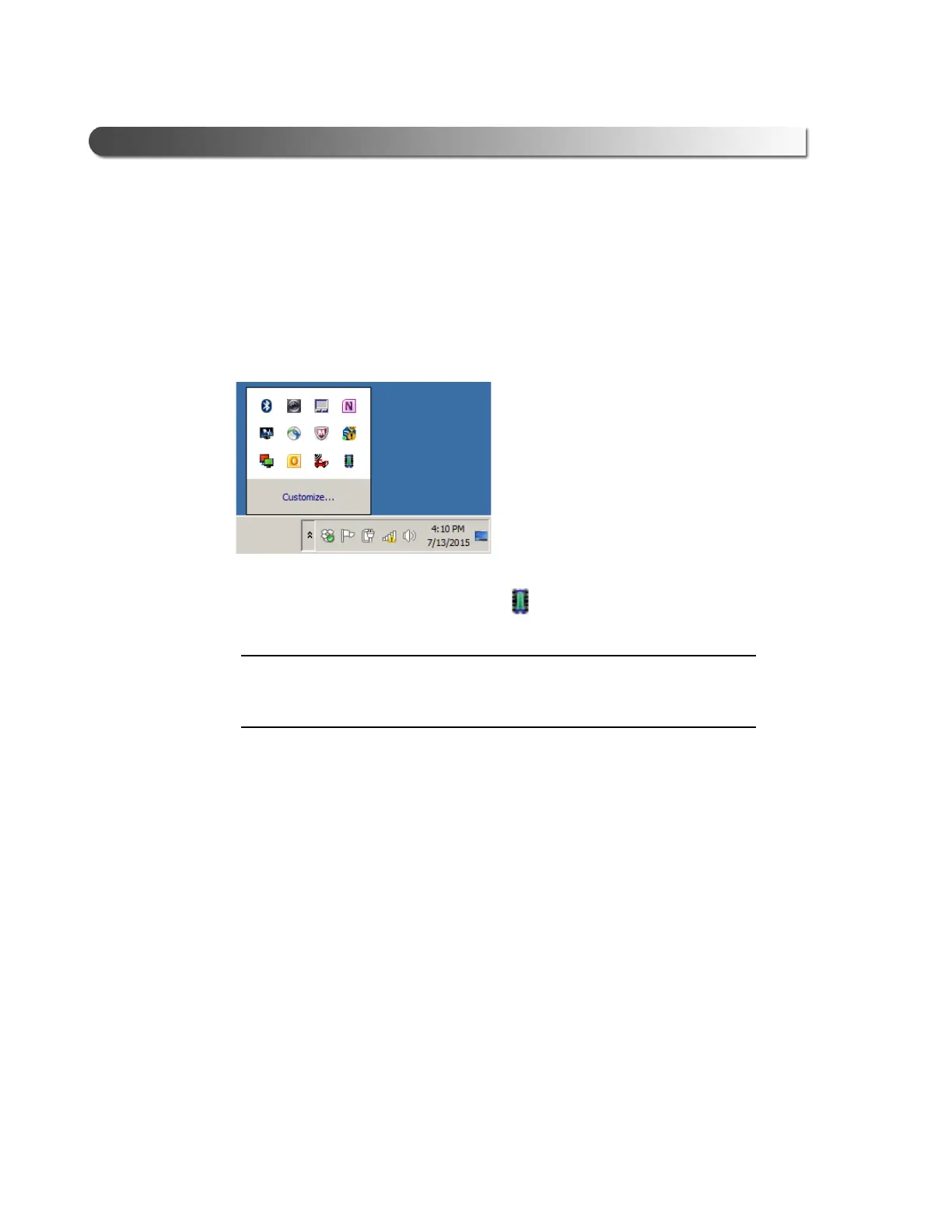
To re-open the Cummins INLINE™ 7 Explorer
once it has been closed, click on
the Show Hidden Icons arrow in your PC’s System Tray.
Figure 3.24 Hidden Icons
Then, double-click on the INLINE™ 7 icon 7 .
i You can also access the Cummins INLINE™ 7 Explorer from your PC’s
Start menu. Click Start and then select All Programs
Cummins
INLINE 7
INLINE 7 Explorer.



 To Next Page