- Using the Cummins INLINE™ 7 Explorer Utility
Cummins INLINE™ 7 Data Link Adapter Installation and Setup Manual 51
Switching Modes: Mini Access Point and Infrastructure
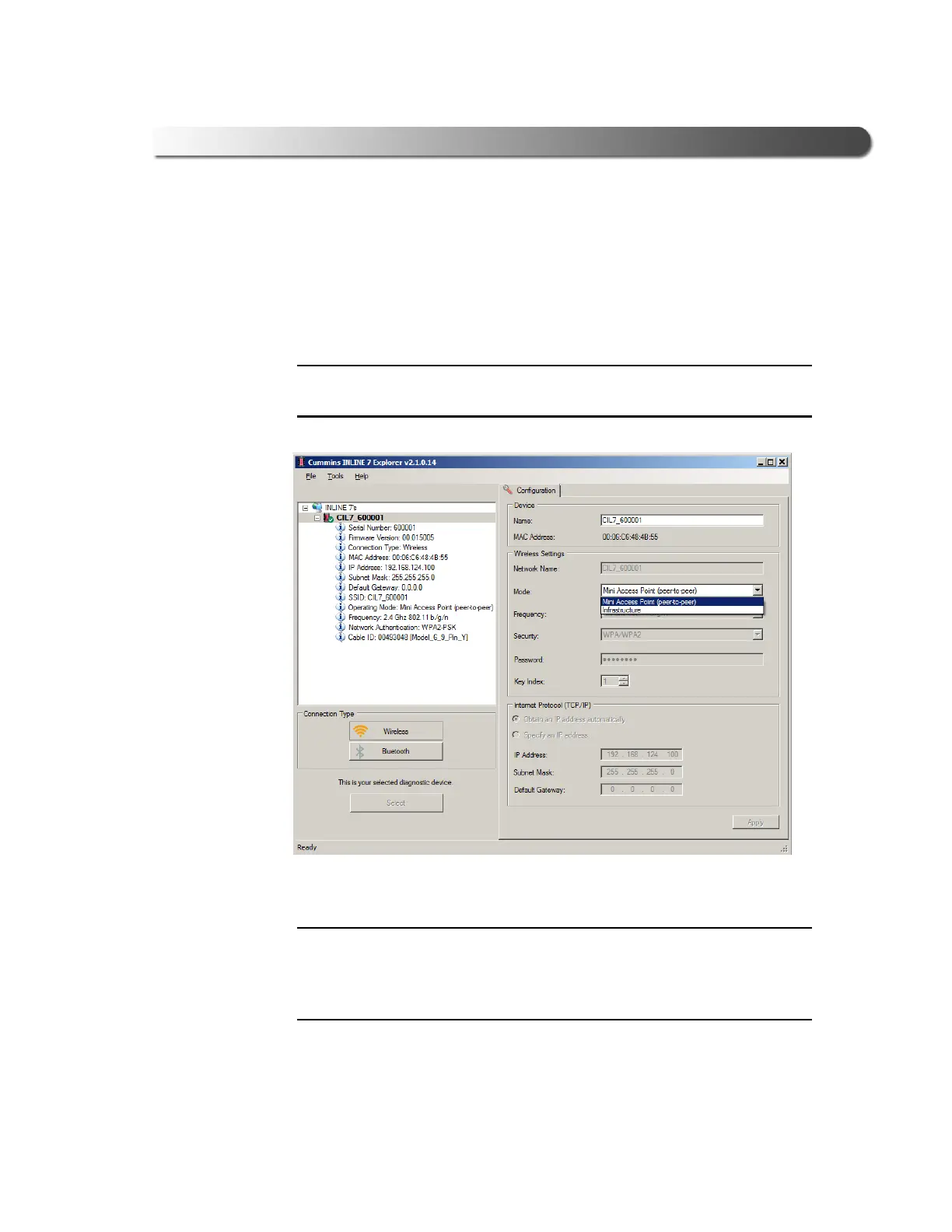
From the INLINE 7 Explorer Configuration tab, you can use the Mode drop-
down menu under Wireless Settings to switch between Mini Access Point
and Infrastructure modes.
i For a graphic depiction of a typical Infrastructure Mode setup, see
Figure 3.20, on page 43.
Figure 3.27 Wireless Settings: Mode Drop-down Menu
i You can also use the Reset Button to switch from Infrastructure Mode
back to Mini Access Point Mode (the Wi-Fi default). Just push and hold the
button until the wireless LED changes color from orange to white (about 3
seconds).
Once, you have selected Infrastructure from the drop-down menu, addi-
tional fields in the Wireless Settings portion of the screen are available.



 To Next Page