- Step 2: Connect the INLINE™ 7 to a Vehicle
Cummins INLINE™ 7 Data Link Adapter Installation and Setup Manual 35
Pair the Device
You use the Windows
®
utility to pair the device (i.e., the INLINE™ 7 with your PC).
To pair the device:
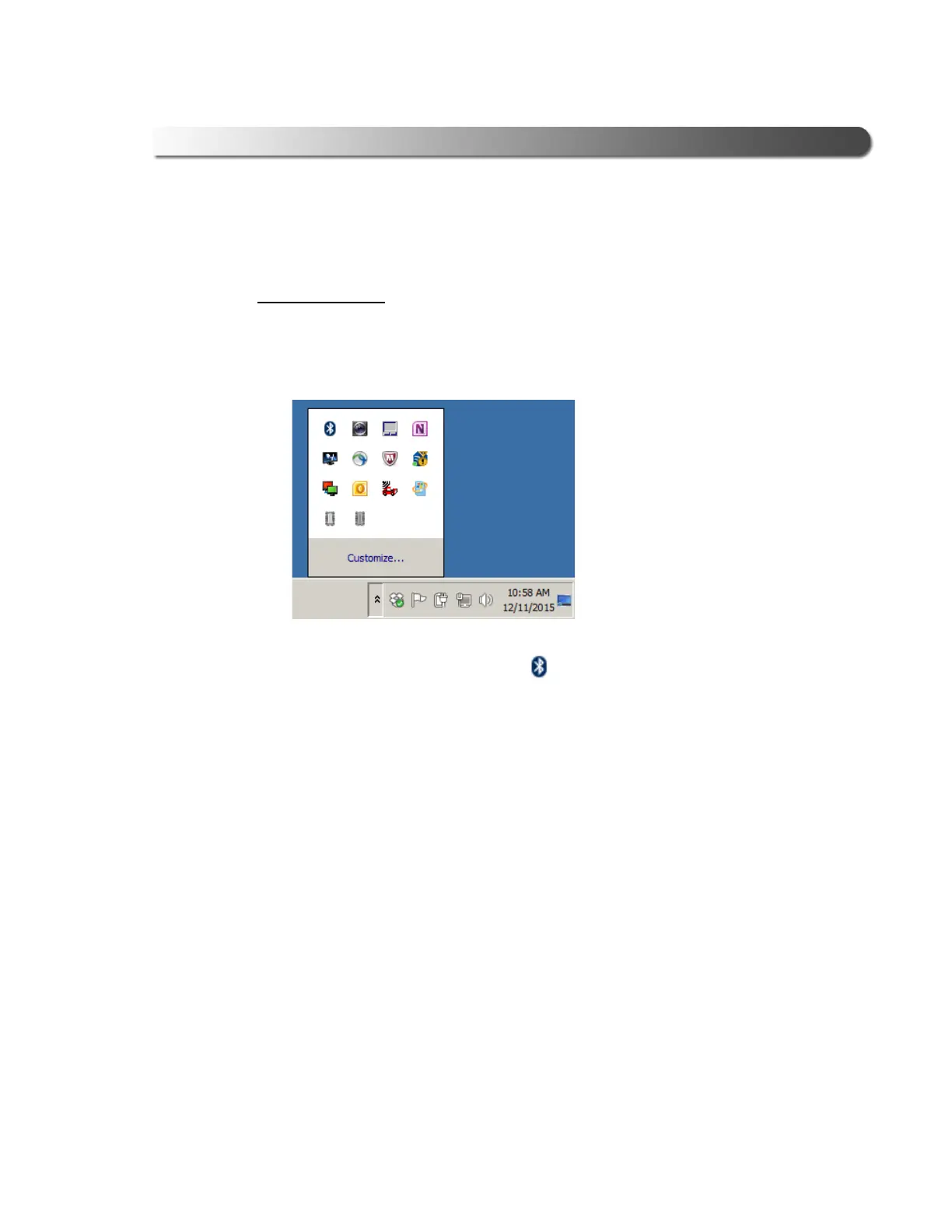
1 Click on the Show Hidden Icons arrow in your PC’s System Tray.
Figure 3.11 Hidden Icons
The hidden icons are displayed.
2 Right-click on the Bluetooth
®
icon .
3 Click Add
a Device.



 To Next Page