- Using the Cummins INLINE™ 7 Explorer Utility
Cummins INLINE™ 7 Data Link Adapter Installation and Setup Manual 55
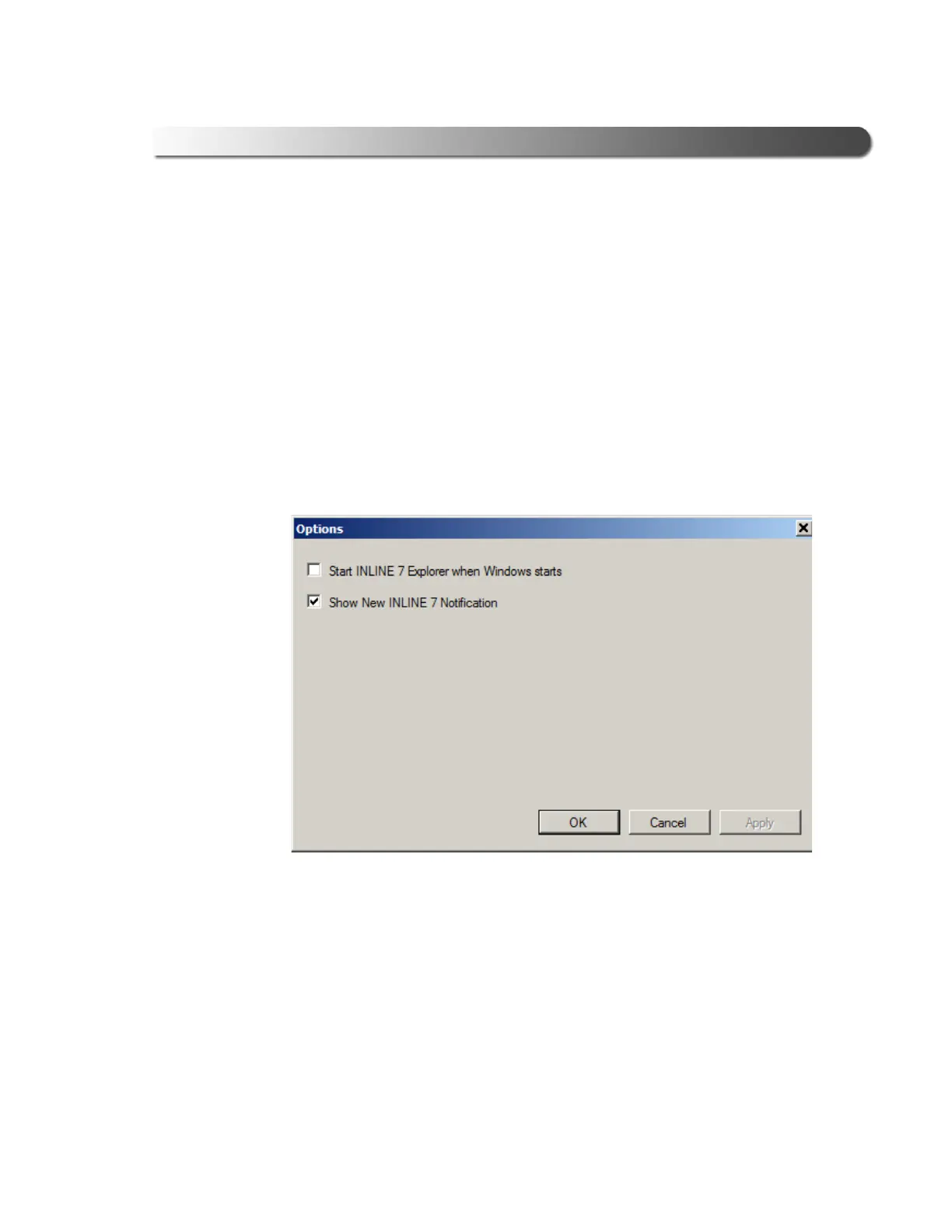
Options
The Options feature provides the following features, which are presented as check
boxes:
• Start INLINE 7 Explorer
when
Windows starts (pg. 55)
• Show New INLINE 7 Notification (pg. 56)
Start INLINE7 Explorer when Windows Starts
You use this feature to manage when the Cummins INLINE™ 7 Explorer opens.
The default is to not open the Cummins INLINE™ 7 Explorer when Windows
star
ts.
Figure 3.30 Options Menu
To change the default, click on the check box to add
the check mark. Then click
OK.



 To Next Page