- Step 2: Connect the INLINE™ 7 to a Vehicle
Cummins INLINE™ 7 Data Link Adapter Installation and Setup Manual 39
Making a Wireless Wi-Fi Connection
When using Wi-Fi, the INLINE™ 7 can be configured for either of the following
modes:
• Mini Access Point, the Wi-Fi default (pg. 39)
• Infrastructure (pg. 43)
i INLINE™ 7 cannot be used in Infrastructure mode until it has been config-
ured using the Explorer utility (see Using the Cummins INLINE™ 7
Explorer in Chapter 3 of this manual).
Mini Access Point Mode
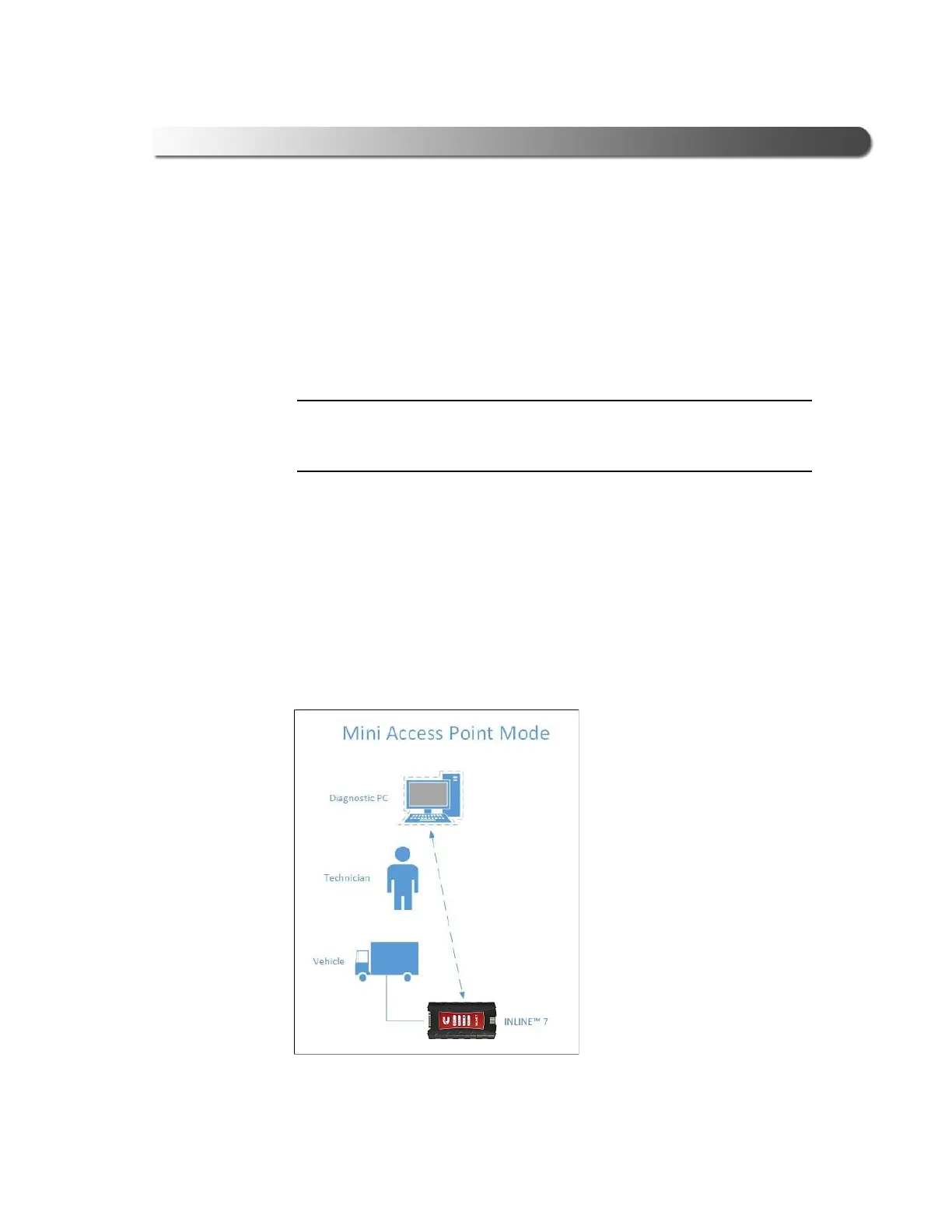
The easiest and quickest way to connect your INLINE™ 7 to your PC is Mini
Access Point mode. In Mini Access Point mode (also known as Access Point Em-
ulation mode), the PC communicates dir
ectly with the INLINE™ 7. The INLINE™
7 emulates the function of an access point, allowing the PC to connect directly to
the INLINE™ 7, as if it were an access point. When the PC is connected to the
INLINE™ 7 in Mini
Access Point mode, neither device is connected to the
company network.
Figure 3.15 Mini Access Mode



 To Next Page