54 Cummins INLINE™ 7 Data Link Adapter Installation and Setup Manual
Chapter 3 • Installing the Drivers and Setting Up the Device
The Tools Menu
The Tools menu provides the following features:
•Ping
• Options
Ping
The Ping feature uses the PING protocol to check for the presence of a device on
the network.
To check for a device:
1 Select Tools from the Cummins INLINE™ 7 Explorer menu bar.
2 Select Ping.
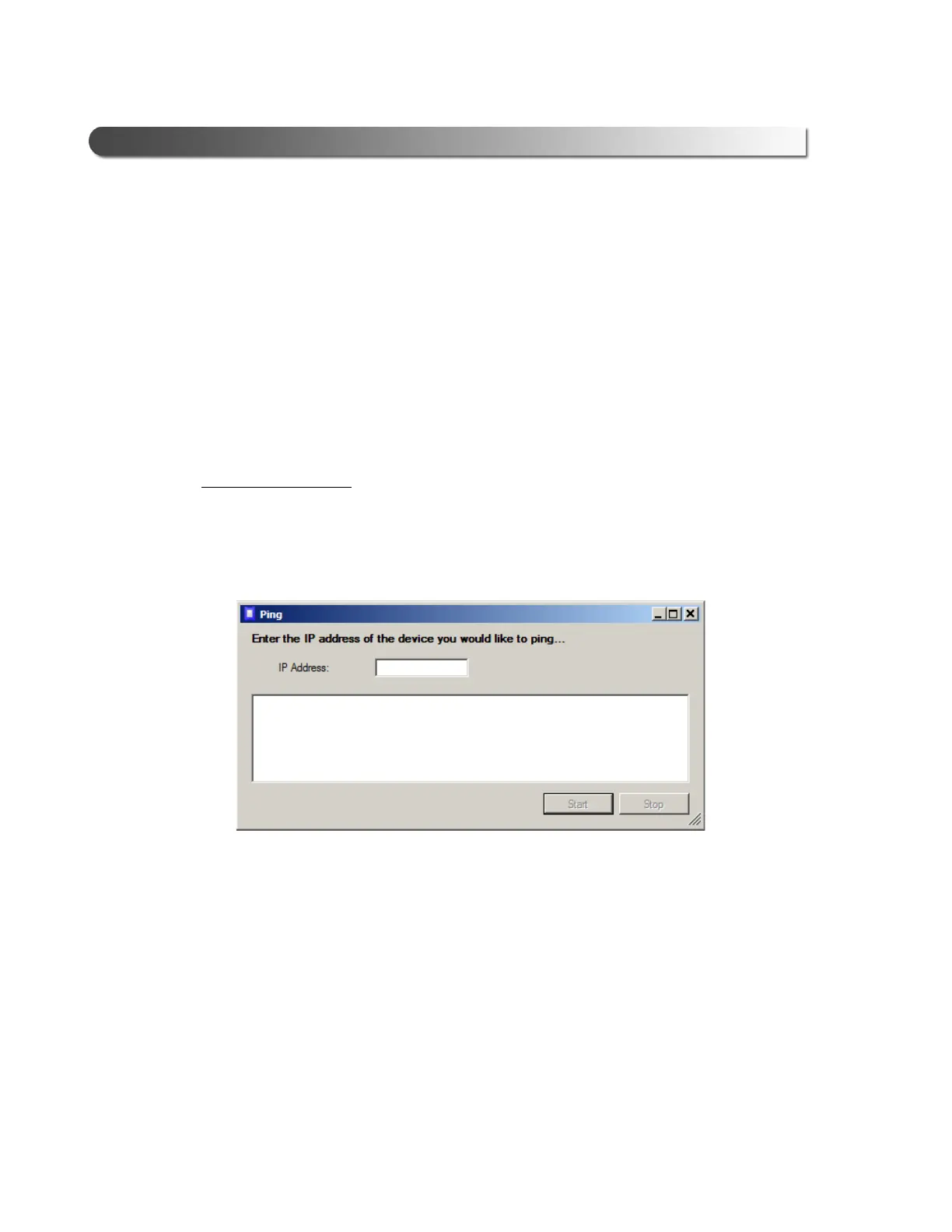
Figure 3.29 Ping Dialog Box
3 Enter the IP address of the device you want to locate (e.g., 192.168.123.107).
4 Click St
art.
The Cummins INLINE™ 7 Explorer searches for the
device and, if found,
displays the reply.
5 Click St
op.
6 Click the Close bu
tton on the dialog box.



 To Next Page