Cummins INLINE™ 7 Data Link Adapter Installation and Setup Manual 19
3
Installing the Drivers
and Setting Up the
Device
Installation Process Outline, pg. 20
Step 1: Install the Drivers, pg. 21
Step 2: Connect the INLINE™ 7 to a Vehicle, pg. 30
Making a Wired USB Connection, pg. 31
Making a Wireless Bluetooth Connection, pg. 32
Connecting via a Class 1, External Bluetooth Adapter, pg. 32
Pair the Device, pg. 35
Making a Wireless Wi-Fi Connection, pg. 39
Mini Access Point Mode, pg. 39
Infrastructure Mode, pg. 43
Step 3: Test the Connection, pg. 44
Using the Cummins INLINE™ 7 Explorer Utility, pg. 48
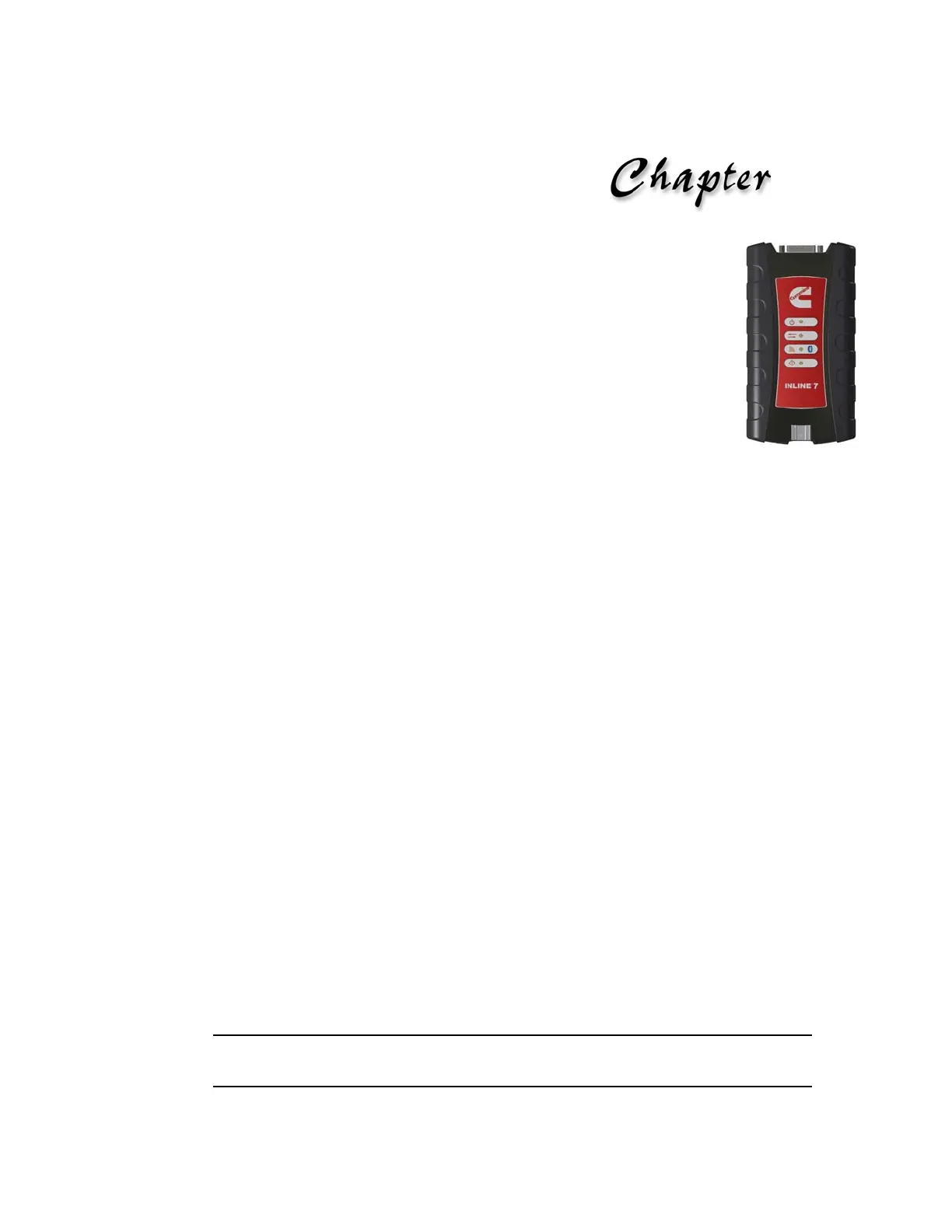
This chapter provides instructions for installing Cummins INLINE™ 7 drivers and utili-
ties, connecting the INLINE™ 7 Data Link Adapte
r to a vehicle, connecting to a wireless
network, and testing the connection. It also provides information on using the Cummins
INLINE™ 7 Explorer utility.
i Screen shots used throughout this manual are for illustrative purposed only. All data
shown is fictitious in nature.



 To Next Page