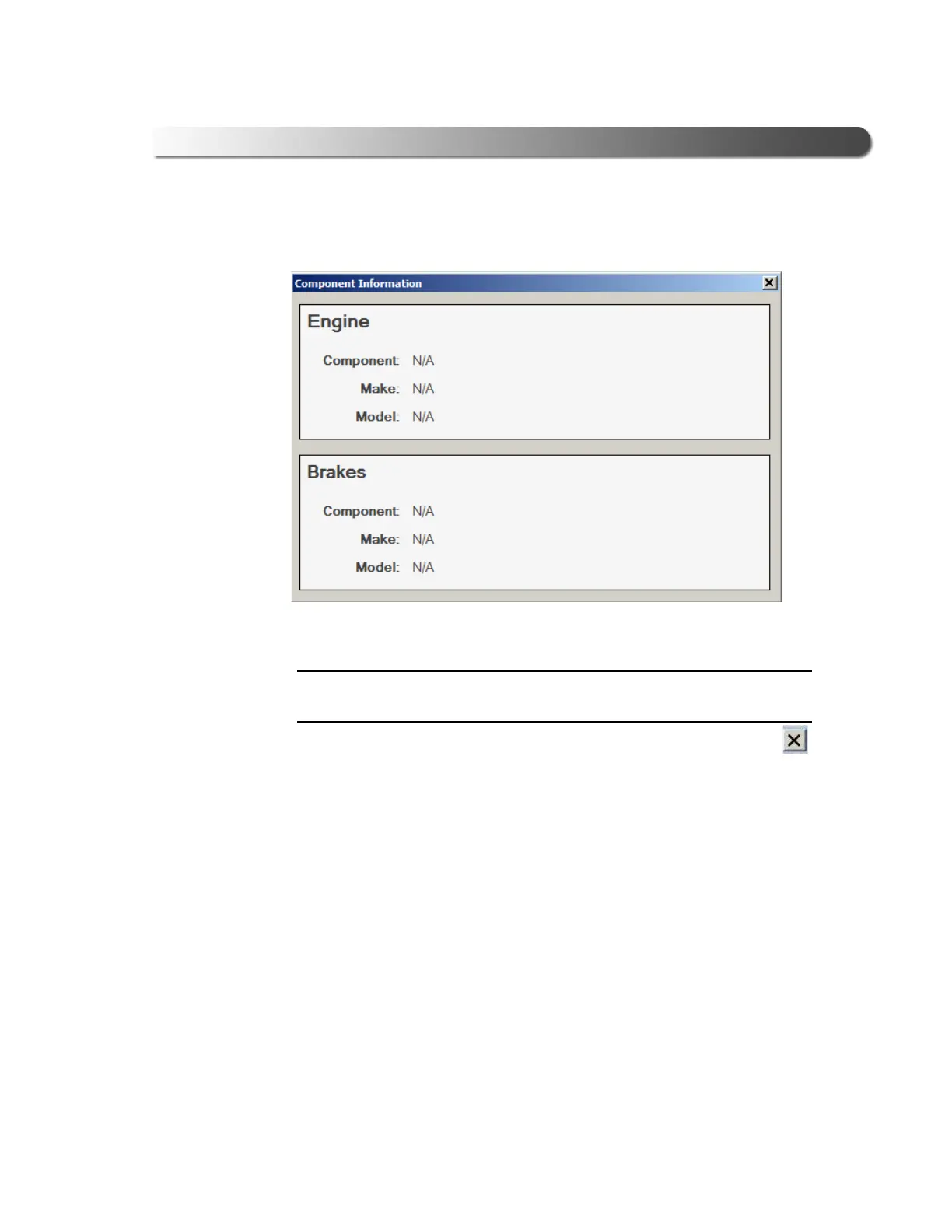
Figure 3.23 Component Information Window.
- Step 3: Test the Connection
Cummins INLINE™ 7 Data Link Adapter Installation and Setup Manual 47
The Component Information window is displayed.
i Component Information for Engines and Brakes is available only during a
J1708 connection.
7 When you have finished viewing the information, click the Close button
in the upper right corner of the window.
8 C
lick S
top Test to end the test, or select another device to test.



 To Next Page