11
SET UP – CONTINUED
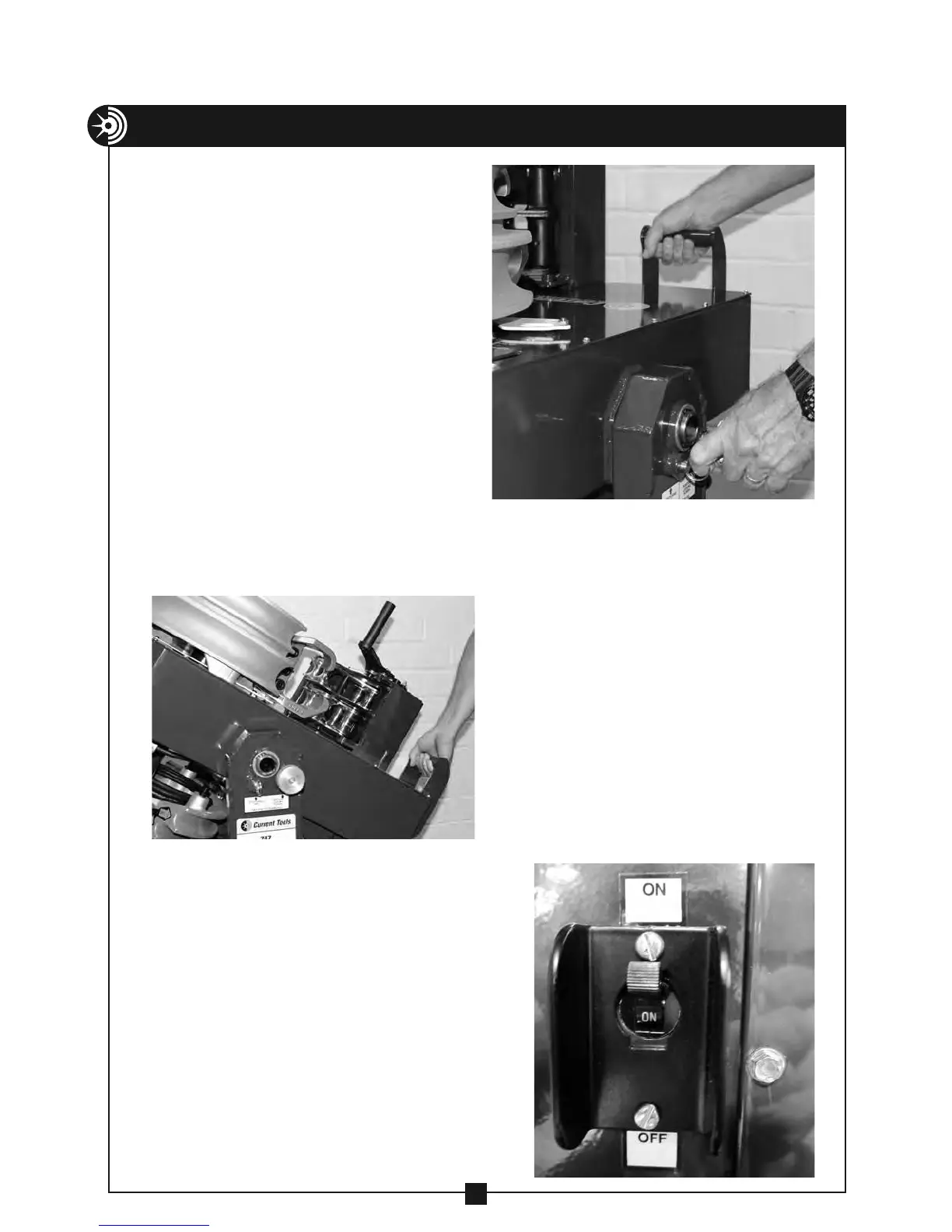
2. While holding the handle with
one hand, pull the spring loaded
positioning pin (you may need
to slightly lift up on the handle
to relieve pressure on the
positioning pin).
3. While continuing to hold the
handle, rotate the bender power
unit into the vertical position.
4. The spring loaded positioning
pin will snap into place when you
reach the vertical position.
5. To remove excess play, tighten
the position locking screw.
6. Connect the power cord to a
20 amp, GFCI protected circuit.
7. Place the circuit breaker switch in
the “on” position.


 To Next Page