CHAPTER 3: CONFIGURING THE AXN SYSTEM 17
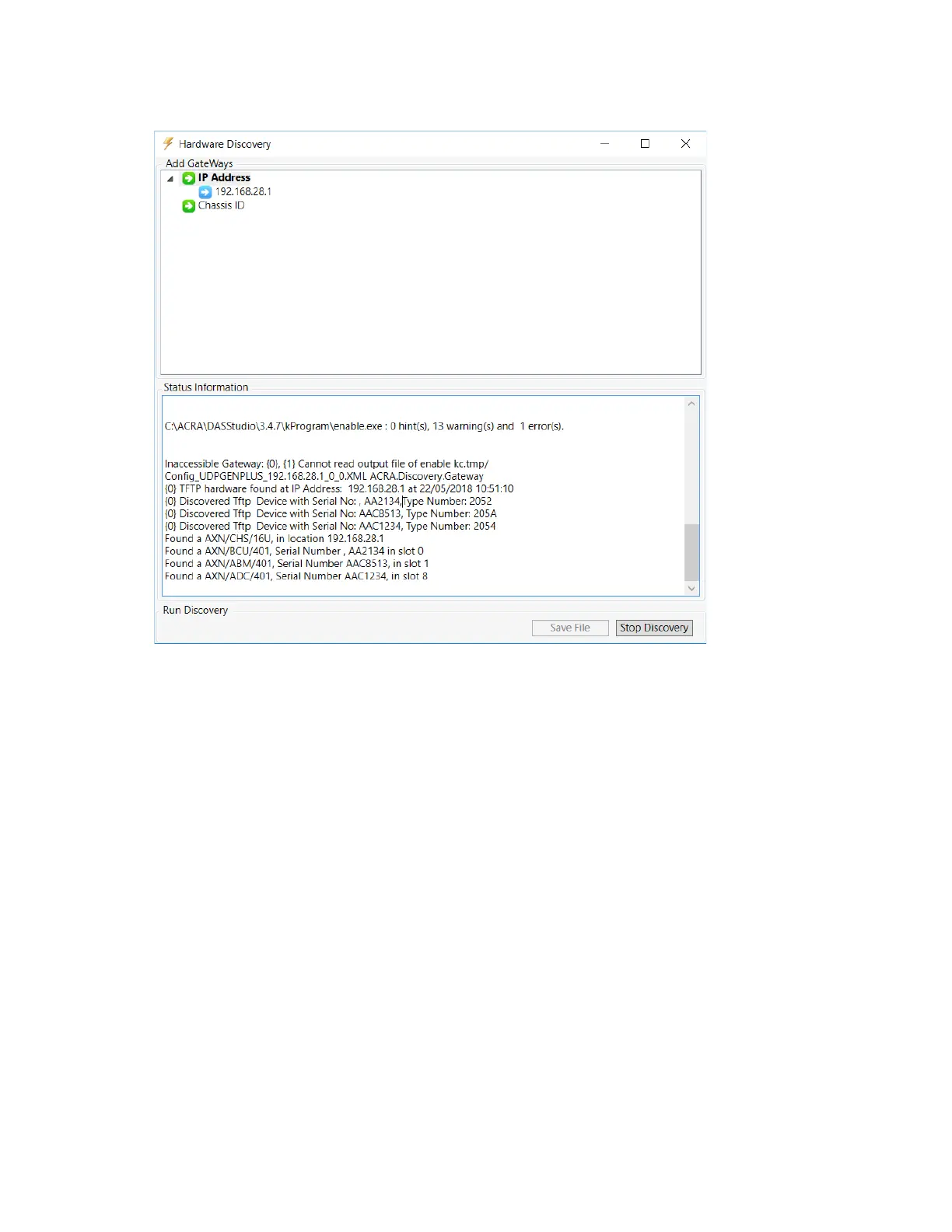
6. Click OK to return to the Hardware Discovery window.
Discovered hardware is listed in the Status Information pane.
7. Click Save File to save the configuration file.
The following section describes manually creating the same configuration task that we used Discover to create in
this section. You can skip the following section and go to “Configuring the Axon controller” on page 23.



 To Next Page